How to Change Your Gmail Address in Pakistan and Keep All Your Mail
Change your Gmail address in Pakistan without a new account: the steps, the 12 month limit, why the old address stays as an alias and what to update first.
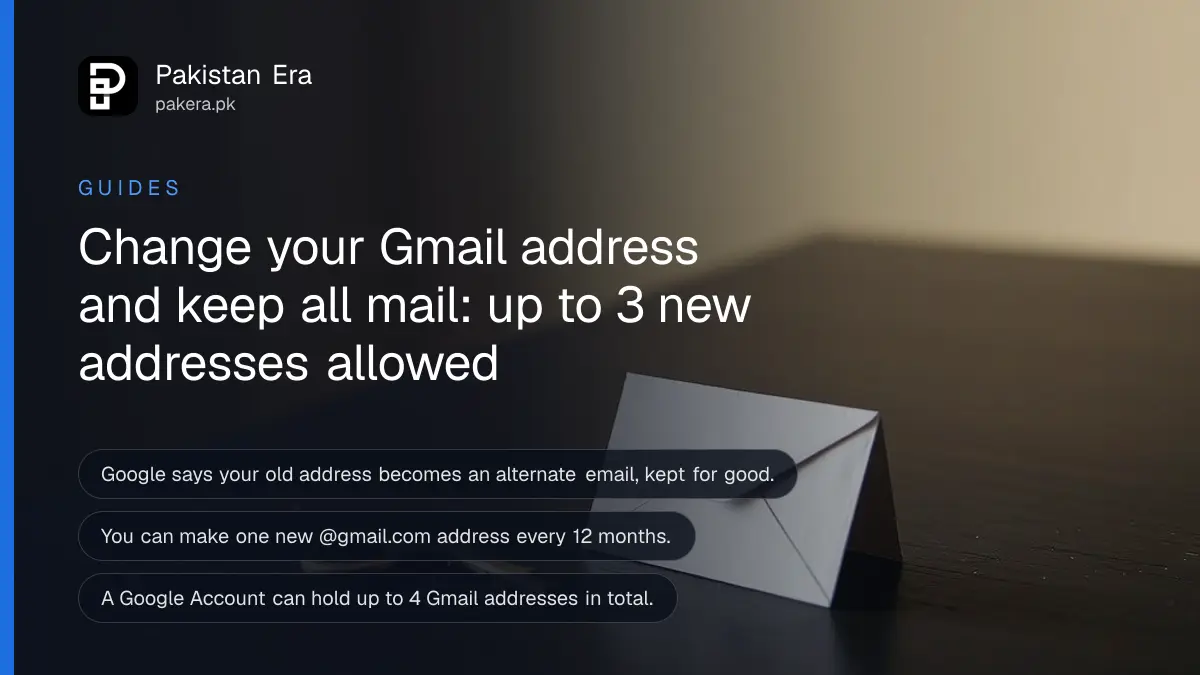
Short answer: Open your Google Account, go to Personal info, choose Email, then Google Account email, and pick Change Google Account email. Type a new unused username and confirm. Your old address stays as an alternate, and mail to both reaches the same inbox. Google allows one new @gmail.com address every 12 months.
Many Pakistani students and job seekers still use an email made years ago, such as a nickname with a number. It looks bad on a CV. Until now the only fix was a new account and a lot of lost mail.
Google now has a setting that changes the part before @gmail.com on the same account. We read the steps on Google's own help page on 13 October 2026. The page does not say which countries have the setting, so you may not see it yet. We explain that below.
The change keeps your account, files and mail
You keep the same Google Account. Your emails, Google Drive files, YouTube history and Play Store purchases stay where they are. Only the address changes. Google makes the old address an alternate email, so mail sent to it still arrives in your inbox.
This is different from opening a new account. A new account starts empty. The change on the same account keeps everything.
Google says the old address cannot be deleted and cannot be taken by another person. That protects you from someone using your old name to pretend to be you.
Follow these steps to change the address
The whole change takes about two minutes on a phone or computer. You need to be signed in to the Google Account that you want to rename. Use a name you will be happy to give for years, because the number of changes is limited.
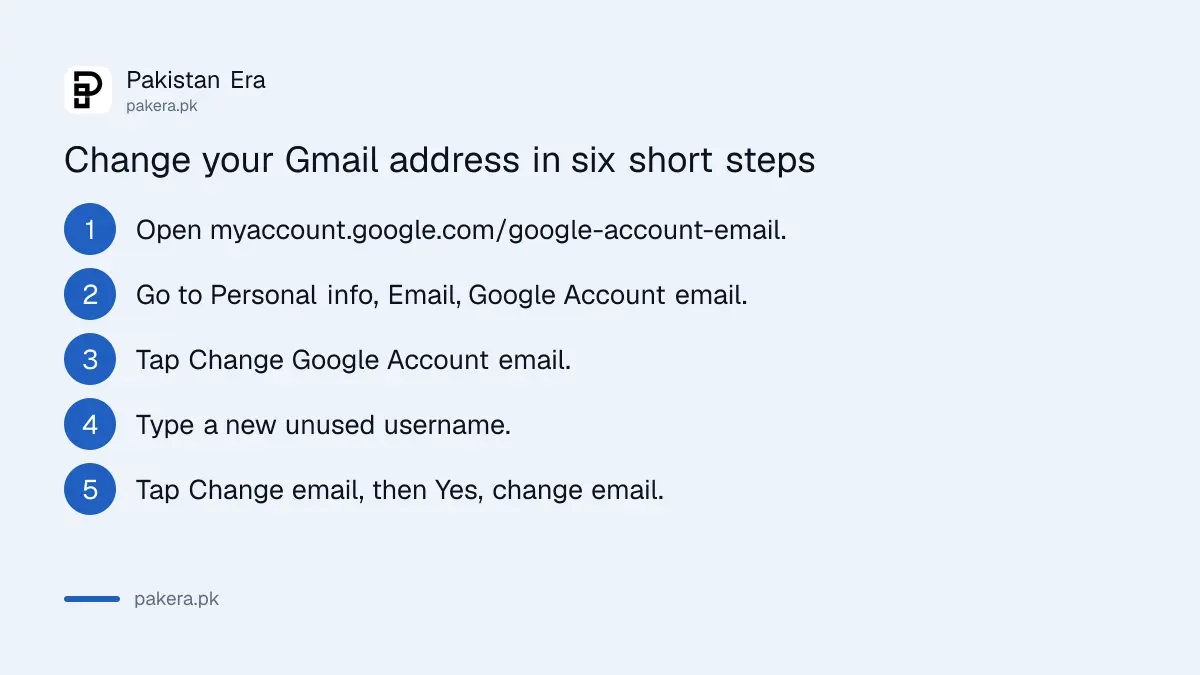
- Go to myaccount.google.com/google-account-email and sign in.
- Open Personal info, then Email, then Google Account email.
- Tap Change Google Account email.
- Type the new username. It must be unique and not used before.
- Tap Change email, then tap Yes, change email.
- Follow the last on-screen instructions.
If the option "Change Google Account email" is missing, your account does not have it yet. Google does not list countries on the help page we read, so we cannot say when Pakistan accounts will all get it. Check again later. Do not pay anyone who offers to unlock it.
Google limits how often you can change
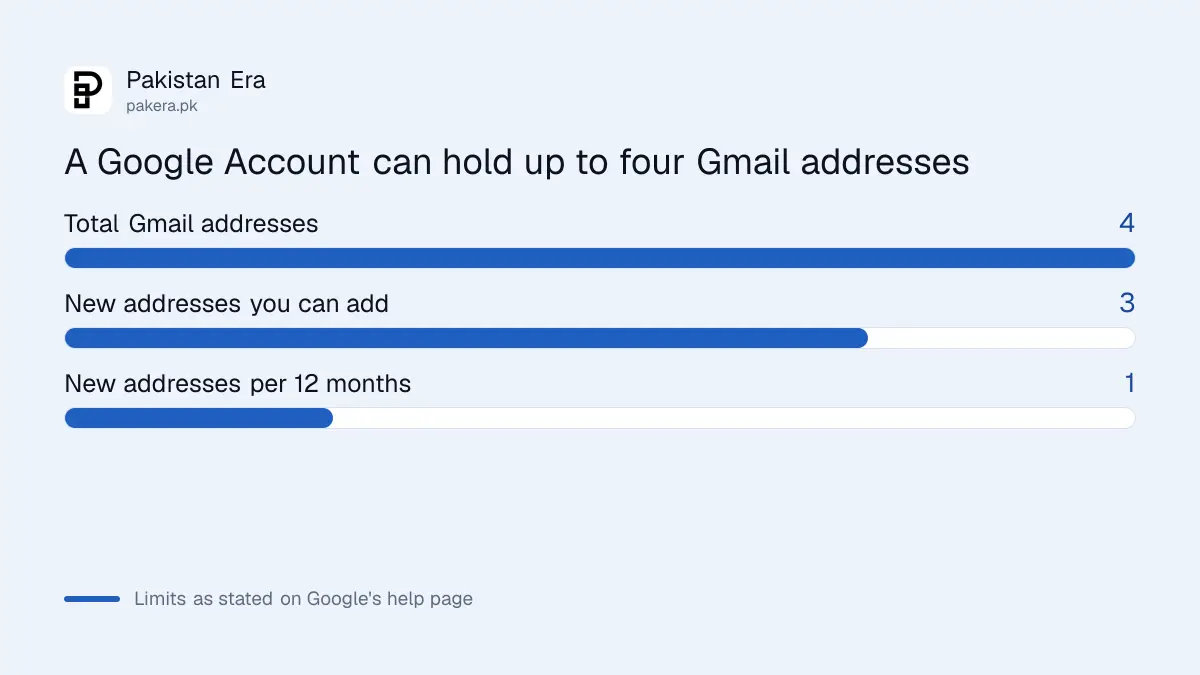
Google allows you to create a new @gmail.com address only once every 12 months. A Google Account can have up to three new Gmail addresses, which is four in total with the first one. You can switch back to an earlier address at any time.
| Rule | What Google says |
|---|---|
| New address frequency | One every 12 months |
| Total Gmail addresses | Up to 4 (the first plus 3 new) |
| Old address | Becomes an alternate email, cannot be deleted |
| Going back | You can change back to a previous address |
| Mail to old address | Still reaches the same inbox |
Update these places before and after the change
Do a short checklist so you do not lose access to something that sends codes to your email. Banks, job portals, university systems and social media often use your email as the login name. A wrong email at one of them can block a password reset.
Before you change, write down the sites where you log in with your email. After the change, sign in to each one and update the email if the site does not do it itself. Tell your employer, your teachers and your clients the new address.
Keep your old address as a second way in. Because mail to it still arrives, forms that remember the old address will keep working for now.
Also check your security. If you have not yet turned on a second step at login, follow the guide to turn on two step verification. If you ever lose access, the page on Gmail account recovery lists what Google asks for.
Watch for scams that use the new feature
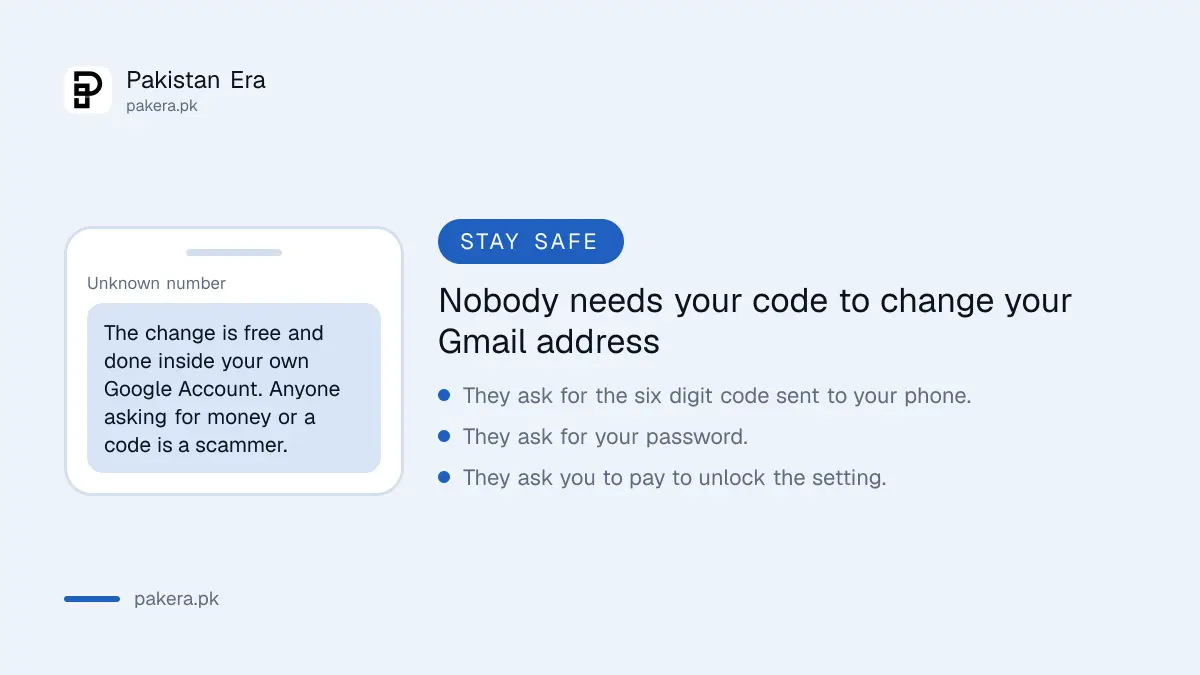
Scammers like news about a new feature. Anyone who asks for money, your password or a code to change your Gmail address is a fraud. The change is free and done only inside your own Google Account on a Google page.
Never share the six digit code that Google sends to your phone. A real change never needs you to tell the code to another person.
If you did give someone a code, sign out of unknown devices at once. The steps are in the guide to signing out unknown devices on your Google Account. Junk mail that follows the change can be handled with Gmail spam and unsubscribe tools.
Common questions
Can I change my Gmail address without losing emails?
Yes. Google keeps your messages and files on the same account. Your old address becomes an alternate email, so mail sent to it still arrives.
How many times can I change my Gmail address?
You can create one new @gmail.com address every 12 months, up to three new addresses. With the first one, that is four in total.
Will someone else be able to take my old Gmail address?
No. Google says the old address stays as an alternate email on your account and cannot be reused by others.
Why can I not see the change option on my account?
Google's help page does not list the countries that have it. If the option is missing, your account does not have it yet. Check again later.
Do I need to tell my bank or university about the new address?
Yes, update it wherever you use email to log in or receive codes. Old mail still arrives for now, but do not rely on that for long.
Can I go back to my old address?
Yes. Google says you can change back to a previous address at any time.
How we verified this
What we checked, where we read it, and what we could not confirm.
Last checked on 13 October 2026, Pakistan time. We read Google's help page on changing your Gmail address for the steps, the 12 month rule and the limit of four addresses. The page does not name countries, so we could not confirm when the setting reaches every Pakistani account. We did not run the change on a live account for this page.
About the author

Technology Journalist & Multimedia Producer
Ahmad Ali is a technology journalist and multimedia producer at Pakistan Era, joining the team in October 2026. He covers consumer technology and digital life for Pakistani readers, combining research with hands-on product testing.