How to Set Up ChatGPT Parental Controls for Your Teen in Pakistan
Link your teen's ChatGPT account in Pakistan: the 6 invite steps, voice, image and memory switches, quiet hours and safety alerts. Parents cannot read chats.
Short answer: In ChatGPT on the web, open Settings, tap Parental controls, choose Add family member and invite your teen by phone number or email. When your teen accepts, you can switch off voice, images and memory, and set quiet hours. You cannot read their chats.
Pakistani students now use ChatGPT for homework, English practice and coding. Some of that is useful. Some of it is a teen asking a chatbot questions they would never ask an adult. Parents need a middle option between blind trust and taking the phone away.
OpenAI's own Help Center describes that middle option as parental controls. We read the page on 13 October 2026, and every step and default below comes from it. Where the feature may differ for accounts in Pakistan, we say so.
Parental controls link two accounts, but never show chats
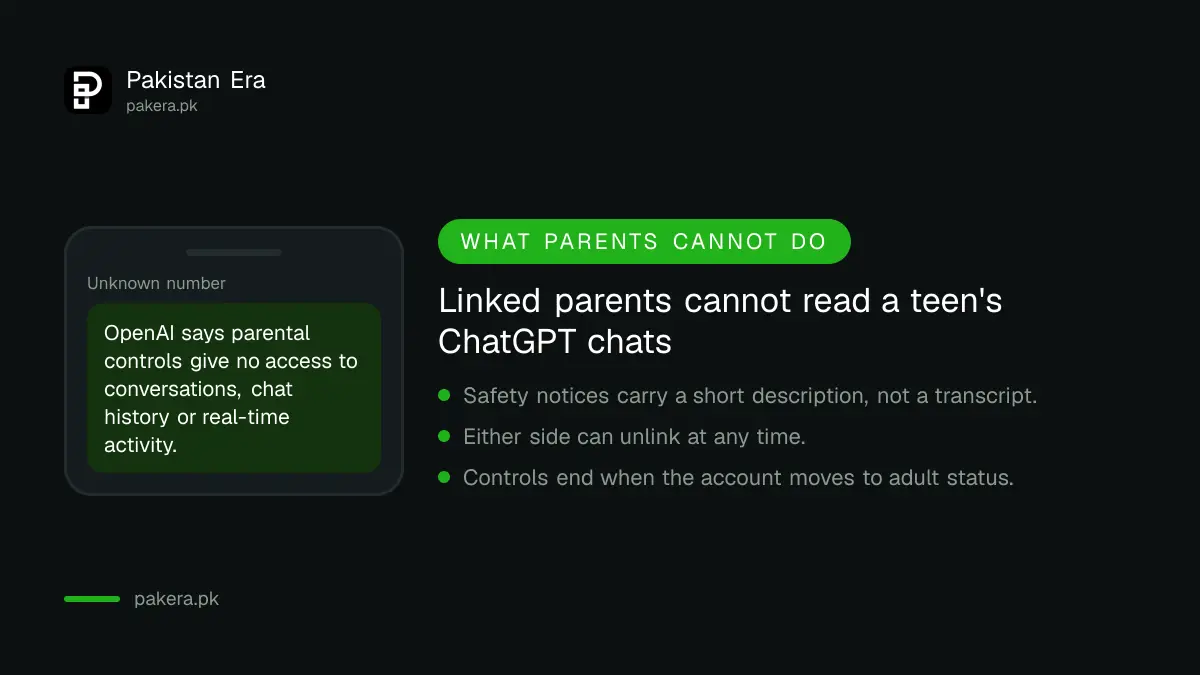
A parent or guardian links their ChatGPT account to a teen's account and manages selected settings. OpenAI states plainly that linking does not give access to the teen's conversations, chat history or real-time activity. Either side can unlink at any time.
One parent or guardian can link with several teens. Each teen can link with only one parent or guardian at a time. Either person can start the invitation, so a teen can also ask a parent to link up.
That last point is worth using. A teen who sends the invite has agreed to the arrangement, and the conversation at home is easier.
The invitation takes six steps on the web
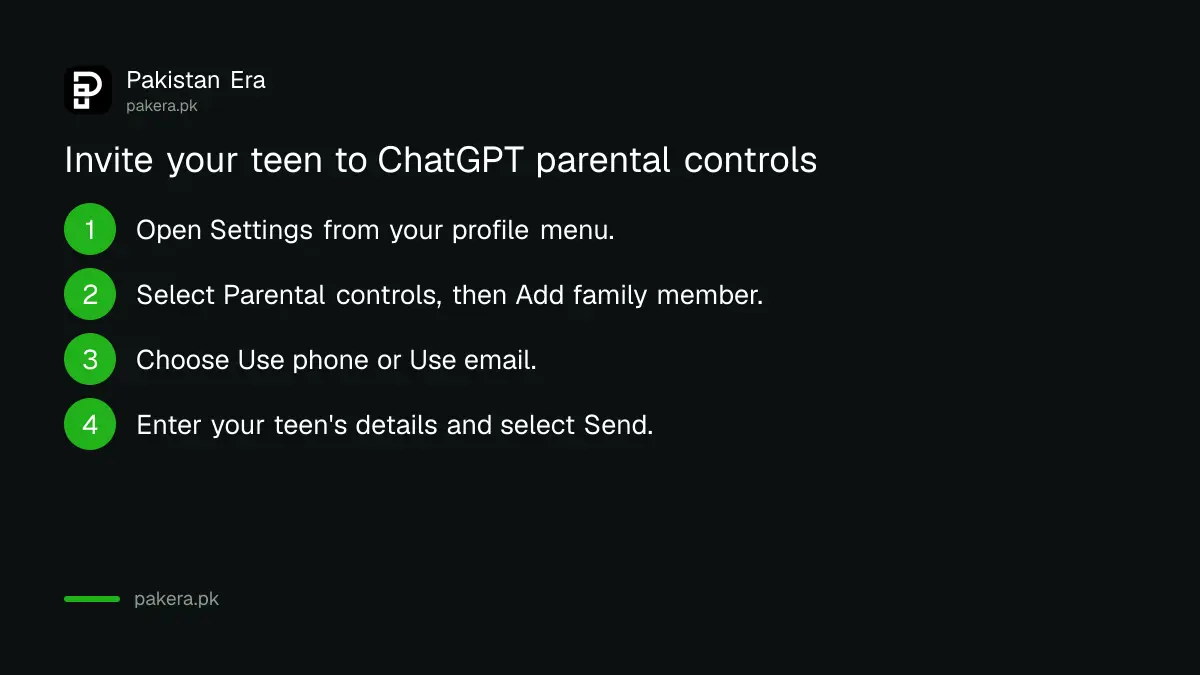
You send the invitation from the ChatGPT website, by phone number or email. Your teen receives a text or email with a link to connect, and may also see a notification in ChatGPT. After they accept, their name appears under Family members.
- Open Settings from your profile menu.
- Select Parental controls.
- Select Add family member.
- Under Invite family member, choose Use phone or Use email.
- Enter your teen's phone number or email address.
- Select Send.
If you are the teen, go to Settings, then Parental controls, then Invite a parent. If your parent already invited you, the same screen shows Accept invite.
Ten settings decide what your teen can do
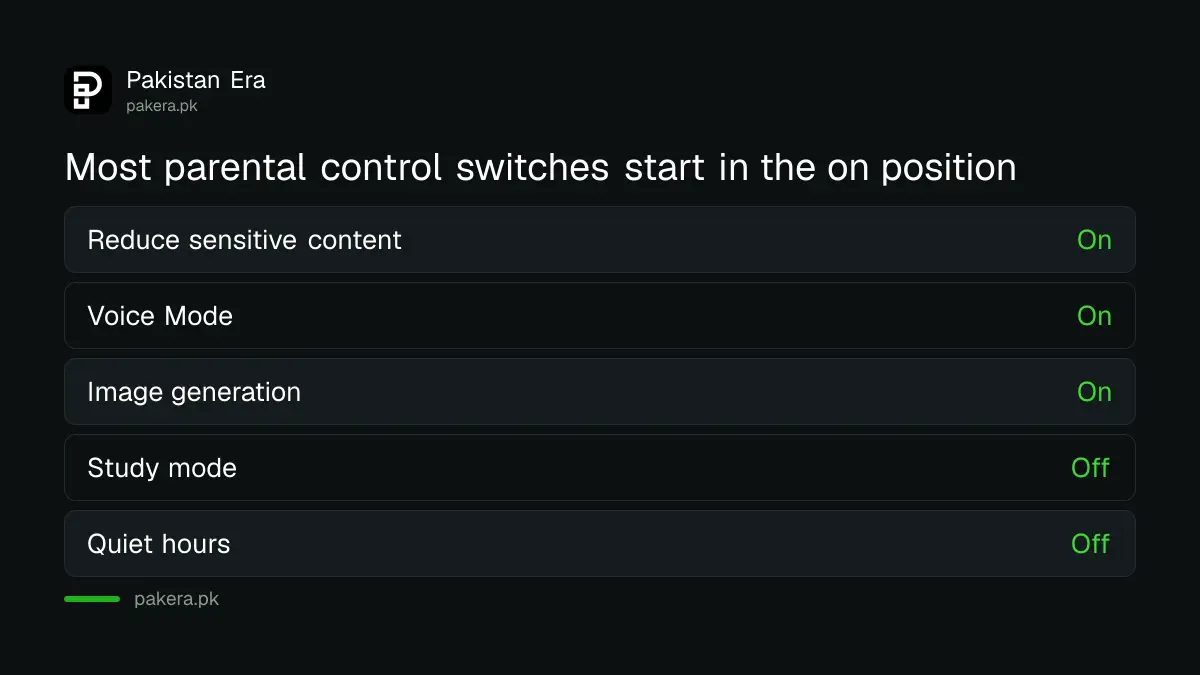
After your teen accepts, select their name under Family members to see the switches. OpenAI lists reduce sensitive content, model improvement, saved memories, voice, image generation, study mode, study hours, quiet hours and two settings for ChatGPT's agent tools.
| Setting | What it controls | Default on OpenAI's page |
|---|---|---|
| Reduce sensitive content | Extra safeguards for age-inappropriate content | Enabled |
| Improve the model for everyone | Whether chats can help train ChatGPT | Enabled |
| Reference saved memories | Whether ChatGPT uses saved memories | Enabled where available |
| Voice Mode | Whether your teen can use voice | Enabled |
| Image generation | Whether your teen can make and edit images | Enabled |
| Study mode | Whether new chats start in study mode | Disabled |
| Quiet hours | Times when your teen cannot use ChatGPT | Disabled |
Turning off most settings hides or blocks that feature for your teen. Some changes may apply only to new conversations. If you want your teen's chats kept out of model training, the steps for your own account are in the guide to stopping ChatGPT training on your chats.
Quiet hours and study hours work differently
Quiet hours block ChatGPT completely at set times, such as school nights. Study hours do not block anything. They only make new chats start in study mode, which guides the teen through problems instead of handing over answers.
To set quiet hours, go to Settings, then Parental controls, select your teen under Family members, turn on Quiet hours, then pick a start and end time. You can add more than one block. OpenAI says quiet hours and study hours must be managed in Settings, not in a conversation.
This is the one control Pakistani parents will use most, because exam season and late night phone use go together.
Safety notifications are limited and are not monitoring
OpenAI says a parent may be notified only in limited, serious situations: a self-harm concern, behaviour that may signal disordered eating, or a teen account closed for violence. Trained reviewers check first. These are not real-time alerts and do not replace care or emergency help.
A notification does not include the teen's conversation. It may carry a short description and support resources. If you get one, OpenAI's advice is simple: check in, listen without judgment, and help your teen reach someone they trust or a professional.
Other apps your teen uses have their own tools, so set them up too. See the steps for Instagram teen accounts and for parental controls on a child's phone. For an adult's own account, the steps to check who is logged in to ChatGPT are a good next step.
Common questions
Can I read my teen's ChatGPT conversations?
No. OpenAI says parental controls do not give parents access to conversations, chat history or real-time activity.
Can my teen remove the link?
Yes. Either the teen or the parent can select Unlink accounts, and the parent is told if the teen does it.
What happens when my teen turns 18?
OpenAI says parental controls end, the link is removed and the account holder gets full control over their settings.
Do I need the app or the website?
OpenAI's invitation steps are written for the web. We did not test the app, so use the website to be safe.
Does this work for accounts in Pakistan?
OpenAI's page does not list countries. We could not test a Pakistani account, so check that Parental controls appears in Settings.
How we verified this
What we checked, where we read it, and what we could not confirm.
Last checked on 13 October 2026, Pakistan time. We read OpenAI's Help Center page, Managing parental controls in ChatGPT. We did not test the flow on a live Pakistani account, and OpenAI's defaults and settings list can change, so check the page again if a switch looks different.
About the author

Technology Journalist & Multimedia Producer
Ahmad Ali is a technology journalist and multimedia producer at Pakistan Era, joining the team in October 2026. He covers consumer technology and digital life for Pakistani readers, combining research with hands-on product testing.