How to Choose and Set Up Antivirus on Your Laptop and Phone in Pakistan
Choose and set up antivirus on your laptop or phone in Pakistan using PKCERT advice: real-time scanning, automatic updates and a scan schedule. Five steps.
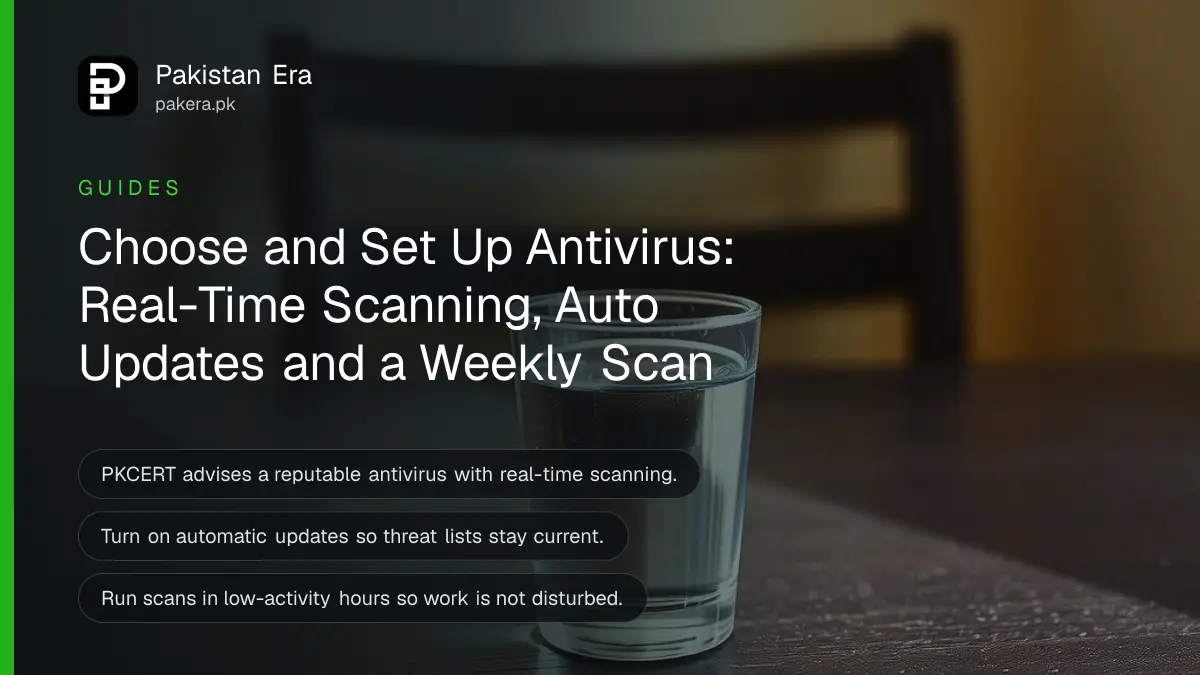
Pick one antivirus from a trusted, well-reviewed maker, switch on real-time scanning and automatic updates, and run a full scan on a schedule. That is the core of Pakistan's National CERT advice. Do not install a second antivirus on top of the first, and do not download one from a link someone sent you.
A friend's laptop slows down after a "free" film download. A shopkeeper's PC shows pop-ups every time it starts. Both machines may be infected, and both owners usually ask the same question: which antivirus, and how do I set it up? We read the antivirus and anti-malware page of the National CERT of Pakistan (PKCERT) on 15 October 2026. It gives clear rules for choosing and running one, and we turn them into steps below.
Choose an antivirus from a trusted maker with real-time scanning
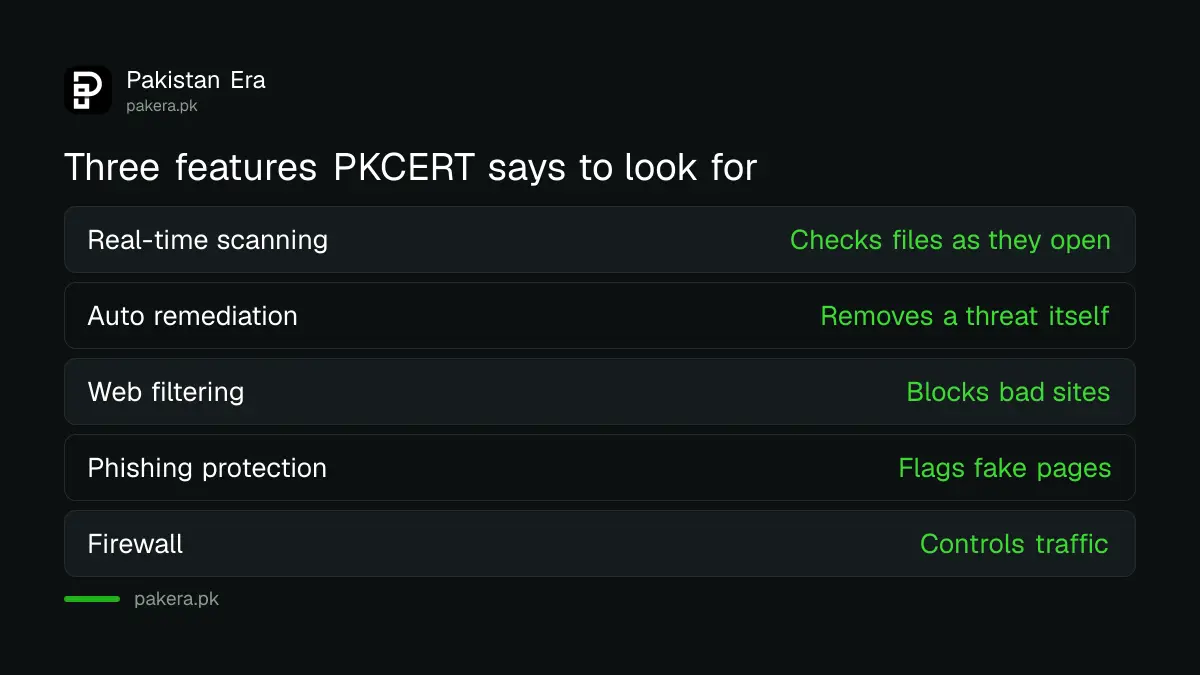
PKCERT says to choose a reputable, well-reviewed antivirus from a trusted vendor. It should include real-time scanning, automatic threat removal and extra security layers. Ask for these three features before you look at the price.
| Feature | What it does | Why you need it |
|---|---|---|
| Real-time scanning | Checks files as they open or download | Stops a bad file before it runs |
| Automatic threat remediation | Removes or isolates a threat on its own | Helps when you do not know what to do |
| Extra layers | Firewall, web filtering, phishing protection | Blocks fake sites, not only bad files |
The table follows PKCERT's wording on features. The "why you need it" column is our plain explanation. PKCERT names no product, and neither do we. We did not test any antivirus for this page, so we cannot say which one is best.
Install it only from the maker's official page or store
A fake antivirus is one of the oldest tricks. A pop-up says "Your phone has 5 viruses, install now", and the app itself is the virus. Go to the official app store or the maker's own website by typing the address yourself.
On Android, a built-in check already exists. The steps to check Google Play Protect and app permissions show how to confirm it is on and how to review what apps can access. For a laptop, a cracked "full version" of any security tool defeats its own purpose. PKCERT warns on its updates page that cracked software often lacks security updates.
Set it up in five steps
Setup takes about ten minutes, plus the time for the first scan. Do it on a home connection, because the first update of virus definitions can be large. Definitions are the list of known threats the tool uses to spot bad files.
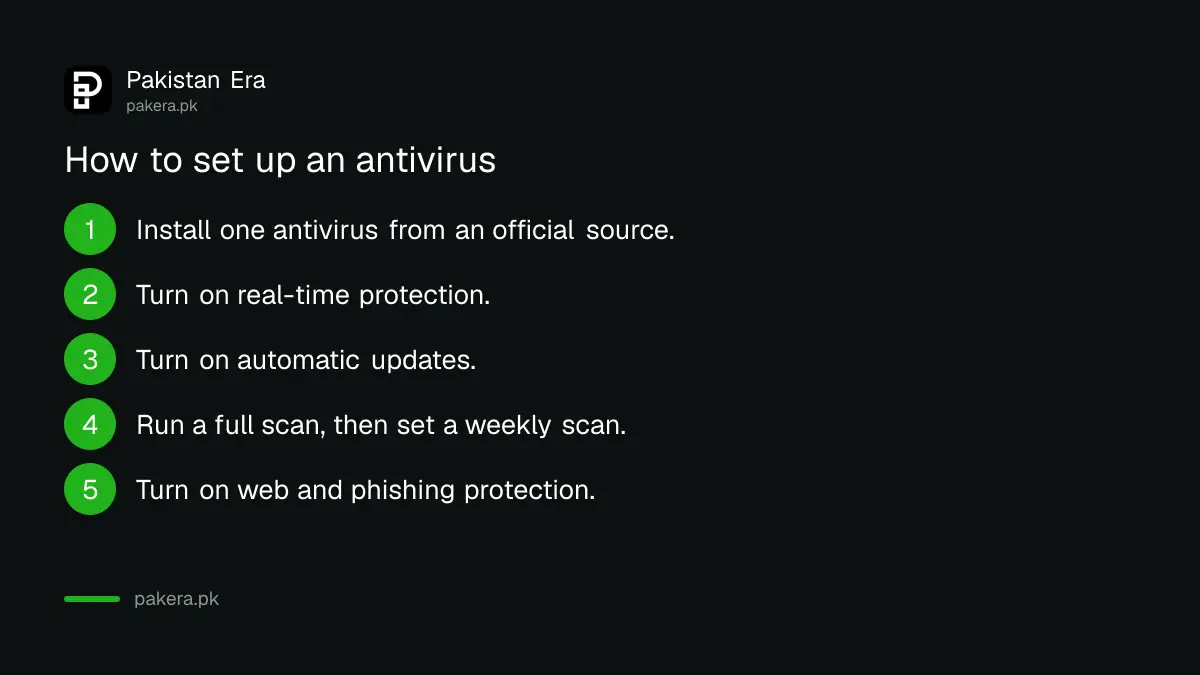
- Install one antivirus only, from the official store or maker's page.
- Open it and turn on real-time protection.
- Turn on automatic updates for the program and its threat list.
- Run a full scan once, and then set a weekly scan for a quiet hour such as night.
- Turn on web protection and phishing protection if the tool offers them.
Keep it updated and scan at quiet times
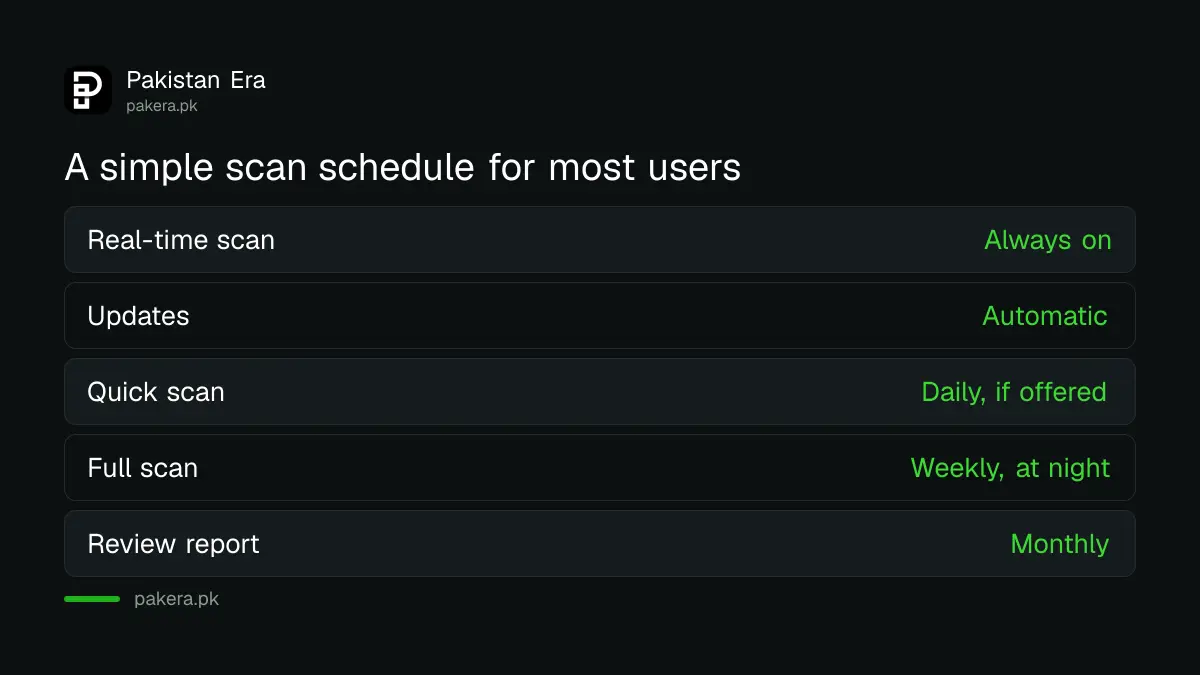
PKCERT advises automatic updates for the antivirus so the latest threat definitions and patches arrive without effort. It also advises periodic system scans and says scans should run during low-activity periods so they do not disturb your work.
It also says to balance thoroughness with performance by adjusting scan depth and frequency. In plain terms: a full scan on a slow laptop can take hours, so schedule it overnight, and use a quick scan during the day. If your device is very old, a lighter schedule is better than turning protection off.
An antivirus is one layer, not the whole defence
PKCERT also names behaviour-based detection and sandboxing as stronger tools. Behaviour-based detection watches what a program does, not only what it looks like. Sandboxing runs a doubtful file in a sealed space. Some paid tools include them.
No tool stops a person who hands over a code. If someone gets your WhatsApp OTP, the antivirus will not help, and the steps to recover a hacked WhatsApp account become the next job. Check whether your email and password already leaked with the steps to check a password for a data breach, and review your browser with the Chrome Safety Check.
Common questions about antivirus in Pakistan
Do I need an antivirus on my Android phone?
Check that Google Play Protect is on first, and install apps only from the official store. A separate security app is optional. PKCERT advises antivirus on all devices in your network.
Can I run two antivirus programs together?
It is not advised. Two real-time scanners can slow the device and clash. Choose one and keep it updated. This is our advice, not a PKCERT line.
Is a free antivirus enough?
It can be, if it is from a reputable maker and has real-time scanning. PKCERT's test is the vendor's reputation and the features, not the price.
How often should I scan?
Keep real-time protection on at all times and run a full scan on a schedule. PKCERT advises periodic scans in low-activity hours.
What should I do if a pop-up says my phone is infected?
Close it and do not tap its button. Open the official store yourself, and run your installed security check.
Does antivirus protect me from phishing messages?
Only partly. PKCERT lists phishing protection and web filtering as features to enable, but you must still avoid sharing OTPs and PINs.
How we verified this
What we checked, where we read it, and what we could not confirm.
Last checked 15 October 2026. The guidance on choosing a reputable vendor, features, automatic updates, scan scheduling, performance balance, behaviour-based detection, sandboxing and extra security features comes from the antivirus and anti-malware protection page of the National CERT of Pakistan at pkcert.gov.pk, read from its published infographic on 15 October 2026. The explanations, the two-antivirus remark and the schedule are our own practical reading. We did not test or rank any antivirus product.
About the author

Technology Journalist & Multimedia Producer
Ahmad Ali is a technology journalist and multimedia producer at Pakistan Era, joining the team in October 2026. He covers consumer technology and digital life for Pakistani readers, combining research with hands-on product testing.