Delete Gmail Account Permanently in Pakistan: Remove Gmail Only or the Whole Google Account
Delete a Gmail account permanently or remove only Gmail and keep YouTube, Drive and Play. See what you lose, the checks to run first, and how to undo it soon.
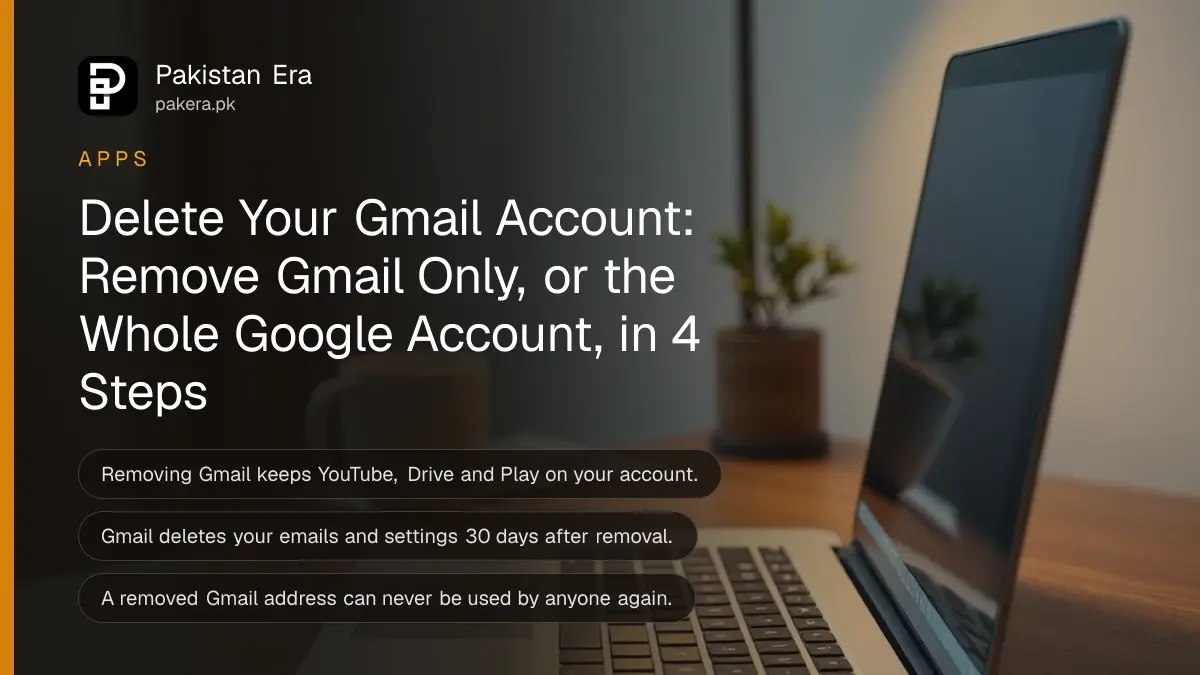
To delete a Gmail account permanently in Pakistan, open myaccount.google.com, go to Data & privacy, then More options, then Delete your Google Account. If you only want to drop the Gmail address and keep YouTube, Play and Drive, choose Delete a Google Service instead and remove Gmail alone. The two are very different, and the wrong choice can lock you out of apps you paid for. Below are both routes, what you lose, and the checks to run first.
Many people in Pakistan use one Gmail for everything: the Play Store, the bank app, JazzCash, Daraz and their phone's backup. Delete it in a hurry and those links break. We read Google's own help pages on deleting an account and removing Gmail on 24 October 2026, and the steps here follow them.
Deleting Gmail alone is not the same as deleting the Google Account
Removing Gmail deletes only the mailbox and the address. Your Google Account stays, with YouTube, Drive, Photos and Play purchases. Deleting the Google Account removes everything, Gmail included. Choose by what you still want to keep using.
| What happens | Remove Gmail only | Delete the whole Google Account |
|---|---|---|
| Emails | Deleted after 30 days | Deleted |
| Gmail address | Stops working, never reissued | Stops working |
| YouTube, Drive, Photos | Kept | Lost |
| Play Store apps and purchases | Kept | Lost |
| Needs another email | Yes, a non-Gmail address | No |
| Can be undone | Possibly, if soon | Possibly, if soon |
Google says a removed Gmail address can never be used by anyone else in future. That protects you from someone taking your old address. It also means you cannot hand it on to a family member.
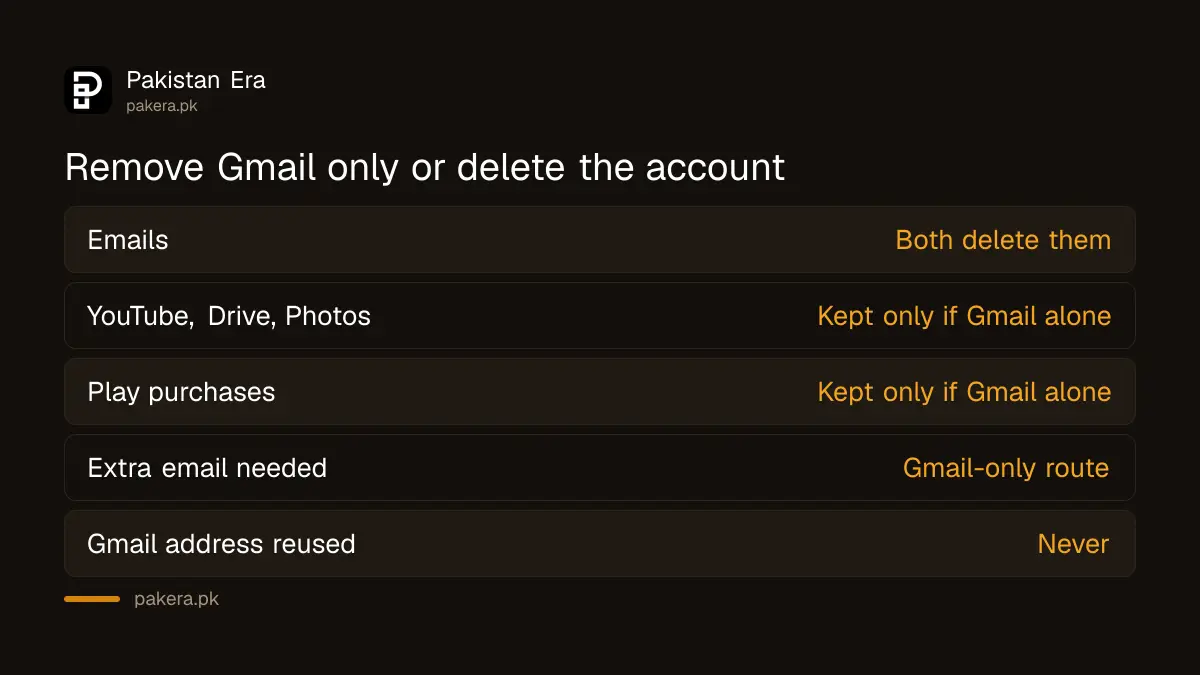
Download your data and change linked logins before you delete
Google asks you to review and download your data first, add a new email to any bank, social or app login that uses the Gmail, and update recovery info. In Pakistan that list usually includes your bank app, wallet app, Daraz, Facebook and the phone's own sign-in.
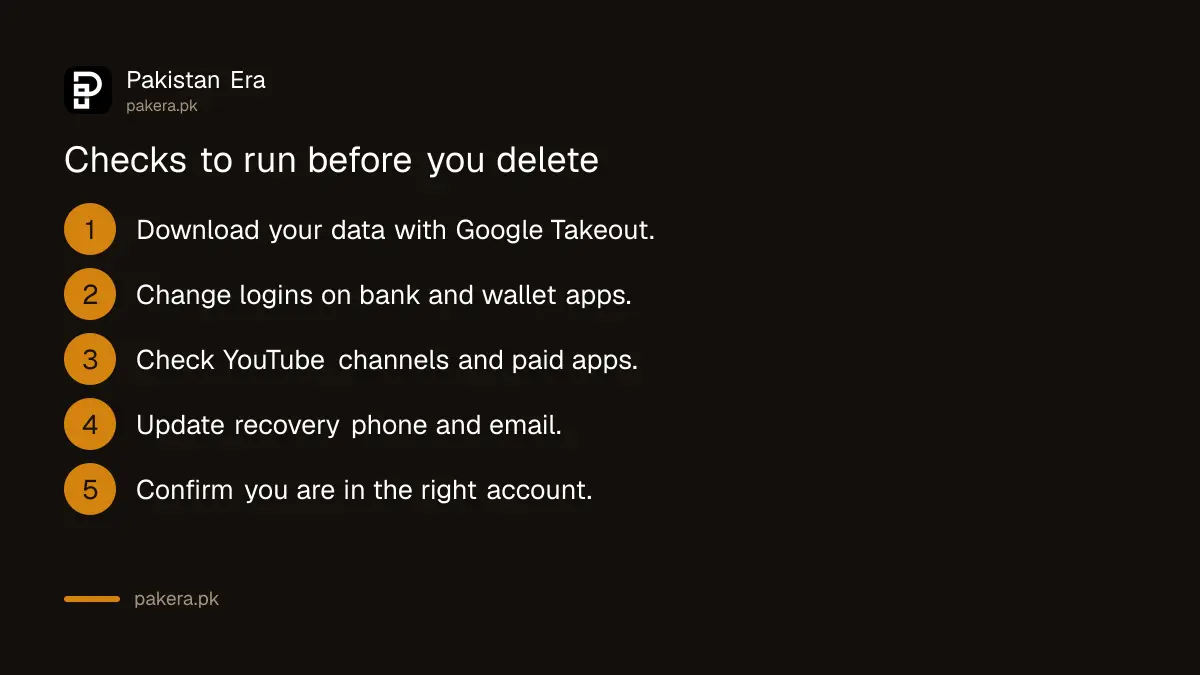
- Go to myaccount.google.com and open the Data & privacy section.
- Download your data with Google Takeout, including Photos and Drive.
- Change the login email on banking, wallet, shopping and social apps.
- Check your YouTube channel, paid apps and subscriptions on the account.
- Update recovery phone and email, in case you want to undo the deletion.
Google's warning list is long for a reason. Deleting the account means losing emails, files, calendars and photos, plus subscriptions and content bought on YouTube or Google Play. If you run a YouTube channel on that account, it goes too.
If you have more than one Google Account, deleting one does not touch the others. Google states this plainly. So deleting an old school account will not harm your main one.
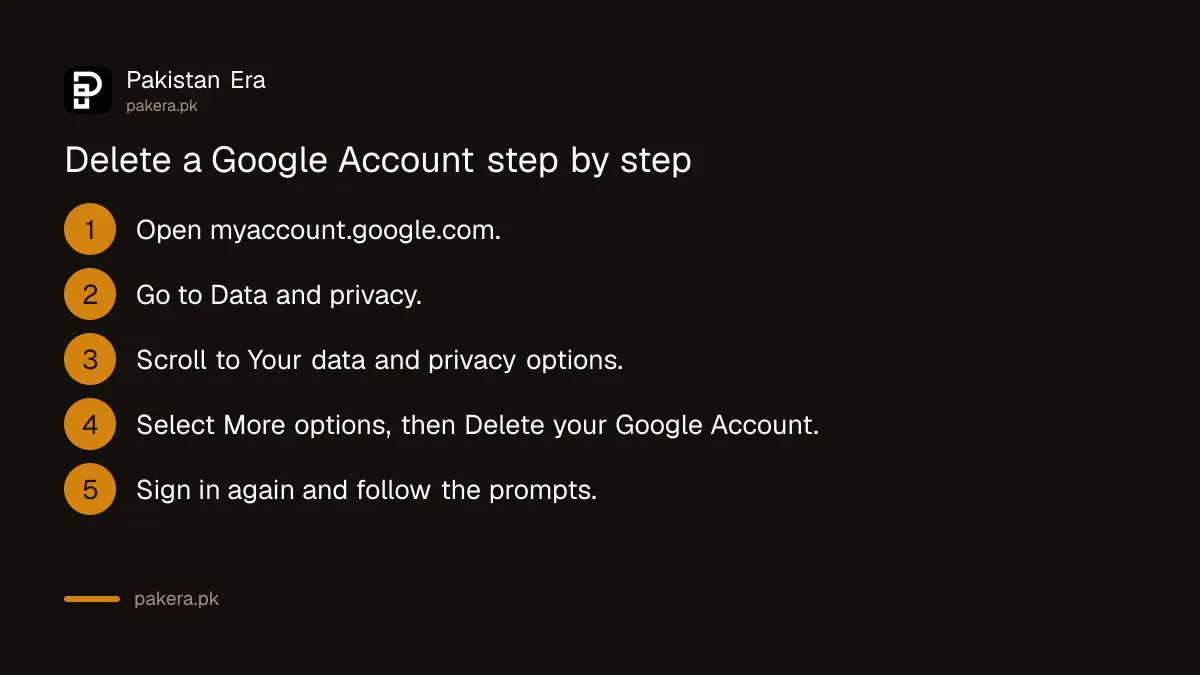
Delete the whole Google Account in 4 steps
Go to the Data & privacy section of your Google Account, scroll to Your data & privacy options, select More options, then Delete your Google Account, and follow the prompts. Google asks you to sign in again and confirm that you understand what will be lost.
Do this on a computer or in a phone browser, signed in to the right account. Check the email address at the top right before you confirm. People with two or three Gmail accounts on one phone delete the wrong one more often than you would think.
If your account was hacked, Google suggests a different first step. Run Security Checkup before deleting, to see what the hacker reached: saved passwords, contacts or Google Wallet payments. Once the account is deleted, Security Checkup is no longer available. The steps to recover a Gmail or Google account may also get you back in, which is often better than deleting.
Remove only Gmail and keep your Google Account
In your Google Account, open Data & privacy, scroll to Data from apps and services you use, choose Delete a Google Service, and select Delete next to Gmail. Enter a non-Gmail email address and verify it. Gmail is removed only after that email is verified.
The other email becomes your new sign-in for YouTube, Play and the rest. It must be an address outside Gmail, such as one from your office or another provider. Google then sends a verification email to it. Until you click that link, your Gmail address and emails stay in place.
After removal, Google says Gmail deletes your emails and settings after 30 days. You can no longer send or receive mail at that address. If you only wanted a new address, the steps to change your Gmail address and keep all your mail may suit you better than deleting.
You may be able to undo a deletion, but only for a short time
Google says a recently deleted Google Account may still be recoverable, but not if it was deleted a while ago. It gives no fixed number of days. Go to the account recovery page, answer the questions, and set a new password if it works.
The same applies to a removed Gmail address. Sign in to Gmail and follow the steps on screen. Google says you can get the address back, but if a long time has passed, your old emails may not return.
Accounts that are simply abandoned are a separate case. Google's policy treats an account as inactive if it is not used for 2 years, and it may delete such accounts with their data. So an old Gmail you stopped opening may disappear on its own.
Removing the account from your phone is different again. Google lists it as a separate task from deleting the account. If your aim is only to stop a shared phone showing your mail, removing the account from that phone may be all you need. The same choice between stepping away and deleting for good comes up when you delete a Facebook account or deactivate Instagram.
Common questions
Can I delete Gmail without deleting my Google Account?
Yes. Use Delete a Google Service in Data & privacy and remove Gmail. You need a non-Gmail email to keep using the account.
What happens to my emails after I remove Gmail?
Google says Gmail deletes your emails and settings after 30 days, and the address stops working.
Can someone else take my Gmail address after I delete it?
No. Google says a removed Gmail address cannot be used by anyone in future.
Can I recover a deleted Google Account?
Possibly, if you act soon. Google says recently deleted accounts may be recoverable, but not ones deleted a while ago.
Will deleting my Google Account remove my Play Store apps?
You lose access to apps, games and content bought with that account, plus YouTube subscriptions tied to it.
Does deleting one Gmail delete my other accounts?
No. Google says deleting one Google Account does not delete the others.
How we verified this
What we checked, where we read it, and what we could not confirm.
Last checked 24 October 2026. We read Google's help pages on deleting your Google Account, removing Gmail from your Google Account, and recovering a recently deleted account, all at support.google.com on 24 October 2026. Google does not publish a fixed recovery period, so we give none. We did not delete a real account for this check. Menu names may differ slightly between the phone and computer versions.
About the author

Technology Journalist & Multimedia Producer
Ahmad Ali is a technology journalist and multimedia producer at Pakistan Era, joining the team in October 2026. He covers consumer technology and digital life for Pakistani readers, combining research with hands-on product testing.