Delete WhatsApp Account Permanently in Pakistan: 5 Steps, What You Lose and Lost Phone Cases
Delete a WhatsApp account permanently from Settings with your +92 number, see what is erased, and what to do if the phone or SIM is lost. Steps for every case.
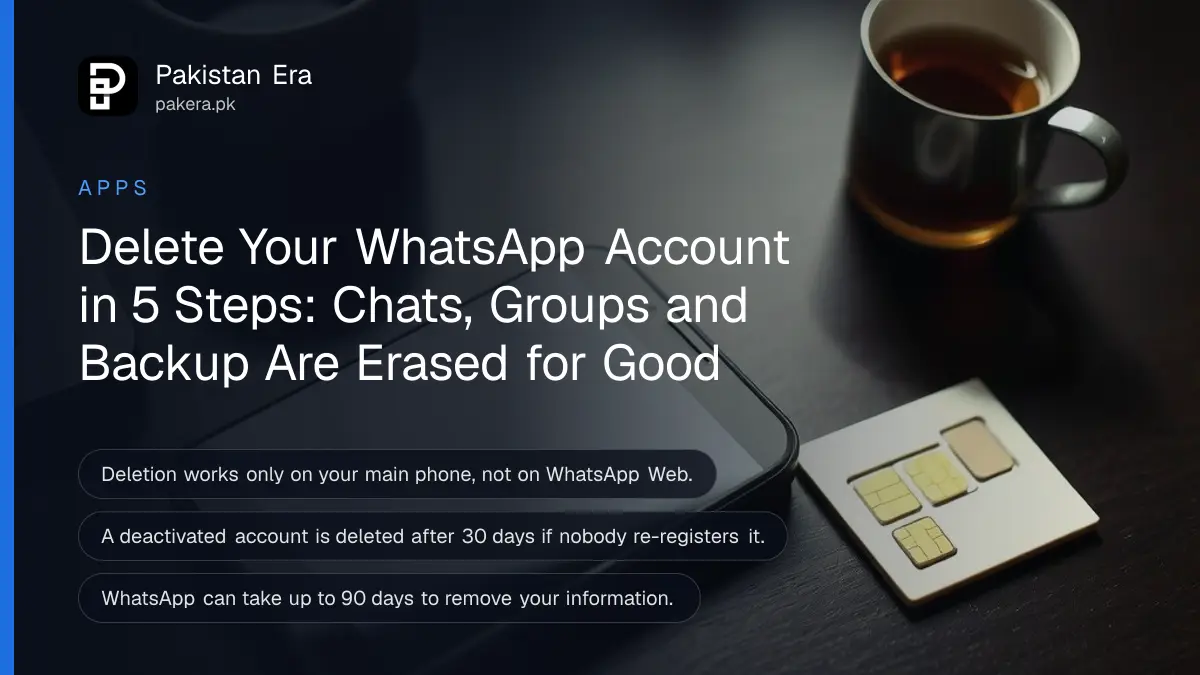
To delete a WhatsApp account permanently in Pakistan, open WhatsApp on your main phone, tap Settings, then Account, then Delete my account, and enter your number in full international format, starting +92. WhatsApp says the deletion cannot be reversed. It erases your message history, removes you from every group and deletes your Google Account backup. If you have lost the phone or SIM, the steps are different, and we cover those below too.
People delete WhatsApp for many reasons: a number given up, a harassment problem, a fresh start, or a phone that was stolen. Each case needs a different route. We read WhatsApp's help pages on deleting an account, deactivation and lost phones on 24 October 2026, and every step here follows them.
Deleting a WhatsApp account erases chats, groups and your backup
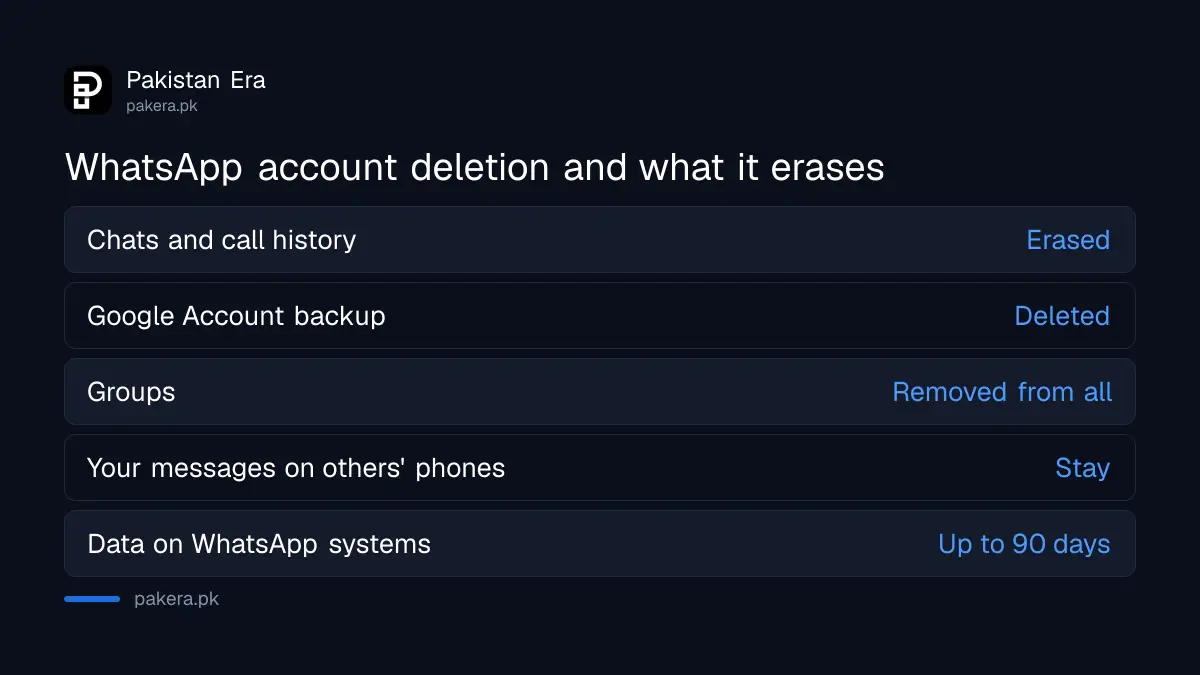
WhatsApp lists six effects of deletion: your account goes from all devices, your message history is erased, you leave every group, your Google Account backup is deleted, you are removed from channels, and channels you alone run are deleted. You cannot get the account back afterwards.
| Item | After deletion |
|---|---|
| Your chats and call history | Erased, cannot be restored |
| Your Google Account chat backup | Deleted |
| Group membership | Removed from all groups |
| Channels where you are the only admin | Deleted permanently |
| Messages you sent to others | Stay on their phones |
| Your data on WhatsApp's systems | Removed within up to 90 days |
Other people keep their copy of your messages. WhatsApp says deletion does not affect the information other users hold, such as the messages you sent them. So deleting your account will not pull your words off a group or a friend's phone.
Save anything you need before you delete WhatsApp
WhatsApp cannot restore or transfer chats, documents, media or call history from a deleted account. Export important chats first, save photos and documents to your phone or computer, and add another admin to any channel you want to keep alive.
Open a chat and use the export option to save a copy of the conversation. Save business receipts, property papers or payment screenshots that only exist in a chat. Once the account is gone, WhatsApp says there is no way back to them.
If you run a WhatsApp Channel, decide its fate first. With other admins, ownership passes to the admin who has followed the channel longest. If you are the only admin, the channel is deleted with your account. WhatsApp suggests deleting the channel first if you want both gone.
Not sure you want to leave for good? Some problems have softer fixes. Strangers adding you to groups can be stopped in settings, and you can hide your last seen and profile photo without losing anything.
Delete your WhatsApp account in 5 steps
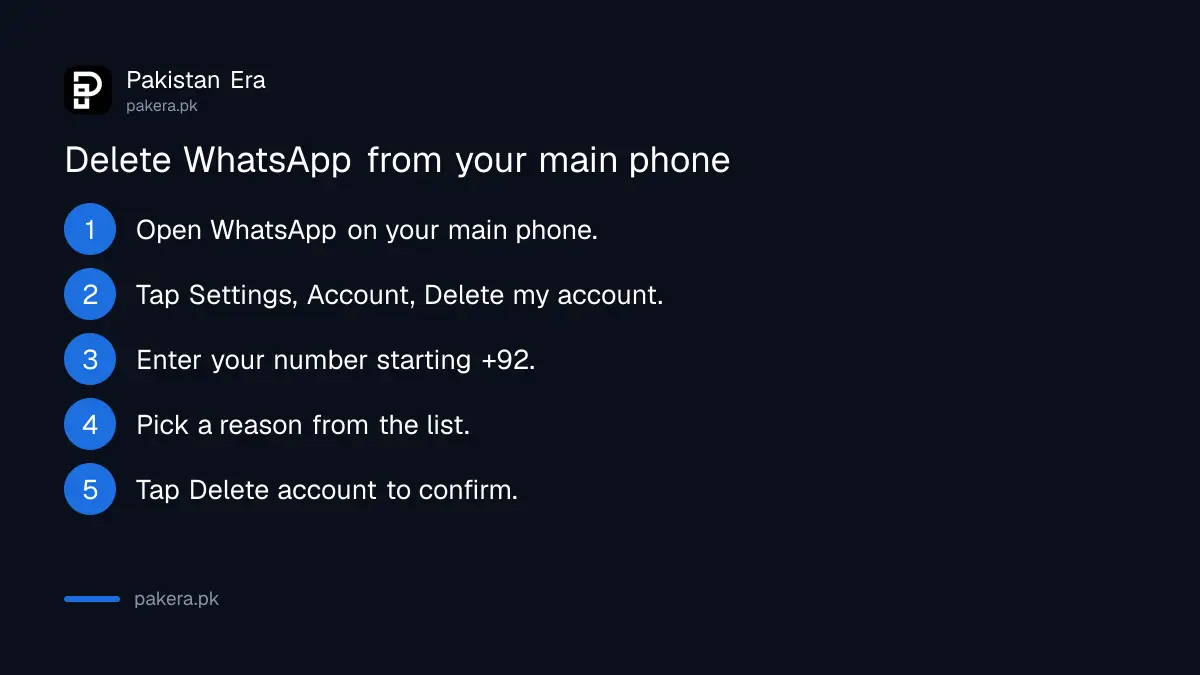
On your primary phone, open WhatsApp, go to Settings, Account, Delete my account. Type your number in full international format, tap Delete account, choose a reason from the list, and tap Delete account again. Linked devices such as WhatsApp Web cannot do this.
- Open WhatsApp on the phone where the account is registered.
- Tap Settings, then Account, then Delete my account.
- Enter your number in full international format, for example +92 followed by the number without the first zero.
- Tap Delete account and pick a reason from the dropdown.
- Tap Delete account to confirm.
A Pakistani mobile number is usually written 03XX in daily use. In international format the leading 0 drops and +92 goes in front. WhatsApp's form asks for the full international format, so a number typed with the 0 may not match.
After deletion, contacts may still see you for a while. WhatsApp's fix is simple: ask them to restart WhatsApp, which refreshes their contact list. Their old chats with you stay on their phone.
WhatsApp removes an account on a lost phone by itself
If your phone or SIM is lost and you cannot open WhatsApp, the account is still removed automatically. WhatsApp says deactivated accounts are deleted 30 days after deactivation if nobody re-registers them, and inactive accounts are generally deleted after 120 days.
WhatsApp also says it cannot deactivate an account for you, because it cannot verify that you own the number. So the practical route in Pakistan runs through your mobile network. First block the lost SIM with Jazz, Zong, Telenor or Ufone. Then get a duplicate SIM with the same number and register WhatsApp on a new phone.
Re-registering logs the lost phone out of your account automatically. From there you can keep the account, or delete it properly from the new phone with the 5 steps above. On Telenor, the steps to get a Telenor duplicate SIM show the papers and charges.
While an account is deactivated, WhatsApp says your contacts can still see your profile and send messages, which wait as pending for up to 30 days. If you re-register in time, you get those messages and stay in your groups.
Deleting WhatsApp takes up to 90 days to clear fully
WhatsApp says it can take up to 90 days from the start of deletion to remove your information. Copies may stay longer in disaster-recovery backups. Some log data may be kept without anything that links it to you, and some data may be kept for legal reasons.
During those 90 days your information is not available to you on WhatsApp. Information shared with other Meta companies is also deleted, according to the same page. If you later sign up again with the same number, you start as a new user with no history.
If someone took over your account rather than you wanting to leave, deletion is not the first step. The steps to recover a hacked WhatsApp account get the number back under your control first.
Common questions
Can I undo deleting my WhatsApp account?
No. WhatsApp says deletion is irreversible, even if you deleted by accident. You would have to register again as a new user.
Does uninstalling WhatsApp delete my account?
No. Uninstalling only removes the app. The account is deleted through Settings, Account, Delete my account, or automatically after long inactivity.
Can I delete WhatsApp from WhatsApp Web?
No. WhatsApp says deletion works only on your primary device, not on linked devices such as Web or desktop.
What happens to my groups when I delete WhatsApp?
You are removed from all of them. Messages you already sent stay visible to the other members.
How do I delete WhatsApp if my phone was stolen?
Block the SIM with your network, get a duplicate SIM, and register WhatsApp on a new phone. An account left deactivated is deleted after 30 days.
Will my Google Drive WhatsApp backup be deleted too?
Yes. WhatsApp lists deleting your Google Account backup among the effects of account deletion.
How we verified this
What we checked, where we read it, and what we could not confirm.
Last checked 24 October 2026. We read WhatsApp's help pages on how to delete your account, account deactivation, and recovering an account from a lost or stolen device, all at faq.whatsapp.com on 24 October 2026. The +92 format note is our explanation of WhatsApp's "full international format" rule. We did not delete a real account. WhatsApp states the 120 day inactivity rule as "generally", so treat it as a guide.
About the author

Technology Journalist & Multimedia Producer
Ahmad Ali is a technology journalist and multimedia producer at Pakistan Era, joining the team in October 2026. He covers consumer technology and digital life for Pakistani readers, combining research with hands-on product testing.