How to Export Your ChatGPT History and Data in Pakistan, Step by Step
Export your ChatGPT chats and account data from Settings in a few clicks. See the steps, which plans can do it, the 7 day wait and the 24 hour download limit.
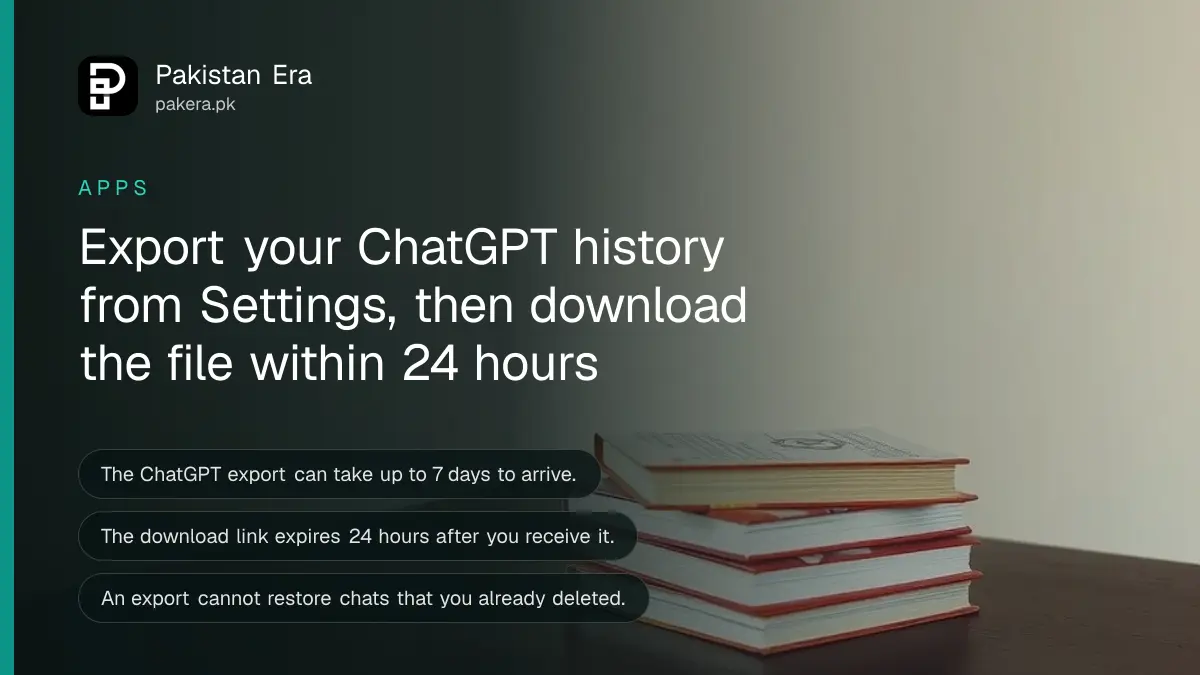
Short answer: Sign in to ChatGPT, open your profile menu, then Settings, then Data controls. Under Export data, select Export, then Confirm export. OpenAI emails or texts you a link when the file is ready, which can take up to 7 days. The link expires 24 hours after you get it, so download it the same day.
A student in Lahore has a year of study notes inside ChatGPT. A freelancer in Karachi has client drafts and prompts saved there. Then the account is hacked, or the person wants to leave, or the plan changes. An export is the only way to keep those chats outside the app.
We read OpenAI's own help page on exporting ChatGPT data on 12 October 2026. The steps and limits below come from that page.
ChatGPT lets you export your chats from Settings
OpenAI gives two routes. The first is the Export option inside ChatGPT's Data controls. The second is OpenAI's Privacy Portal, where you can submit a data request and use other privacy rights. For a normal chat backup, the Settings route is quicker.
The export is a ZIP file. OpenAI says it includes your chat history and other relevant account data. Treat it as sensitive, because it may hold names, addresses and work secrets you typed into chats.
Which accounts can export their data
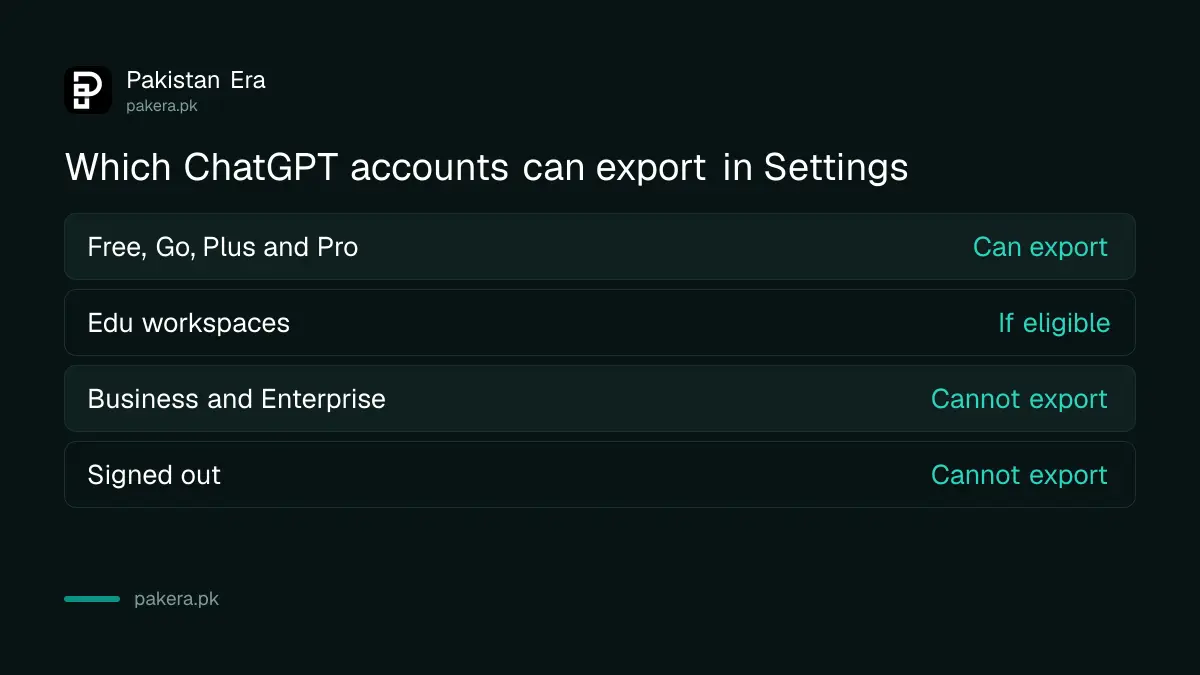
Personal ChatGPT accounts can export from settings. Workspace accounts managed by a company cannot. If you use ChatGPT through your employer, ask your workspace owner.
| Account type | Export from Settings |
|---|---|
| ChatGPT Free | Available |
| ChatGPT Go | Available |
| ChatGPT Plus and Pro | Available |
| ChatGPT Edu | Available for eligible workspaces, depends on role and settings |
| ChatGPT Business, Enterprise and Healthcare | Not available, ask your workspace owner |
| Signed out | Not available |
Not sure which plan you are on? The differences between the free options are set out in what ChatGPT, Gemini and Claude free plans give you in Pakistan.
How to export your ChatGPT data step by step
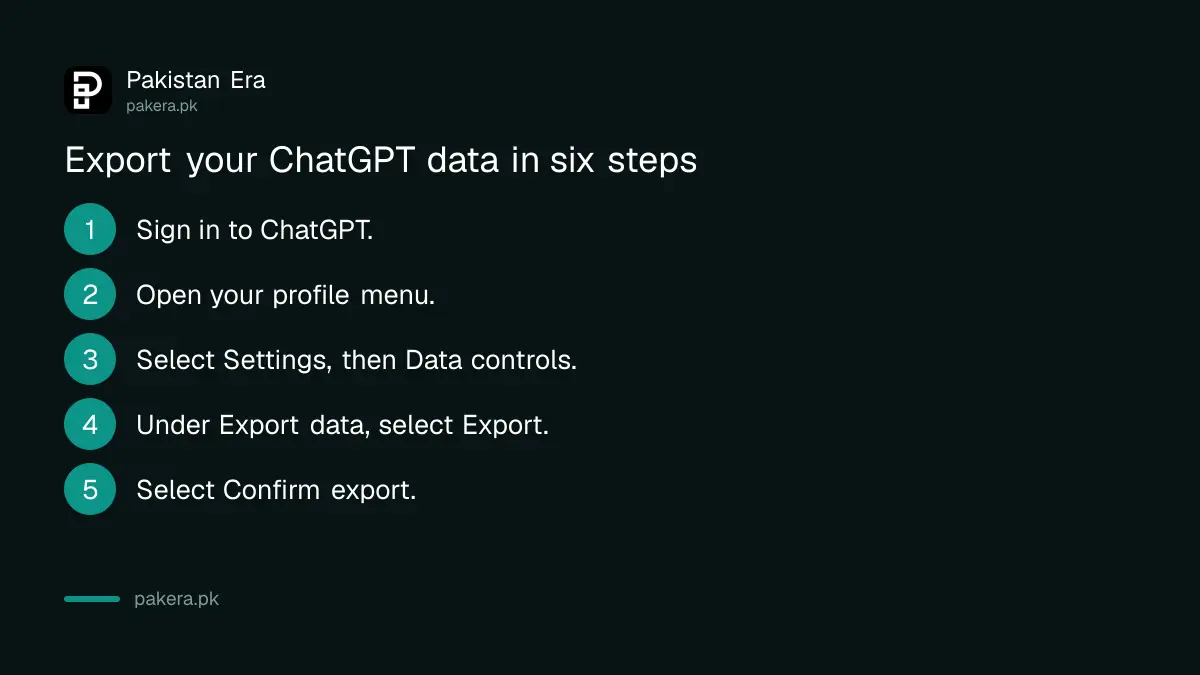
Open ChatGPT, go to Settings, then Data controls, select Export under Export data, and confirm. Then wait for the email or SMS that OpenAI sends when the file is ready.
- Sign in to ChatGPT at chatgpt.com.
- Open your profile menu.
- Select Settings, then Data controls.
- Under Export data, select Export.
- On the confirmation screen, select Confirm export.
- When the message arrives, select Download data export.
Make sure you can reach the email address or phone number on your account first. OpenAI says you may need to verify ownership. Download the file while signed in to the same account that asked for it.
Download within 24 hours of the email
OpenAI says exports can take up to 7 days to arrive. Once the message comes, the download link expires after 24 hours. That is the limit people miss. If the link has gone, you must request a new export.
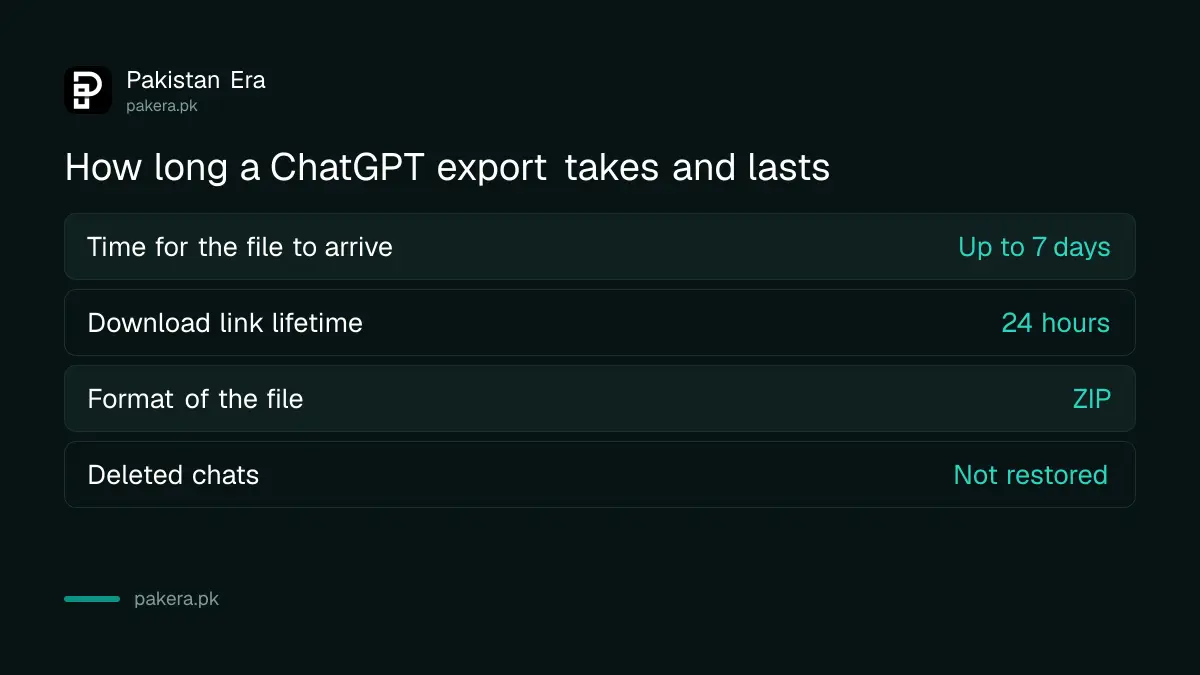
Open the ZIP and check that the conversations you need are in it. OpenAI says an export cannot bring back chats that were already deleted. So export before you tidy up your history, not after.
The same goes for the other privacy steps. If you plan to stop ChatGPT training on your chats or delete saved memories, take your copy first.
Keep the exported file safe and useful
Save the ZIP on your computer or an external drive, not only in a phone's download folder. Rename it with the date so you know which export is which, for example chatgpt-export-october-2026.
The file is a record of everything you typed, so keep it private. Do not email it to yourself on a shared account, and do not leave it on a shop or office computer. If you must store it online, use a folder only you can open.
If you want to look through the chats later, open the ZIP and read the files inside it. Some of the files are made for programs rather than people, so you may need a few minutes to find the readable one. Export again every few months if you use ChatGPT for work.
Export before you move to a work account
OpenAI warns about one case. If you plan to move or merge a personal workspace into a Business, Enterprise, Edu or Healthcare workspace, request and check your export before the personal workspace is removed. Afterwards you may not be able to open an earlier link or ask for a new export.
This matters for anyone whose company starts a ChatGPT team plan. Your personal chats can disappear into the move. Export first, then join.
An export is also a good idea after a scare. If you saw a strange login, read how to check who is logged in to your ChatGPT account, then take your copy and keep it offline.
Common questions
How long does a ChatGPT export take?
OpenAI says it can take up to 7 days. You get an email or SMS when it is ready.
How long does the download link last?
It expires 24 hours after you receive it.
Does the export include deleted chats?
No. OpenAI says an export cannot restore chats that have already been deleted.
Can I export from a company ChatGPT account?
Not by yourself. Self-service export is not available in Business, Enterprise or Healthcare workspaces. Ask your workspace owner.
What is in the export file?
A ZIP file with your chat history and other relevant account data, according to OpenAI.
What is the Privacy Portal?
It is OpenAI's page at privacy.openai.com for privacy requests. You can choose Download my data there as another way to ask for a copy.
How we verified this
What we checked, where we read it, and what we could not confirm.
We read OpenAI's help page Exporting your ChatGPT history and data on 12 October 2026. We did not run an export ourselves, and we did not read the troubleshooting section of that page. Menu names can change, so check it again if your screen looks different.
About the author

Technology Journalist & Multimedia Producer
Ahmad Ali is a technology journalist and multimedia producer at Pakistan Era, joining the team in October 2026. He covers consumer technology and digital life for Pakistani readers, combining research with hands-on product testing.