How to Use Hide My Email on iPhone to Stop Spam and Hide Your Gmail in Pakistan
Use Hide My Email on your iPhone in Pakistan: Sign in with Apple versus iCloud+, the Safari and Mail steps, and how to deactivate one address when spam arrives.
Short answer: On an iPhone, tap Hide My Email above the keyboard in Safari, or choose Sign in with Apple and pick Hide My Email in an app. Apple creates a random address that forwards to your real inbox. If it starts attracting spam, deactivate that one address and your real email stays clean.
Give your Gmail address to a loan app, a shopping site and a competition page, and by next month it receives all three kinds of junk. Worse, a leak at any one of them puts your real address in a criminals' list. A fresh address for each sign up breaks that chain.
Apple's Hide My Email does exactly that. We read Apple's support pages on Hide My Email with Sign in with Apple and with iCloud+ on 13 October 2026. This guide keeps to what Apple documents, and says clearly where the two versions differ.
Hide My Email gives each site its own random address
Hide My Email generates a unique, random address that forwards to your personal inbox. You can read and reply to mail sent there, and the sender never sees your real address. Apple says it does not read the messages, apart from standard spam filtering.
Apple also says the relayed messages are deleted from its servers after delivery, usually within seconds. You can create many addresses, one per app or website, and each is unique to you.
The address looks random on purpose. Nobody can guess it, and nobody can sell a list that links it to your name or your other accounts.
Sign in with Apple and iCloud+ give two versions
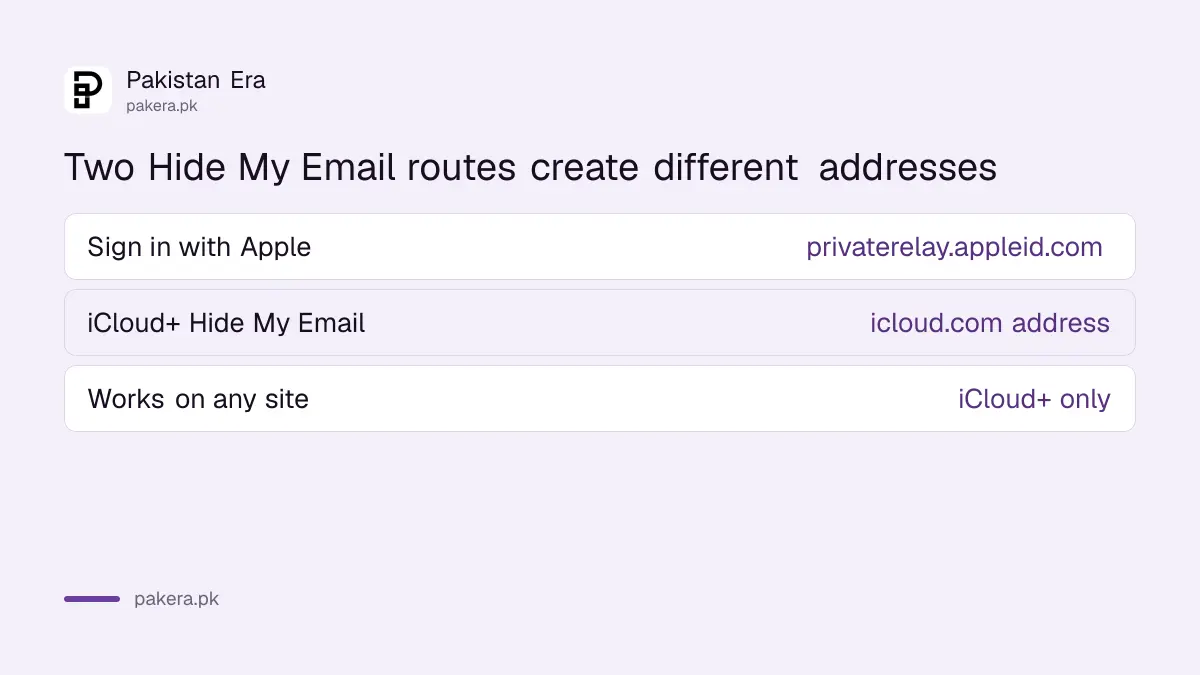
There are two routes. Sign in with Apple creates an address ending in privaterelay.appleid.com when you choose Hide My Email on a supported app. The iCloud+ feature makes an icloud.com address anywhere, including sites with no Apple sign in. The second route needs an iCloud+ subscription.
| Route | Address ends in | Where it works | Needs iCloud+ |
|---|---|---|---|
| Sign in with Apple | @privaterelay.appleid.com | Apps and sites that support Sign in with Apple | No, but changing the forwarding address does |
| Hide My Email in iCloud+ | @icloud.com | Any app or website, in Safari, Mail or Settings | Yes |
The price of iCloud+ in Pakistan changes, and we did not read it on Apple's own price page for this guide, so check the amount in Settings before you pay. Apple accepts cards only, as set out in the steps to add a payment method to your Apple ID in Pakistan.
Creating an address takes one tap in Safari or Mail
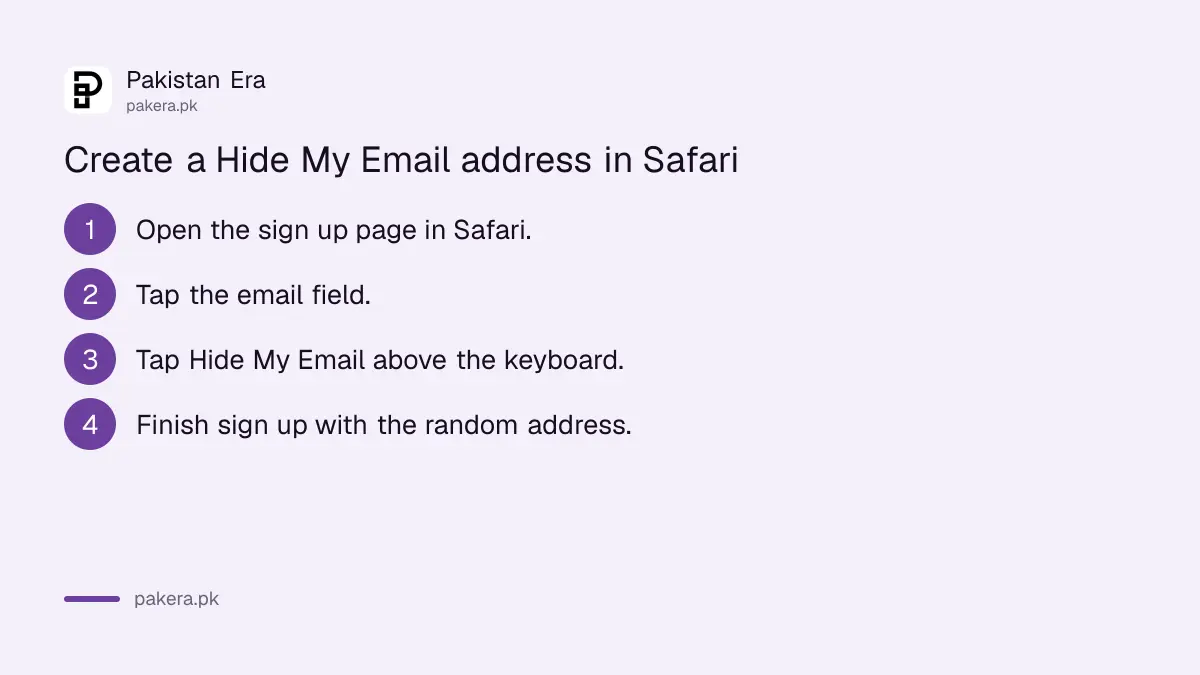
With iCloud+, Apple gives three places to create an address: Safari, Mail and iCloud settings. In Safari you tap an email field and then Hide My Email above the keyboard. In Mail you tap the From field. In Settings you can see and manage every address.
- Open a sign up page in Safari and tap the email field.
- Tap Hide My Email above the keyboard.
- Use a new random address, or pick one you already made for that site.
- Finish the sign up. Mail from that site now reaches your inbox through the relay.
To see every address, open Settings, tap your name, tap iCloud, scroll to iCloud+ Features and tap Hide My Email.
Deactivate an address when spam starts
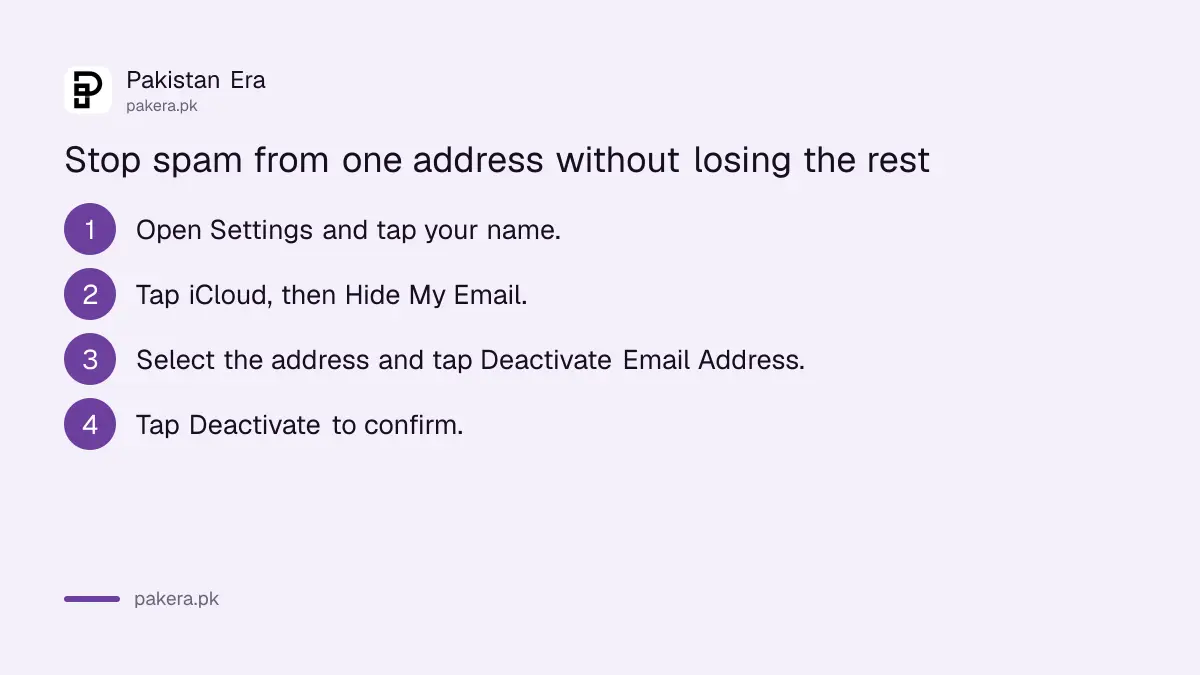
If one address begins receiving junk, you know which company leaked or sold it. Open Hide My Email in Settings, select the address and tap Deactivate Email Address. It stops forwarding at once, and your real inbox is untouched.
Apple says deactivation is temporary. You can bring the address back under Inactive Addresses with Reactivate Address. To remove it for good, deactivate it first, then tap Delete Address. A deleted address cannot be used with that app again.
You can also change where mail is forwarded. Under Hide My Email, scroll down, tap Forward To and choose another address linked to your Apple Account. Or turn forwarding off to stop receiving mail.
Know what a hidden address cannot protect
A random address hides your email, not your identity. A loan app can still ask for your CNIC, phone number and photo gallery. Hide My Email only stops the email part of the damage. It does not make a fake job offer safe either.
Learn the warning signs in the guide to fake online job offers in Pakistan, and limit what apps can follow with the steps in stopping iPhone apps from tracking you.
For calls and texts from unknown numbers, a separate setting helps: the page on silencing unknown callers and spam calls covers it.
Common questions
Can the website see my real email with Hide My Email?
No. The site only sees the random address, and Apple forwards messages to your inbox.
Do I need iCloud+ to use Hide My Email?
Not for Sign in with Apple. Apple says the iCloud+ subscription is needed for the broader feature and to change the forwarding address.
Can I reply without showing my real address?
Yes. Apple says you can read and respond directly to mail sent to a Hide My Email address.
What happens if I deactivate an address?
It stops forwarding mail to you. You can reactivate it later from Inactive Addresses.
Does Apple read my relayed email?
Apple says it does not read or process the content, except standard spam filtering, and deletes messages after delivery.
How we verified this
What we checked, where we read it, and what we could not confirm.
Last checked on 13 October 2026, Pakistan time. We read Apple's pages How to use Hide My Email with Sign in with Apple and How to use Hide My Email with iCloud+ on your iPhone or iPad. We did not read the iCloud+ price for Pakistan, and we did not test the steps on a handset.
About the author

Technology Journalist & Multimedia Producer
Ahmad Ali is a technology journalist and multimedia producer at Pakistan Era, joining the team in October 2026. He covers consumer technology and digital life for Pakistani readers, combining research with hands-on product testing.