How to Make a Website With Google Sites in Pakistan and Connect Your Own Domain
Make a website with Google Sites in Pakistan: pick a template, publish, set it to Public and connect a .pk or .com domain within 48 hours. Steps and fixes.
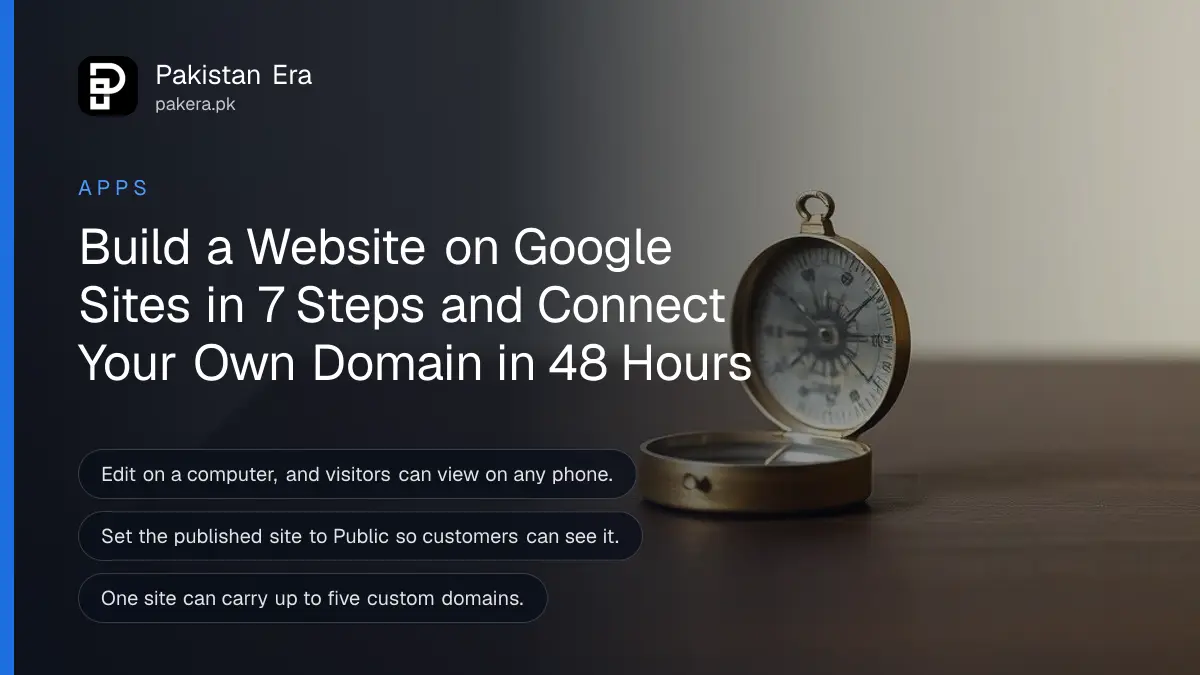
To make a website with Google Sites in Pakistan, open sites.google.com/new on a computer with your Google account, pick a template, add your text and pictures, then click Publish and choose a web address. No coding or separate hosting is needed. Google's Sites help pages ask only for a Google account and a recent browser, and list no fee. Your own domain, such as a .pk or .com name, is optional and is the only part you would pay for, to the company you buy it from.
A lot of small businesses in Pakistan live only on a Facebook page or a WhatsApp catalogue. That works until a customer searches your name on Google and finds nothing. We read Google's Sites help pages on creating, publishing and connecting a custom domain on 20 October 2026. This is the short route from nothing to a live page.
Google Sites builds a website from a Google account in a browser
Google Sites is Google's drag and drop website builder. You choose a template, type into boxes and add Google Docs, maps, videos or images. Google hosts the site. You must edit on a computer, but anyone can view the site on a phone.
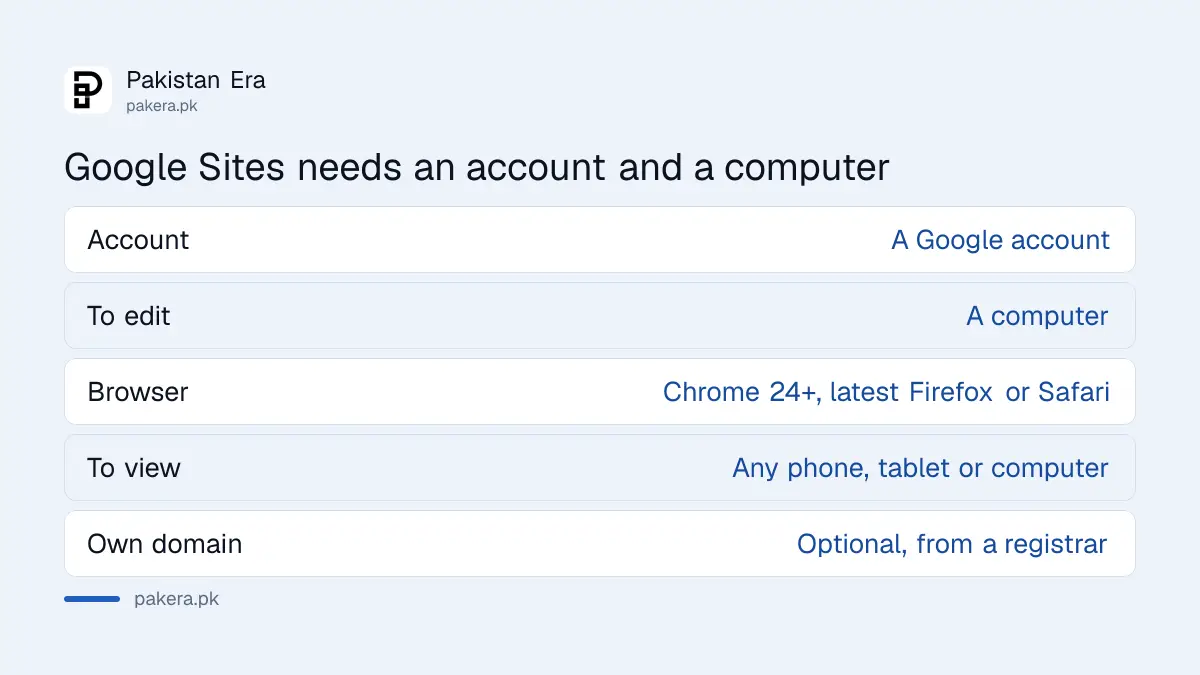
Google's help page on what you need says the editor works with Chrome version 24 or later, or the latest Firefox or Safari, with cookies and JavaScript turned on. One limit matters for families: accounts managed by parents cannot create sites, though they can view and edit existing ones.
| What you need | Detail from Google's help |
|---|---|
| Account | A Google account; parent-managed accounts cannot create sites |
| Device to edit | A computer |
| Browser to edit | Chrome 24 or later, or latest Firefox or Safari |
| Viewing | Computer, phone or tablet |
| Own domain | Optional, bought from a domain registrar |
How to create and publish your site
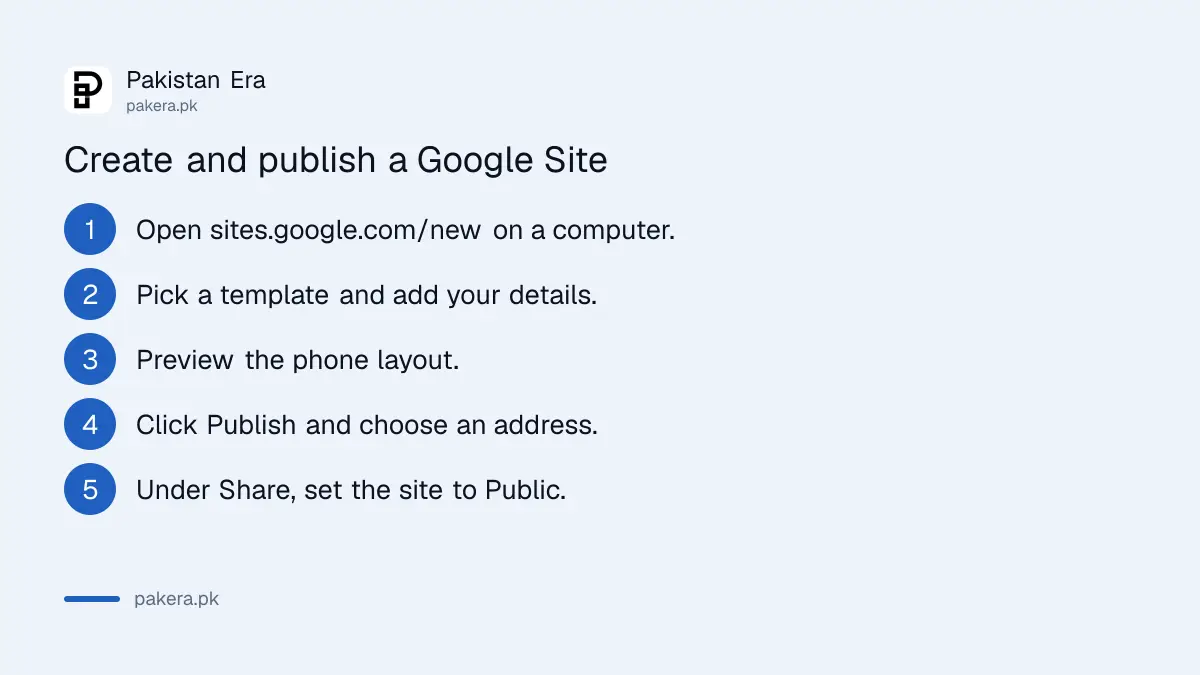
Open sites.google.com/new, choose a template, edit the pages, preview the layout on a phone screen, then click Publish and type the web address you want. Finally, open Share and set the published site to Public so anyone can see it.
- On a computer, open Google Sites while signed in to your Google account.
- Under "Start a new site", select a template or a blank site.
- Add your business name, what you sell, prices if you want, your area and a phone or WhatsApp number.
- Click Preview and check the phone layout, since most Pakistani visitors will come on mobile.
- Click Publish and enter the web address for your site.
- Click Publish again, then visit the address to check it works.
- Click Share and, next to "Published site", choose Public, then Save.
Google blocks web addresses that break its Acceptable Use Policy. If an address you want was used before for one of your sites, you have to change or permanently delete that old site first.
Restricted sites stay private, Public sites can appear on Google
Under Share, a Restricted site is visible only to people you add as Published Viewers. A Public site can be seen by anyone with the link and can show in search results. You can ask search engines not to show it, but Google says that request is not a guarantee.
Restricted is useful for a staff page, a class notice board or a family event. For a shop, choose Public. The opt-out lives under the arrow next to Publish, then Publish settings, then "Request public search engines to not display my site". Google says it only works for Public sites.
Something new arrived on 19 October 2026: interactive apps built in the Gemini app can now be exported straight to Google Sites. That means a working price calculator or quiz can sit on your page without code.
Connecting your own domain takes up to 48 hours
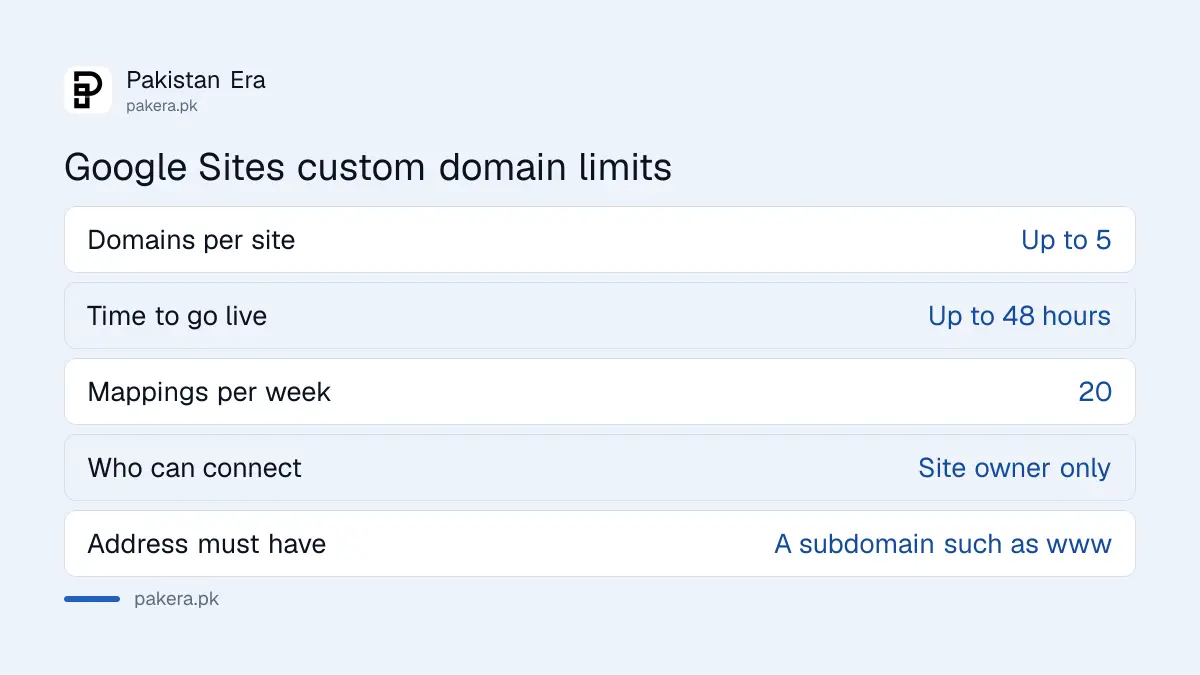
Only the site owner can connect a domain. In Settings, click Custom domains, then Start setup, and enter your domain. If asked, first verify you own it in Search Console with a DNS TXT record. Google says changes can take up to 48 hours to show.
You need to own the domain already. In Pakistan that usually means a .pk name or a .com bought from a registrar. Google's custom domain help page does not list prices, and we did not compare registrars, so check the yearly renewal price before you buy, not only the first year.
- In your site, open Settings, then Custom domains, then Start setup.
- Enter your domain. Google says the address must include a subdomain such as www.
- If prompted, verify ownership in Search Console: add a Domain property, copy the TXT record, add it at your registrar and click Verify.
- Follow the on-screen steps to connect the domain at your registrar, then click Done.
The verification step is the one people get stuck on. The full method, with the common errors, is in the steps to verify your website in Google Search Console. Once your domain works, you can also set up business email on your own domain, which looks better on an invoice than a Gmail address.
Custom domain errors and limits to know
Google lists a few limits: up to five custom domains on one site, and a limit of 20 mappings a week for a domain. The commonest error, "Invalid DNS", means you still need to add a CNAME entry, or wait 24 to 48 hours after adding it.
| Error or limit | What Google says to do |
|---|---|
| Invalid DNS | Add a CNAME entry, or wait 24 to 48 hours and try again |
| This isn't a valid URL | Include a subdomain such as www and check for typos |
| URL already in use by another Google service | Delete the old mapping, for example on Blogger |
| URL is not verified | Verify ownership in Search Console first |
| Maximum number of URLs | Limit of 20 mappings a week; wait and retry |
Your domain can also stop working if you delete the site, transfer ownership to someone else, or move the site into a shared drive. If a developer set it up for you, ask them to make you the owner before they hand over.
Help Google find your new site
A new site does not appear on Google by itself overnight. Add it to Search Console, then share the link where your customers already are. If you chose Public and did not tick the opt-out, Google can find it. Search Console then shows you whether pages are indexed.
Google's own verification help says a Google Sites site is verified automatically when you sign in to Search Console with the same account, but the same page also tells new sites without a custom domain to use a Google Analytics code. If one route fails, try the other. When pages still do not appear, the checks to fix pages not indexed in Search Console are the next step.
Common questions
Does Google Sites cost money in Pakistan?
Google's Sites help pages ask only for a Google account and list no fee. A custom domain, if you want one, is paid to your domain registrar.
Can I make a Google Site on my phone?
You can view sites on a phone, but Google's help says editing needs a computer.
Can I use a .pk domain with Google Sites?
Google's help covers any domain you own and can manage at your registrar. You must verify ownership and add the records it asks for.
How long does a custom domain take to work?
Google says up to 48 hours, though it is often quicker.
Why can't my child's account create a site?
Google says accounts managed by parents cannot use Google Sites to create sites.
Can I hide my site from Google search?
Yes, for Public sites, through Publish settings. Google says it is a request and not a guarantee.
How we verified this
What we checked, where we read it, and what we could not confirm.
Last checked 20 October 2026. We read Google's Sites help pages "How to use Google Sites", "Publish and share your site", "What you need to use Google Sites" and "Use a custom domain for your site", and the Search Console help page "Verify your site ownership", all on 20 October 2026. We did not build a test site or connect a domain. Domain prices in Pakistan were not checked. Google's verification page gives two different methods for Google Sites, which we report as it stands.
About the author

Technology Journalist & Multimedia Producer
Ahmad Ali is a technology journalist and multimedia producer at Pakistan Era, joining the team in October 2026. He covers consumer technology and digital life for Pakistani readers, combining research with hands-on product testing.