How to Move Your Website to a New Domain and Keep Google Rankings in Pakistan
Moving your Pakistan website to a new domain? Map URLs, use 301 redirects, submit Change of Address and keep redirects a year. Follow Google steps today.
To move a Pakistan website to a new domain without losing your Google rankings, map every old URL to a new one, set up server side 301 redirects, submit Change of Address in Search Console and keep the redirects for at least one year. Move all pages at once if the site is small.
Picture a furniture shop in Gujranwala that changes from a long old name to a short new .pk domain. If the old pages point nowhere, search visitors hit dead links and sales can drop. Nothing is wrong with the new site. The old addresses are simply lost. Google publishes a full process for moving a site, and we read it on 15 October 2026. This guide turns the process into a plan for a small business.
Build a URL map before you touch the old site
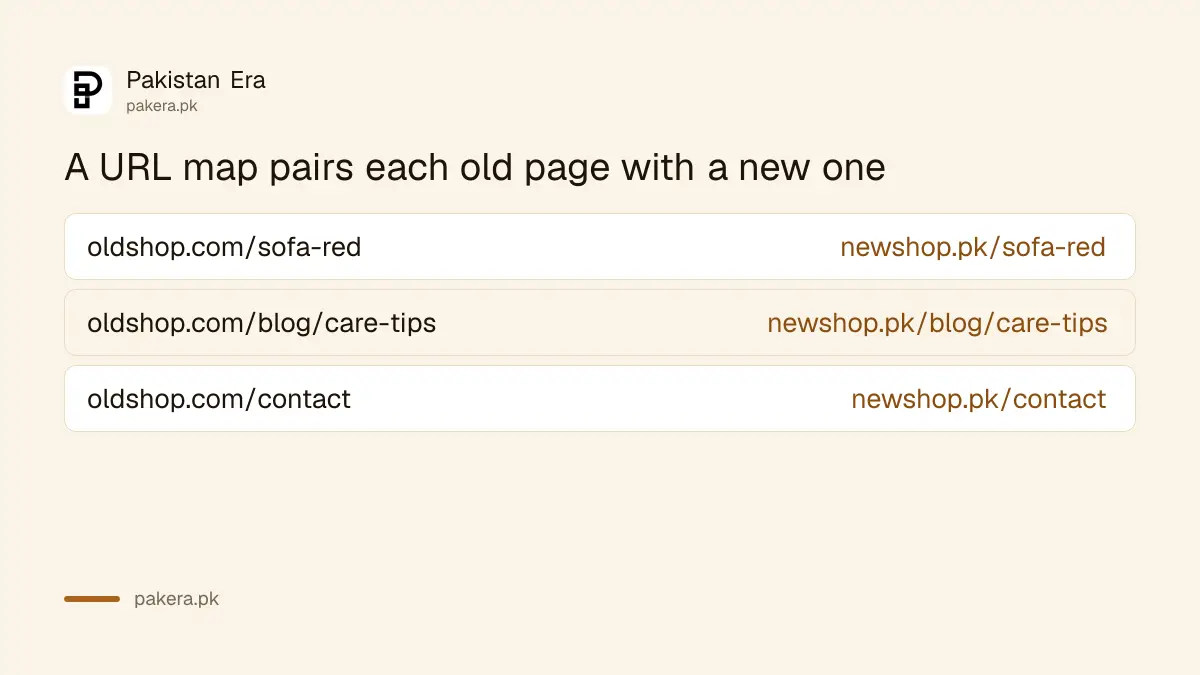
Google says to map your old URLs to the URLs on the new site. Gather the old URLs from your sitemap, server logs, analytics and CMS. Then write the matching new URL beside each one. Every redirect later follows this list.
Skip this step and you will redirect everything to the home page, which Google specifically warns against. A shopper who clicked a search result for a red sofa should land on the red sofa page, not on a welcome screen.
| Old URL | New URL | Redirect type |
|---|---|---|
| oldshop.com/sofa-red | newshop.pk/sofa-red | 301 |
| oldshop.com/blog/care-tips | newshop.pk/blog/care-tips | 301 |
| oldshop.com/contact | newshop.pk/contact | 301 |
The domains in the table are made up, to show the shape. Use your own lists. If you are still picking the new name, the steps to register a .pk domain explain the registration side.
Get the new site ready first
Google tells owners to prepare the new site before the move. Import the content, transfer images, set up HTTPS and verify every variant of both sites in Search Console. Give each new URL a self-referencing canonical tag and update internal links.
A canonical tag tells Google which address is the main one for a page. On the new site it should point to the new URL, never the old one. If you use hreflang tags for different languages, they must point to the new URLs too. Also save two lists for later: a sitemap of the new URLs, and a list of sites that link to your old pages, which Search Console can show.
Check your hosting plan as well. Google says it will crawl the new site more heavily after the move, so make sure the server has capacity. If it struggles, the guide on how to slow Googlebot with a 503 or 429 code explains the emergency option and its limits.
Redirect with permanent 301 or 308 codes and avoid chains
Google recommends server side permanent redirects, such as 301 or 308, from each old URL to its mapped new URL. Redirect straight to the final destination, with no chains. Do not send many old URLs to an unrelated page.
A chain happens when A goes to B and B goes to C. Every extra hop wastes crawling and can lose signals. If you changed names twice, point the oldest address directly at the newest one. Test the redirects before you announce anything. Google says the URL Inspection tool works for single pages, and a script or command line tool works for large lists.
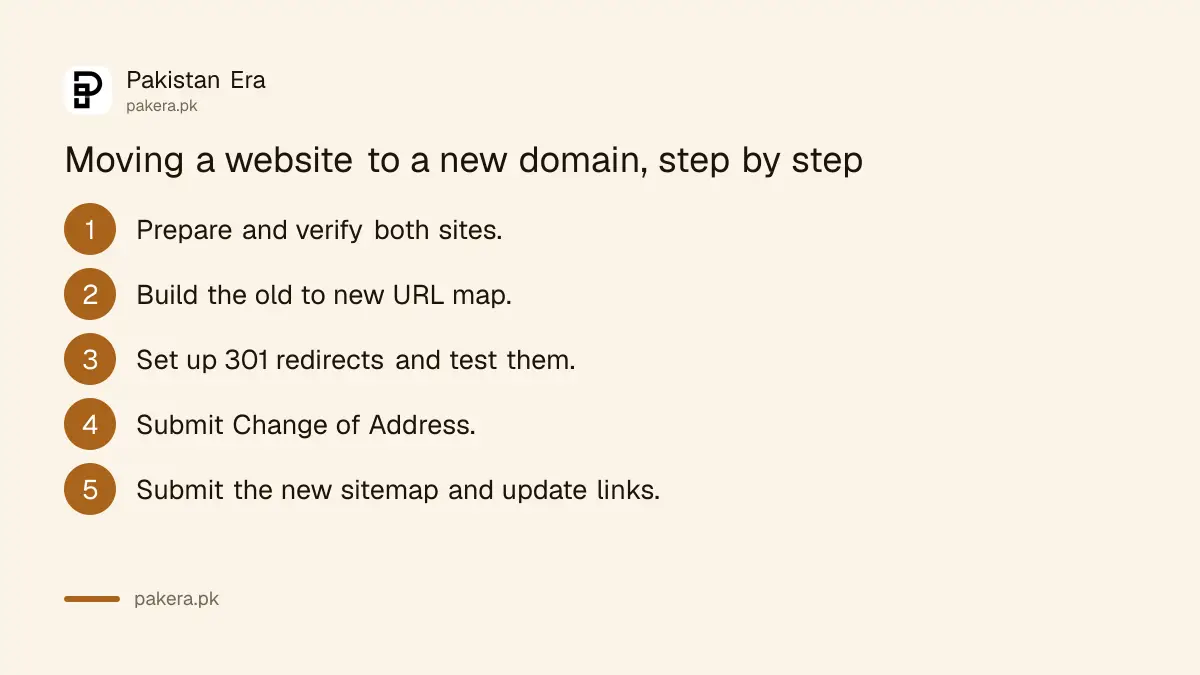
- Prepare the new site and verify both sites in Search Console.
- Build the URL map.
- Set up the 301 redirects on the old site.
- Test a sample of redirects, including the oldest URLs.
- Submit Change of Address for the old domain.
- Submit the new sitemap.
- Update links on your profiles, ads and partner sites.
Submit Change of Address only for a domain or subdomain move
Google says to use Change of Address in Search Console when you change domains or subdomains. You do not need it for an HTTP to HTTPS move, a www to non-www switch, or a path change inside the same domain. Submit it for every verified variant of the old domain.
Many owners press it by habit. If you only moved from http to https, it does nothing useful. For a true domain change, it is one of the most important steps. Your Search Console properties must be verified for the old and new domains first.
| Type of change | Use Change of Address? |
|---|---|
| New domain name | Yes |
| New subdomain | Yes |
| HTTP to HTTPS | No |
| www to non-www | No |
| New folder path on the same domain | No |
After that, submit the new sitemap and remove the old one. Google says redirect warnings you may see in the old sitemap are normal and can be ignored.
Keep the redirects for at least one year and watch the move
Google says to keep the redirects as long as possible, generally at least one year, so it can transfer all signals to the new URLs. For a small or medium site, the move can take a few weeks. Expect some ranking movement.
Googlebot has to visit every old and new URL at least once, so there is no fixed timetable. Watch both sites in Search Console. Old site traffic should fall while new site traffic rises. If pages stall, follow the steps to fix pages that are not indexed.
The smaller your site, the more Google suggests you move everything together, instead of section by section. That is also easier for you. One weekend, one list, one test. And please do not cancel the old domain while redirects still matter. If the old name lapses, the redirects stop working with it.
Common questions about moving a website
Will I lose rankings when I change domains?
You may see temporary movement. Google says to expect fluctuation during the move, and that small sites can take a few weeks.
Should I use 301 or 302 redirects?
Use permanent server side redirects, such as 301 or 308. Google recommends them for a site move.
How long should I keep the redirects?
As long as possible. Google says generally at least one year.
Do I need Change of Address for HTTPS?
No. Google says it is only for domain or subdomain moves, not HTTP to HTTPS or www changes.
Can I move one section at a time?
Large sites can. Google recommends small and medium sites move all URLs at once.
Can I redirect everything to my home page?
No. Google warns against sending many old URLs to an irrelevant page, such as the new home page.
How we verified this
What we checked, where we read it, and what we could not confirm.
Last checked 15 October 2026. We read Google Search Central's guide on moving a site with URL changes on 15 October 2026. The steps, the one year redirect advice and the Change of Address rules come from that page. The domain names in our table are examples. We did not move a site for this article.
About the author

Founder and Editor
Umer Kureshi founded Pakistan Era in July 2024 and runs it as administrator, SEO lead and writer, overseeing website operations, search growth, content strategy and coverage of technology and current affairs.