How to Pay a Challan or Tax Payment With JazzCash in Pakistan
Pay a challan or tax slip with JazzCash: app or USSD for account holders, over the counter for others. See the steps, what to confirm first and the 24 hour rule
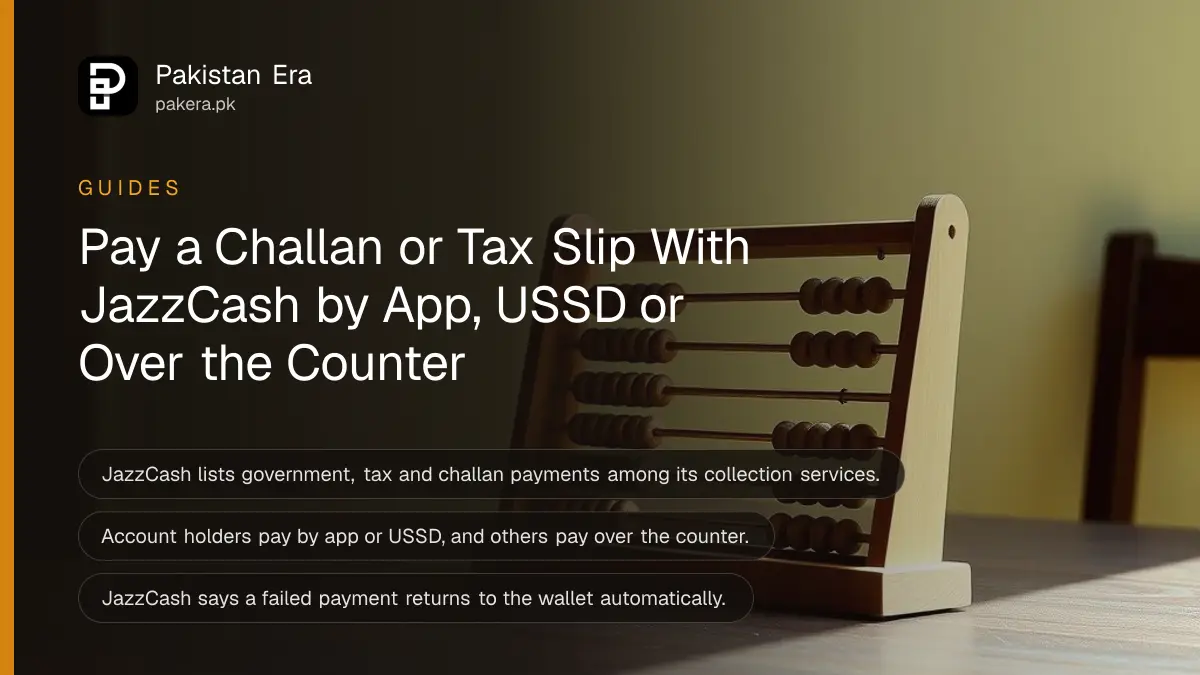
JazzCash lists government, tax and challan payments among its collection services. A JazzCash account holder can pay in the app or by USSD with the MPIN, and a person without an account can pay over the counter. If a payment fails, JazzCash says the amount returns to the wallet automatically.
A challan is a payment slip. It may be for a fee, a fine or a tax, and it usually has a due date. Standing in a bank queue to pay one is a half day lost. We opened JazzCash's collections page on 15 October 2026 to see what it promises for these payments, and this page sets out the steps and the limits. One point first: the page lists categories, not individual departments, so you must confirm that your specific challan can be paid through JazzCash.
JazzCash lists eight types of collection payment
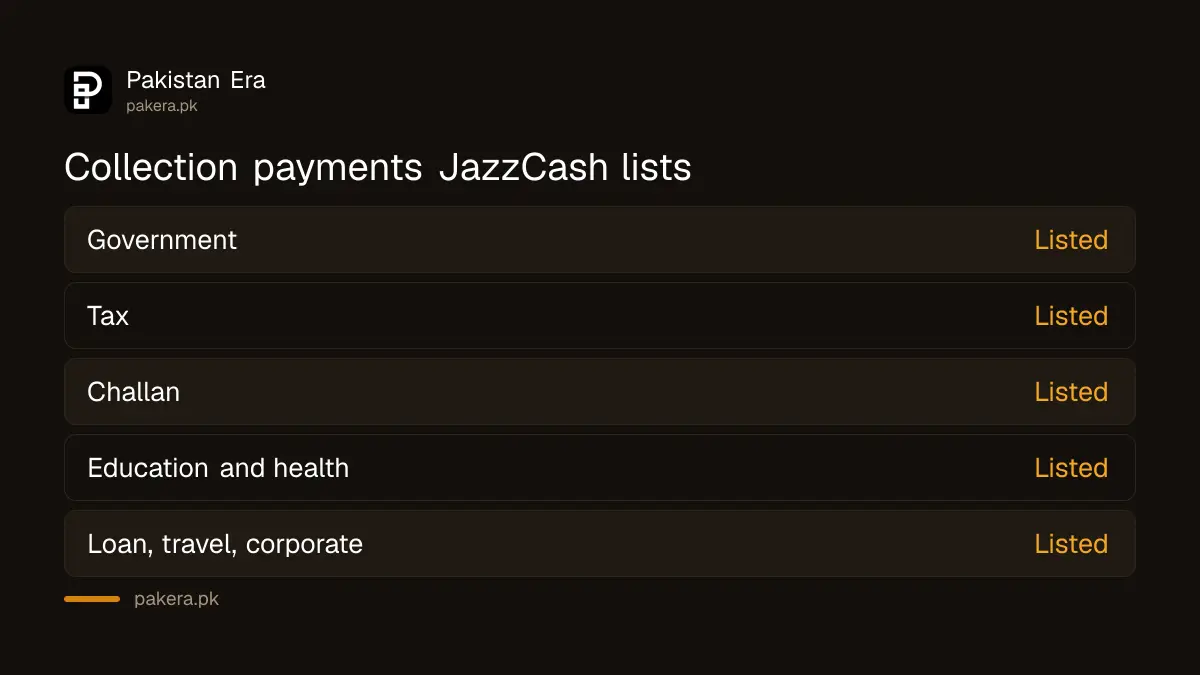
The JazzCash page names government payments, tax payments, challan payments, loan repayments, travel payments, health payments, corporate payments and education payments. That is a list of categories. It does not say that every office or department in Pakistan accepts JazzCash.
| Category on JazzCash's page | Example of what it may cover (our reading) |
|---|---|
| Government payments | Fees to a public office |
| Tax payments | A tax slip with a payment number |
| Challan payments | A fee or fine slip |
| Education payments | School or exam fees |
| Health, travel, loan, corporate | Hospital, ticket, instalment or company bills |
The examples are ours. JazzCash's page gives the category names only. Before you pay, read the challan and the issuing office's own instructions to see whether JazzCash is a listed channel.
Check that the issuing office accepts JazzCash first
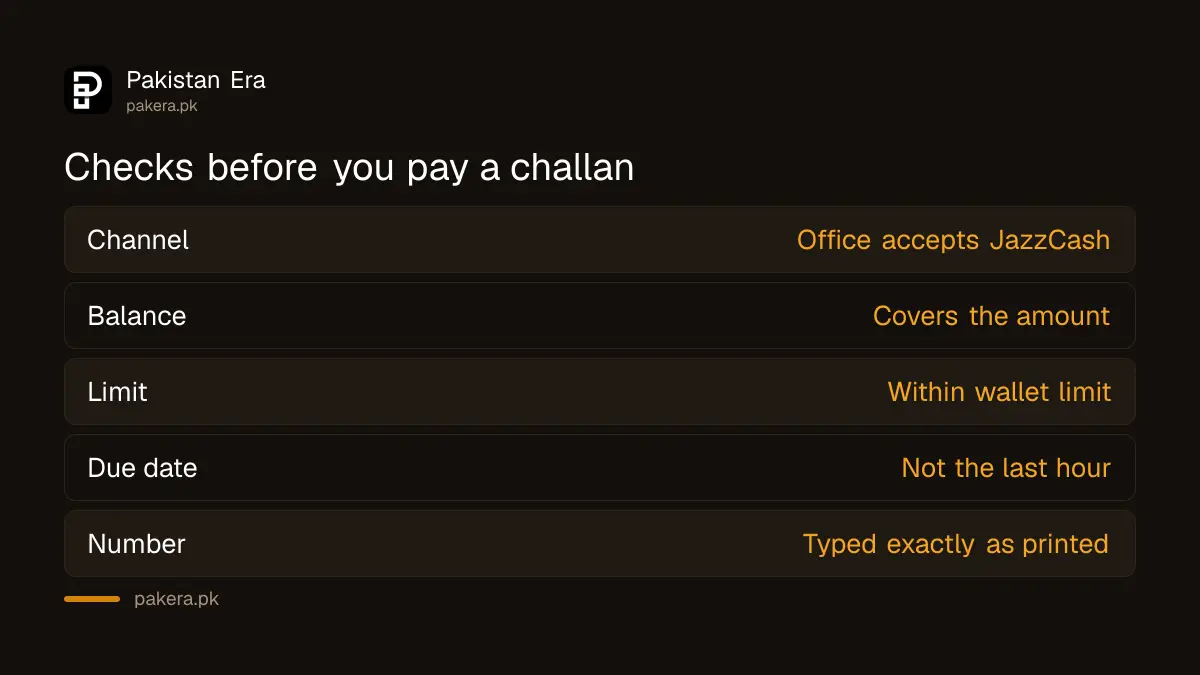
The most common failure is paying a challan to the wrong channel. Look on the slip for the list of banks and payment options, or the office's website. If JazzCash or Raast QR is named, go ahead. If not, ask the office.
Some provinces and offices have their own online systems. For a traffic fine, start with the steps to check an e-challan online in every province, since you need to see the fine before you pay it. For fees that accept a QR code, see how it works in the report on paying government fees with Raast QR.
Account holders pay by app or USSD, others pay over the counter
JazzCash says any account holder can pay collection items through the app and USSD. People who do not have an account can pay over the counter, called OTC. Every transaction needs the MPIN, which is the secret number you set for the wallet.
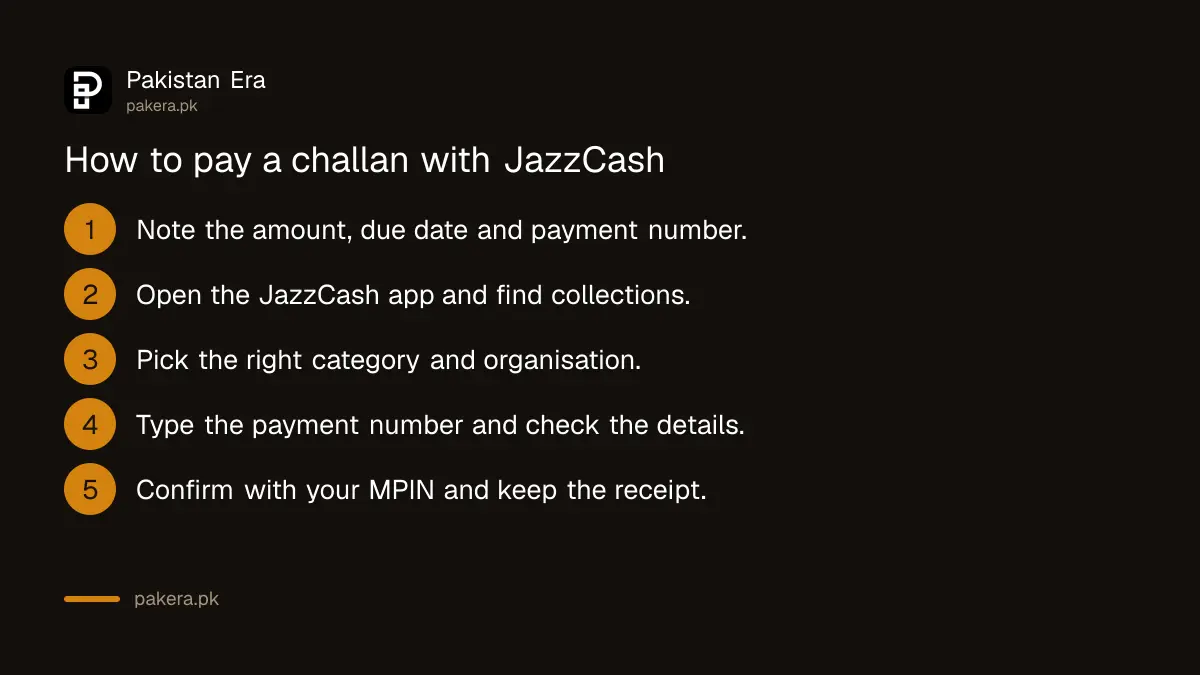
- Read the challan and note the amount, the due date and the payment or consumer number.
- Open the JazzCash app and look for the bill, government or collection payment section.
- Choose the right category and the right organisation from the list.
- Type the payment number exactly as printed, and check the name or amount that appears.
- Confirm with your MPIN, and keep the confirmation message or receipt.
The exact menu names in the app change over time, and we did not make a payment for this page. If you do not have an account, take the slip to a JazzCash agent or shop. If you cannot remember your MPIN, the steps to reset a forgotten JazzCash MPIN come first.
Check your wallet balance and limits before the due date
A payment fails if the wallet balance or the transaction limit is too small. Top up early, and do not leave a deadline payment for the last hour. A late fee can cost more than the delay is worth.
Wallet limits depend on your account level. The steps to increase JazzCash transaction limits explain how to raise them. JazzCash may also charge a fee for some collection payments. We did not find a fee for these payments on the page we read, so check the amount on the confirmation screen, and the current JazzCash and Easypaisa charges, before you confirm.
If the payment fails or is delayed, wait 24 hours and then call
JazzCash says that if a transfer fails, the amount is automatically reversed to your JazzCash wallet. If it is not reversed within 24 hours, or the problem continues, it tells you to call its helpline on 051-111-124-444, which it says is available 24 hours a day.
The footer of the same site also lists other contact numbers, including 4444 for Jazz customers, 111-124-444 for UAN customers and a WhatsApp number, 0325-4444-786. Use the number the app or the official site shows you, and never a number from an unknown message. Also remember that a failed wallet payment is different from a payment that did not reach the office. Keep the receipt and ask the office to confirm.
If you sent money to the wrong account by mistake, the steps to get a refund for a wrong JazzCash or Easypaisa transfer explain what to do. And remember that no real JazzCash helper will ask for your MPIN or OTP.
Common questions about paying challans with JazzCash
Can I pay a government challan with JazzCash?
JazzCash lists government, tax and challan payments as collection services. Confirm that the issuing office accepts JazzCash for your challan.
Do I need a JazzCash account?
No. JazzCash says account holders pay by app or USSD, and people without an account can pay over the counter.
Is the payment secure?
JazzCash says every transaction needs the MPIN, data is encrypted and the service is regulated by the State Bank of Pakistan. We did not test the security ourselves.
What if my payment fails?
JazzCash says a failed transfer reverses to your wallet automatically. If nothing returns within 24 hours, call 051-111-124-444.
Will I pay a fee?
We did not find a fee on the collections page. Check the amount shown before you confirm, and compare it with the official charges list.
Is the receipt enough as proof?
Keep it, with the date and reference. For a fine or a tax, also ask the office to confirm that it received the payment.
How we verified this
What we checked, where we read it, and what we could not confirm.
Last checked 15 October 2026. The collection categories, who can use them, the MPIN and security statement, the automatic reversal and the 24 hour rule with the helpline come from the collections section on JazzCash's government payment page at jazzcash.com.pk, which we opened on 15 October 2026. The other contact numbers come from the footer of the same site. The examples in the table, the steps and the advice about confirming with the issuing office are ours. We did not make a payment, so app menus and fees are not verified.
About the author

Technology Journalist & Multimedia Producer
Ahmad Ali is a technology journalist and multimedia producer at Pakistan Era, joining the team in October 2026. He covers consumer technology and digital life for Pakistani readers, combining research with hands-on product testing.