Recover Deleted Files in Google Drive in Pakistan: Trash, Phone App, Shared Files and WhatsApp Backups
Google Drive keeps deleted files in Trash for 30 days. Restore them on a computer or the Drive app, see why shared files differ, and the WhatsApp backup rule.
To recover deleted files in Google Drive in Pakistan, go to drive.google.com, click Trash on the left, right-click the file and click Restore; files stay in Trash for 30 days. In the Drive phone app, open Trash, tap the menu next to the file and tap Restore. After 30 days, or once you empty Trash, Google says files are deleted forever. Below we cover both routes, files shared by others, and why Google cannot recover a WhatsApp backup for you.
Drive is where many Pakistani students keep assignments, and where small businesses keep invoices and price lists. A file deleted the night before a deadline is a real problem. We read Google's Drive help pages on recovering and deleting files on 24 October 2026, and the steps below follow them.
Google Drive keeps deleted files in Trash for 30 days
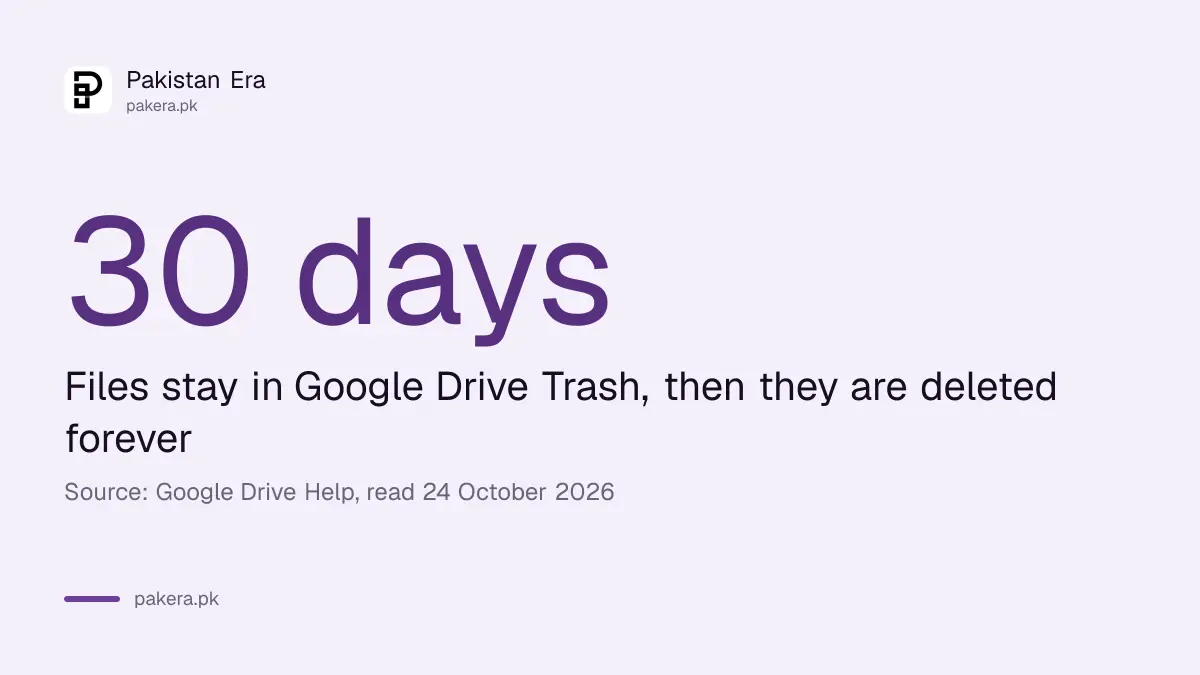
When you delete a file you own in Google Drive, it moves to Trash. Google says files remain there for 30 days and are then deleted forever. Clicking Empty trash deletes everything inside it at once. Until then, you can restore any file with two clicks.
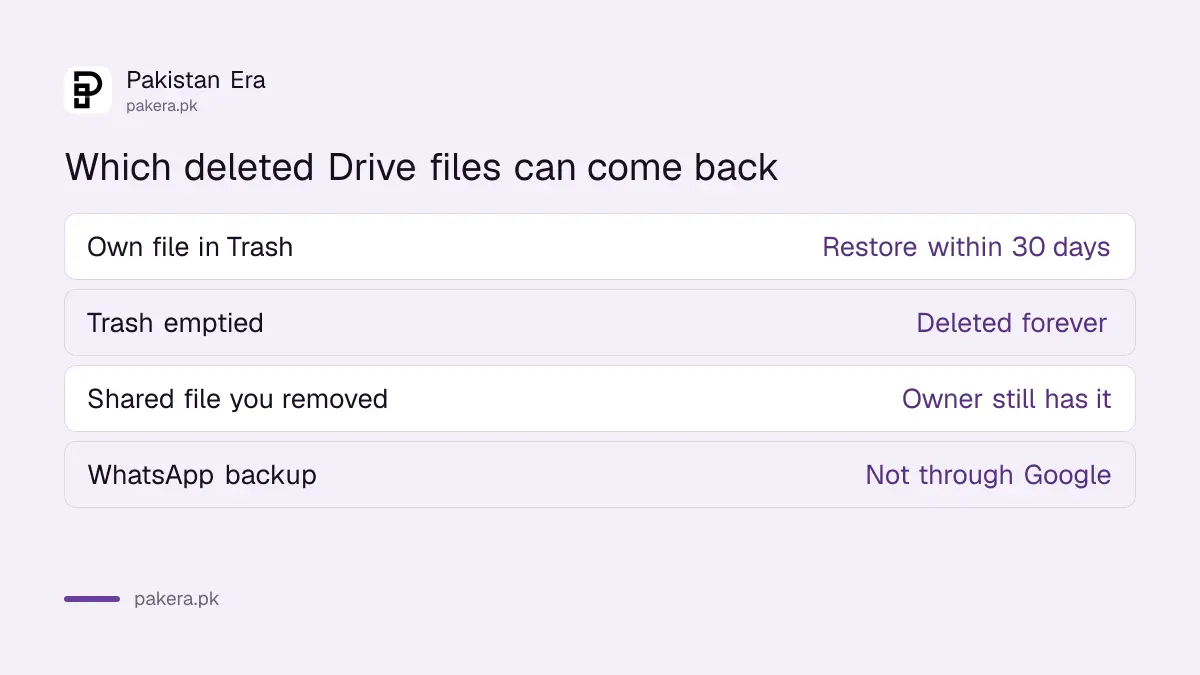
| Situation | What Google says happens | Can you restore it? |
|---|---|---|
| You moved your own file to Trash | Kept for 30 days | Yes, from Trash |
| You emptied Trash | Deleted forever | No |
| File older than 30 days in Trash | Deleted forever | No |
| You removed a file someone else owns | Gone from your Drive only | The owner still has it |
| WhatsApp backup in your Google Account | Managed and encrypted by WhatsApp | Not through Google |
Files in Trash still use your storage until they are permanently deleted. Google says so on its deletion page. If your storage is full, emptying Trash frees space, but check it first for anything you need.
Restore a file from Drive Trash on a computer
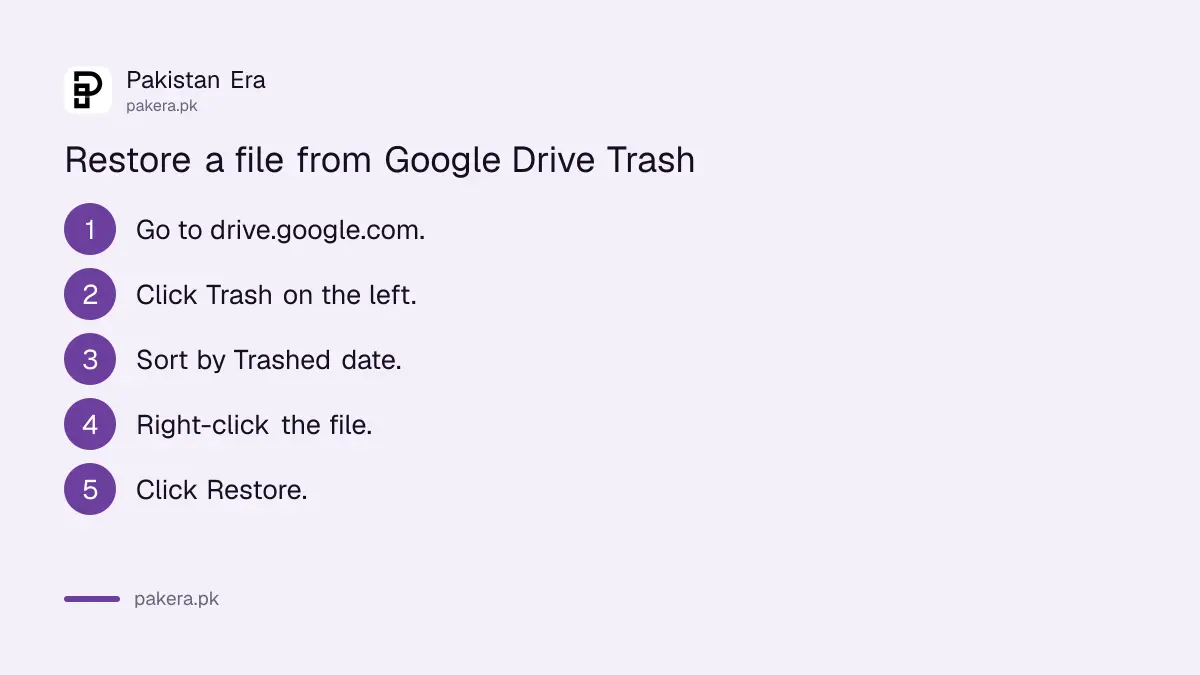
Go to drive.google.com, click Trash on the left, find the file, right-click it and click Restore. It returns to its old place in your Drive. Sort by Trashed date to see the newest deletions first, which helps when Trash holds many files.
- Go to drive.google.com and sign in.
- Click Trash on the left side.
- Sort by Trashed date to find recent deletions.
- Right-click the file you want back.
- Click Restore.
The computer route also works if your phone is lost or broken. Sign in from any computer, even a cyber cafe or office machine, and sign out afterwards. If you use a shared computer, the steps to check who is signed in to your Google Account help you clear old sessions.
Restore a deleted file in the Google Drive app
Open the Google Drive app, go to Trash, tap the menu next to the file you want, then tap Restore. Google says this works for things you deleted recently with Google Drive or the Drive desktop app. The file returns to where it was.
Look for Trash in the app's menu. If a file does not show, make sure you are in the right Google Account; the account picture at the top lets you switch. Students often save work to a school account and look for it in a personal one.
Drive for desktop, the app that syncs files with a computer, has one rule to know. Google says that if you mirror or stream files between Drive and your computer, any file you put in the trash goes to the trash everywhere. Deleting a synced folder on a laptop deletes it in Drive too.
Files someone else owns cannot be deleted, only removed
If a colleague or teacher shared a file with you, you are not its owner. Google says you cannot delete such a file, only remove it from your Drive. Other people keep access. To get it back, ask the owner to share it with you again.
The reverse matters too. When you delete a file you own and shared, Google says the people you shared it with can still open it until it is permanently deleted. If you want them to keep it, Google suggests making someone else the owner before you delete.
So for office files, think about ownership before a cleanup. A departing employee who deletes files they own can remove them for everyone once Trash empties.
Google cannot restore your WhatsApp backup from Drive
Google's own recovery page says your WhatsApp backup is managed by WhatsApp, even when stored in your Google Account. Because WhatsApp encrypts it end to end, Google cannot view, access or restore your messages, photos or media from it. Ask WhatsApp's help instead.
This is the most common Drive question in Pakistan, and the answer is short. Restoring WhatsApp chats happens inside WhatsApp, during reinstall, using the same number. The steps to recover deleted WhatsApp messages explain what a backup can and cannot bring back.
Google also shows a file recovery request to signed-in users on the same page. We were not signed in, so we could not see what it offers. Treat it as a last step after Trash.
To stop running out of room, remember that Drive shares space with Gmail and Photos, and each Google Account includes up to 15 GB. The steps to free up Gmail and Google Account storage show where the space goes, and Google One prices in Pakistan cover buying more.
Common questions
How long do deleted files stay in Google Drive Trash?
30 days. Google says files in Trash are deleted forever after that, or at once if you empty Trash.
Can I recover a Drive file after emptying Trash?
Not from Trash. Google says emptied files are deleted forever. Signed-in users see a recovery request on Google's help page, but we could not confirm what it covers.
Do files in Trash count against my storage?
Yes. Google says they keep using your storage until they are permanently deleted.
Can Google restore my WhatsApp backup?
No. Google says the backup is encrypted and managed by WhatsApp, so Google cannot access or restore it.
Why can I not delete a file shared with me?
You are not the owner. You can only remove it from your Drive, and the owner and others keep access.
Will deleting a file on my laptop delete it in Drive?
Yes, if Drive for desktop syncs that folder. Google says a file trashed in a mirrored or streamed folder goes to trash everywhere.
How we verified this
What we checked, where we read it, and what we could not confirm.
Last checked 24 October 2026. We read Google's help pages on recovering a deleted file in Google Drive (computer and Android versions) and deleting files in Google Drive, plus Google One's storage page, on 24 October 2026. The file recovery request appears only to signed-in users, so we could not review it. We did not test a recovery on a live account. Menu positions in the app may differ by version.
About the author

Technology Journalist & Multimedia Producer
Ahmad Ali is a technology journalist and multimedia producer at Pakistan Era, joining the team in October 2026. He covers consumer technology and digital life for Pakistani readers, combining research with hands-on product testing.