How to Recover a Microsoft Account With the Recovery Form or Code in Pakistan
Locked out of Outlook or Hotmail in Pakistan? Use the sign-in helper, fill the recovery form well, or enter a 25-digit code. Follow the steps to recover access.
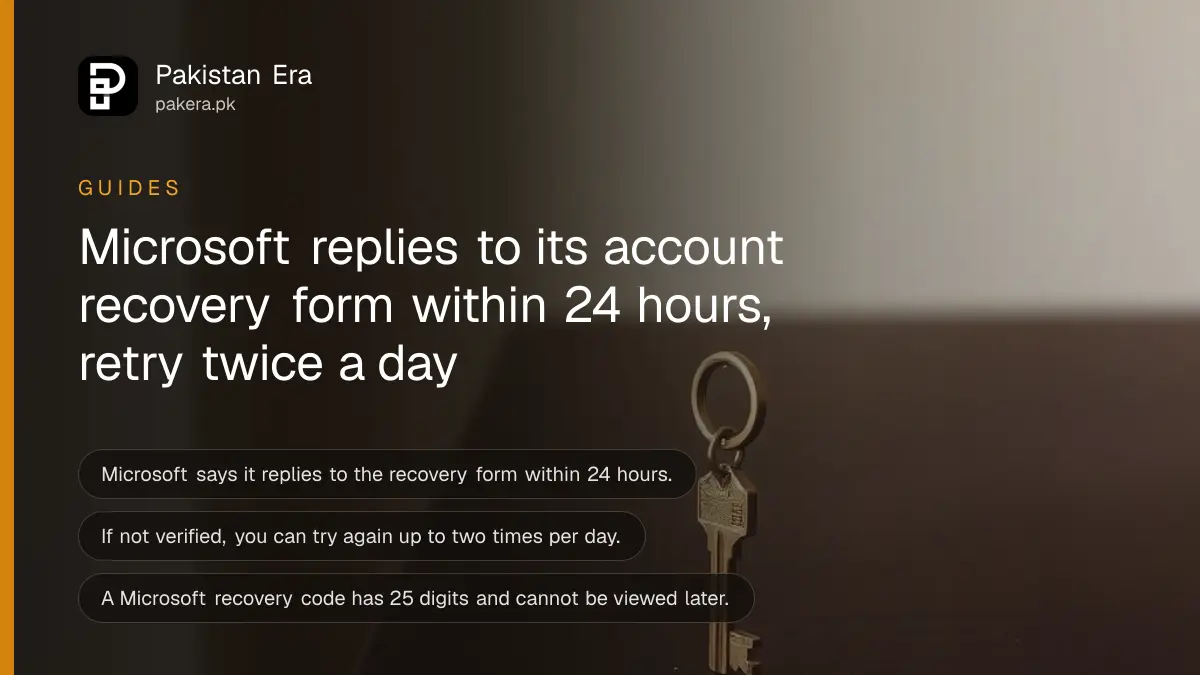
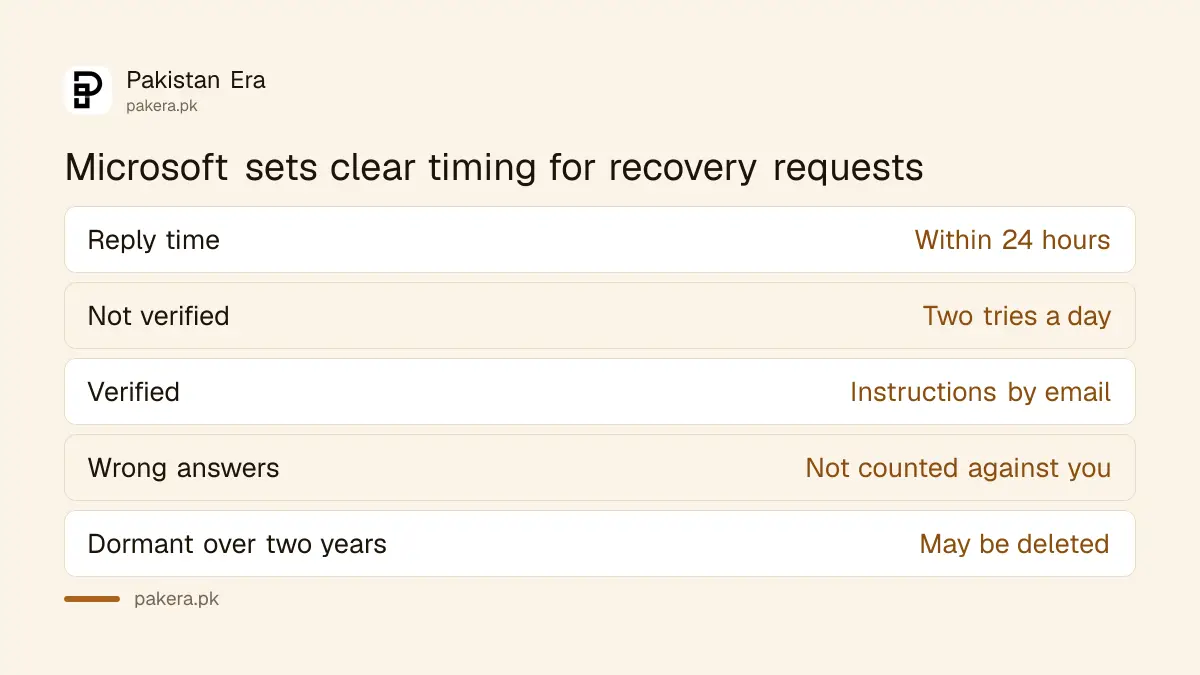
Short answer: Go to account.microsoft.com and use the sign-in helper first. If you cannot reach any verification method, fill in Microsoft's account recovery form from a device and place you normally use. Microsoft says it replies within 24 hours, and you can retry up to two times a day.
Your Outlook or Hotmail address is the key to your Windows login, OneDrive files, Teams and often your university or client mail. Lose the password, change your phone number, and suddenly all of that is locked. The way back is slow, but it works if you prepare well.
We read two Microsoft support pages on 14 October 2026, one on the recovery form and one on recovery codes. We did not run a live recovery. Microsoft agents cannot reset it for you, so the steps below are yours to follow.
Start with the sign-in helper, not the form
Microsoft recommends trying its sign-in helper before the recovery form, because the form takes time. Enter your username, choose Other ways to sign in, then Forgot password. If a code goes to a verification method you still own, you can reset the password in minutes.
The form is the fallback when you no longer have your old phone number or backup email. Microsoft also notes that you should check the email domain. Hotmail, Outlook and Live exist in different country versions, so a wrong ending can look like a missing account.
Accounts unused for more than two years may be deleted, Microsoft says. If yours was dormant that long, recovery may not be possible.
Fill the recovery form so it can be verified
Use a device and place you normally sign in from, such as home. Give a working email that Microsoft can write to, which can be a friend's or a new free account. Add as much past detail as you can. Wrong guesses do not count against you.
The details Microsoft asks about depend on the service. For Outlook.com or Hotmail, remember contacts and email subject lines, and Microsoft says subject lines must be exact. Also list old passwords, including ones saved in your browser or password manager.
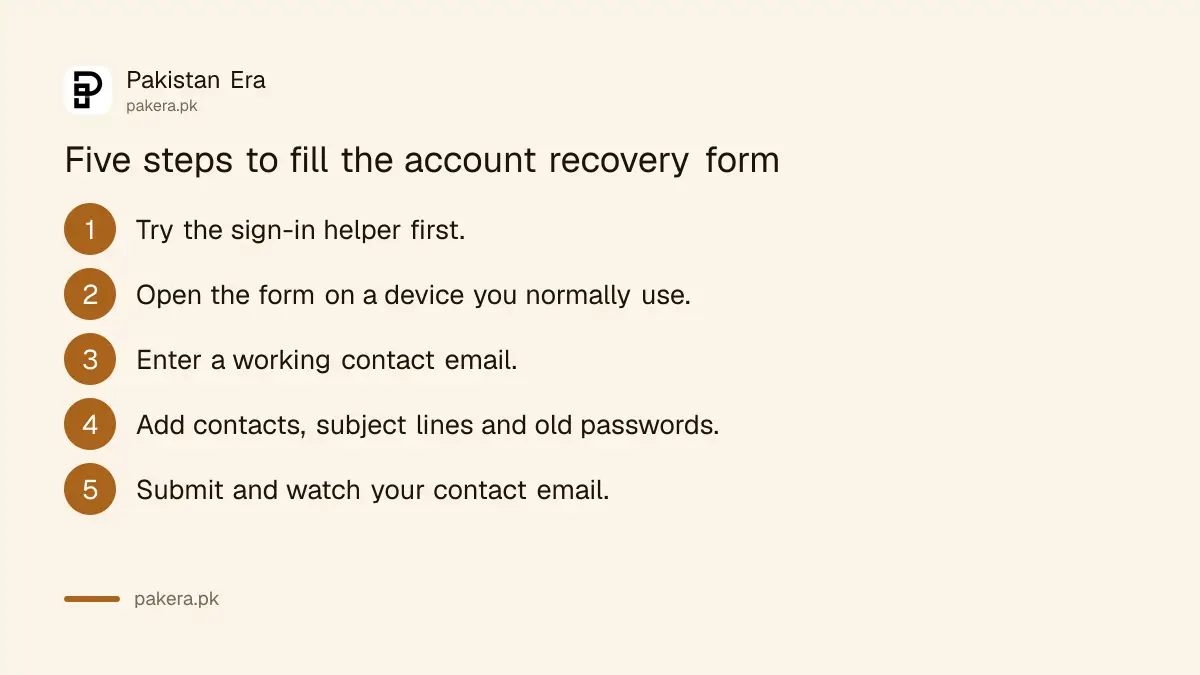
- Open the sign-in helper and choose the option for when you have no access to your verification methods.
- Open the recovery form on a device and place you normally use.
- Enter a working contact email, not the locked account.
- Add contacts, exact subject lines, old passwords and other past use.
- Submit, then watch that contact email for the result.
| Detail | What Microsoft says |
|---|---|
| Reply time | Within 24 hours, by email |
| If not verified | Try again, up to two times a day |
| If verified | Sign-in instructions go to your contact email |
| Wrong answers | Do not count against you |
| Two-step on, no method | Microsoft says it cannot help |
A recovery code saves you before trouble starts
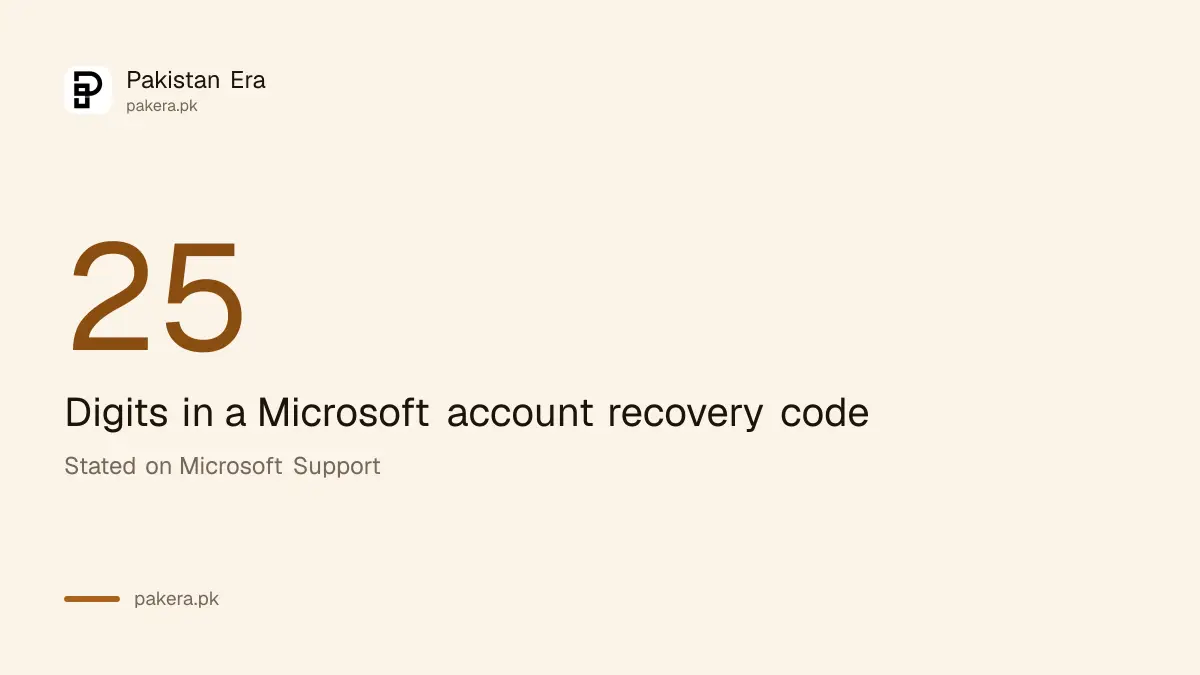
A Microsoft recovery code is a 25-digit code that helps you regain access if you forget your password or the account is compromised. Generate one while you can sign in, at account.live.com/proofs/manage/additional, choose Generate a new code and store it somewhere safe, printed.
Microsoft says you cannot view or download a code later, and a new code cancels the old one. Do not store it on a device you use to sign in. A printed copy in a cupboard is better than a screenshot on the same phone.
To use it, enter your username, choose Other ways to sign in, then Forgot password, say you have none of the listed methods and enter the code. Codes are not case sensitive, and spaces and dashes are optional. If two-step verification is on, Microsoft says security info changes take 30 days.
Compare this with Google. Our guides on saving Google backup codes and Gmail account recovery use the same idea: prepare before you are locked out.
Build protection so you do not need the form again
Add a second verification method, such as a phone number and a backup email, keep a printed recovery code and turn on two-step verification. Check them twice a year. Most lockouts in Pakistan happen after a SIM change, when the old number no longer receives the code.
See how to turn on two-step verification and how to set up a passkey. Passkeys can replace the password that you forget in the first place.
If the account locked you out of a Windows laptop, your drive may also be encrypted. Keep the key safe, as in finding your BitLocker recovery key.
What Microsoft support cannot do
Microsoft says its support agents cannot send password reset links or access and change account details. If you have two-step verification on and cannot reach any alternate method, the page says Microsoft cannot help. Beware of anyone online who offers to recover it for a fee.
Fake recovery services are common. They ask for your CNIC, a payment or a screen-sharing app. Read how to stop screen-sharing app scams before you let anyone help remotely.
Common questions
How long does the recovery form take?
Microsoft says it will respond within 24 hours, sending the result to your working contact email.
How many times can I retry?
If your account was not verified, Microsoft says you can try up to two times per day.
What is a recovery code?
It is a 25-digit code you create while signed in, at account.live.com/proofs/manage/additional. It lets you get back in if you lose other methods.
Can Microsoft support reset my password?
No. Microsoft says agents cannot send reset links or change account details. Use the sign-in helper and recovery form.
What if my account has two-step verification and no method works?
Microsoft's page says it cannot help in that case. Use a recovery code if you saved one.
How we verified this
What we checked, where we read it, and what we could not confirm.
Last checked on 14 October 2026, Pakistan time. We read Microsoft's help page on the account recovery form and its page on recovery codes. We did not submit a recovery request, and success is not guaranteed.
About the author

Technology Journalist & Multimedia Producer
Ahmad Ali is a technology journalist and multimedia producer at Pakistan Era, joining the team in October 2026. He covers consumer technology and digital life for Pakistani readers, combining research with hands-on product testing.