Remove a Google Business Profile in Pakistan: Duplicate, Closed Shop or Fake Listing, All 4 Ways
Remove a Google Business Profile in Pakistan: delete a duplicate, mark a shop closed, leave the profile, or get a fake listing off Maps. Steps, 7 day rule.
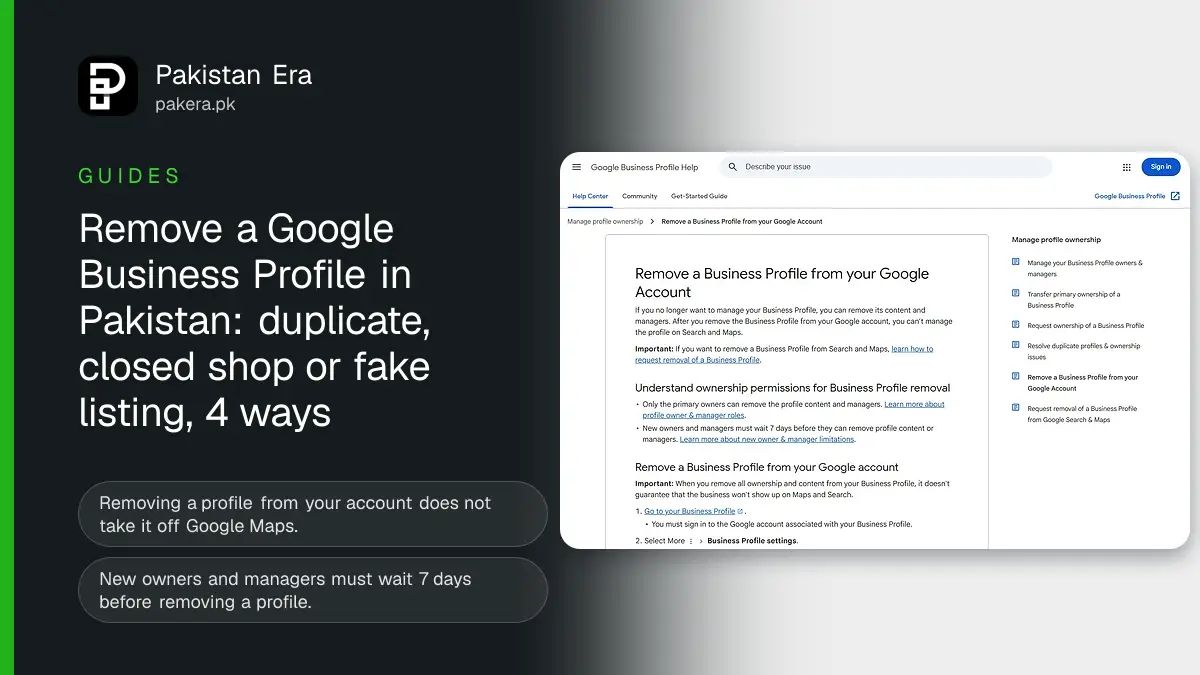
To remove a Google Business Profile in Pakistan, pick the route that fits: delete an accidental duplicate in Business Profile Manager, mark a shut shop as Permanently closed under Edit profile, then Hours, remove the profile from your account in Business Profile settings, or ask Google to take a fake listing off Maps with Suggest an edit. Only the first and last routes make a listing disappear, and even those are not guaranteed.
We read four Google Business Profile Help pages on 9 November 2026: removing a profile from your account, marking a business closed, requesting removal from Search and Maps, and resolving duplicates. The steps and rules below are from those pages. We did not delete a live client profile for this article.
Four ways to remove or close a Google Business Profile
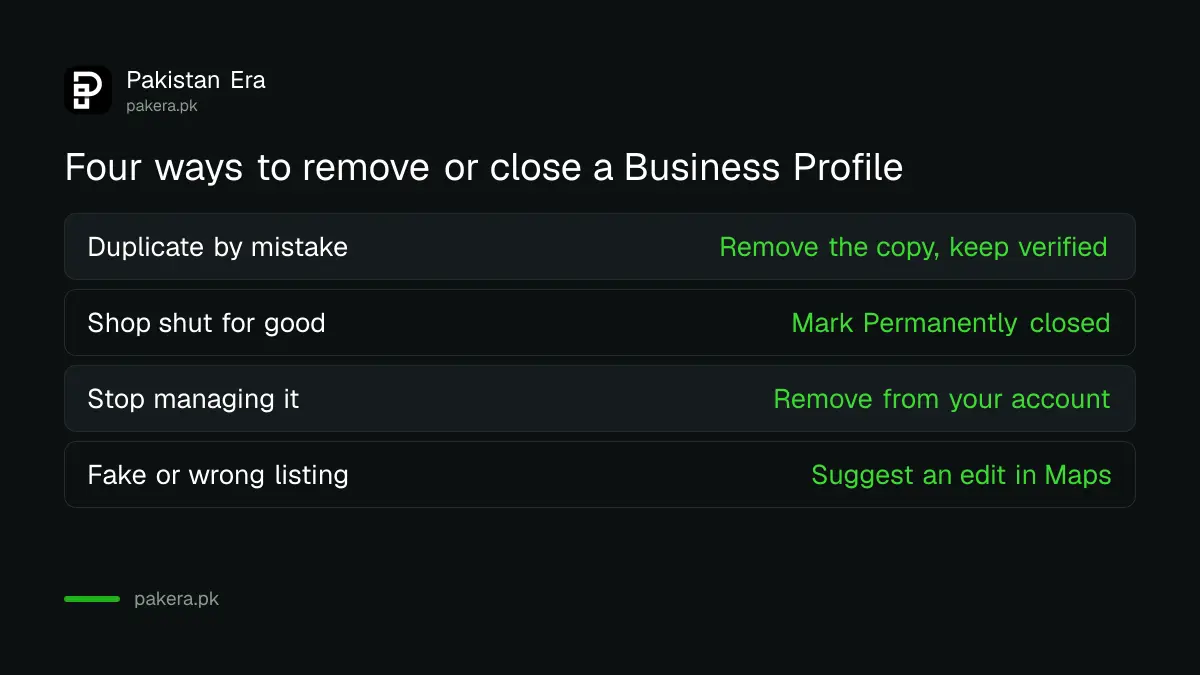
Google gives four separate tools, and each does a different job. Removing a profile from your account does not take it off Maps. Marking it closed keeps it visible with a closed label. Choose by what you want customers to see.
| Your situation | Use this | What customers see after |
|---|---|---|
| You made a second copy of your verified profile by mistake | Remove the duplicate | Only your verified profile |
| Your shop has shut for good | Mark as Permanently closed | The listing with a closed label, fading over time |
| Your shop is shut for more than 7 days, or for the season | Mark as Temporarily closed | A "Temporarily closed" label |
| You no longer want to manage the profile | Remove the profile from your account | The listing may still show |
| A listing is fake, or the place does not exist | Request removal in Google Maps | Removed, if Google approves |
If your shop has only moved, do not delete anything. Google says to update the address on the existing profile instead of making a new one, so you keep your reviews.
Remove a duplicate profile without touching your verified one
Google allows one Business Profile per business. A duplicate does not show on Search or Maps. If you created a copy of a profile you already verified, Google says you can remove the copy without affecting the verified listing.
Be careful about which one you remove. Google warns that removing a duplicate deletes its content and all its linked managers. Open both profiles first and check which one carries the verified badge, the reviews and the photos. Keep that one.
If your two profiles both have reviews, merging is better than deleting. Google says you can report a suggestion in Google Maps to merge two profiles for the same business. Reviews are combined, but your replies to reviews may be lost. Both profiles must be for the same business with the same details, and every merge request is reviewed.
If Google marked your profile a duplicate by mistake, for example two clinics in one building, you can appeal through Business Profile support. Google says both businesses must be eligible and distinct, and where they share a location you need evidence of permanent signage for each. Our guide to fixing a suspended Business Profile covers what Google support usually asks for.
Mark a closed shop as permanently or temporarily closed
Marking a business closed is the honest choice for a shop that has shut. Google says a permanently closed profile may still appear for people who search its name, with a clear closed label. A temporarily closed profile shows "Temporarily closed" and can rank below open shops on broad searches.
- Go to business.google.com and sign in.
- Select Edit profile, then Hours.
- Next to Hours, select Edit.
- Choose Permanently closed or Temporarily closed.
- Select Save.
Google says to use Temporarily closed when you are shut for more than 7 days, for the off season, or indefinitely. For 7 days or less, set special hours instead, as our guide to special holiday hours shows. That covers a shop closing for Eid or a wedding week.
Running several branches? In Business Profile Manager, tick the branches, select Actions, then Mark as temporarily closed or Mark as permanently closed, and confirm.
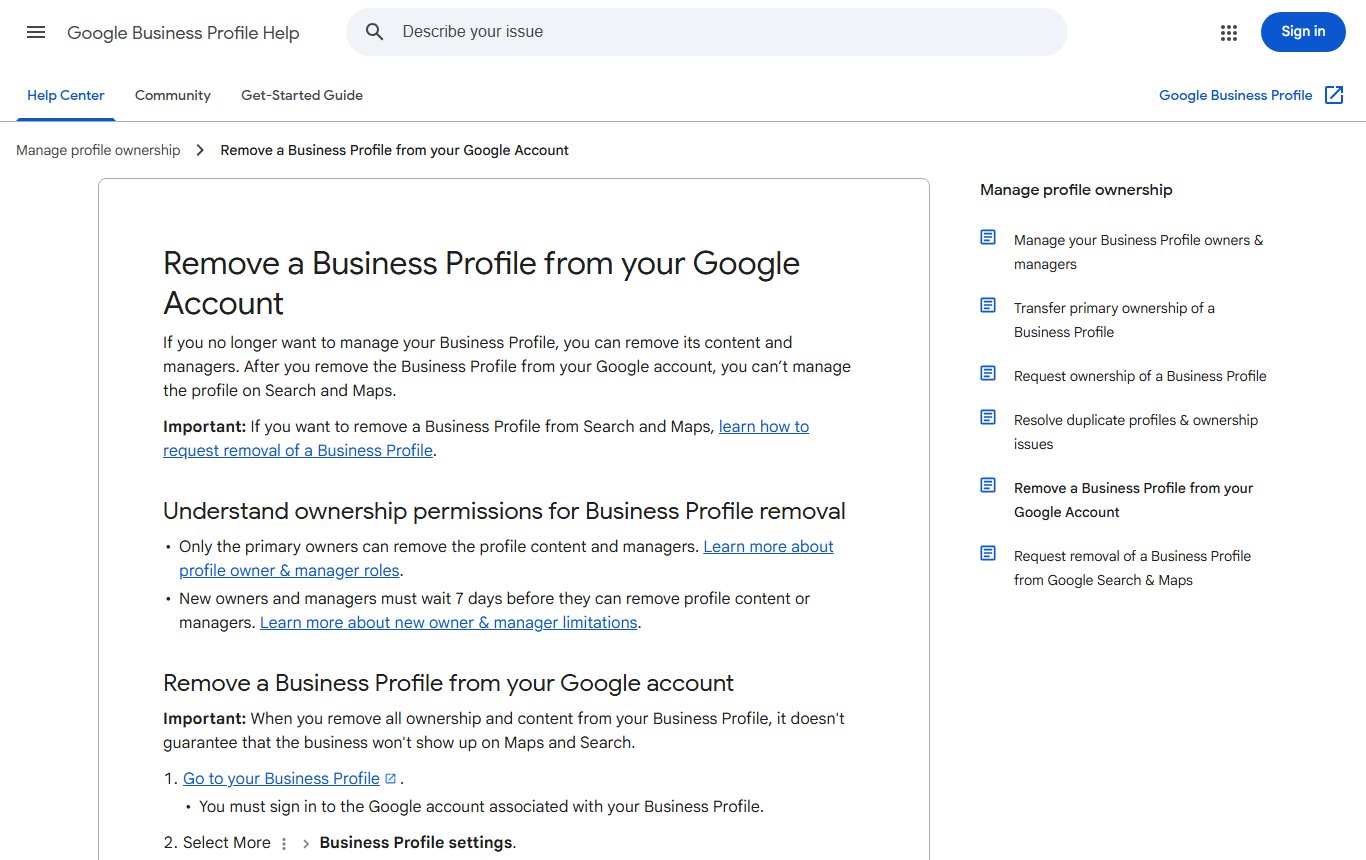
Remove a Business Profile from your Google Account
This route stops you managing the profile. It does not delete the business from Google. Google says removing all ownership and content does not guarantee the business will not show on Maps and Search, and that removal is permanent for every owner and manager.
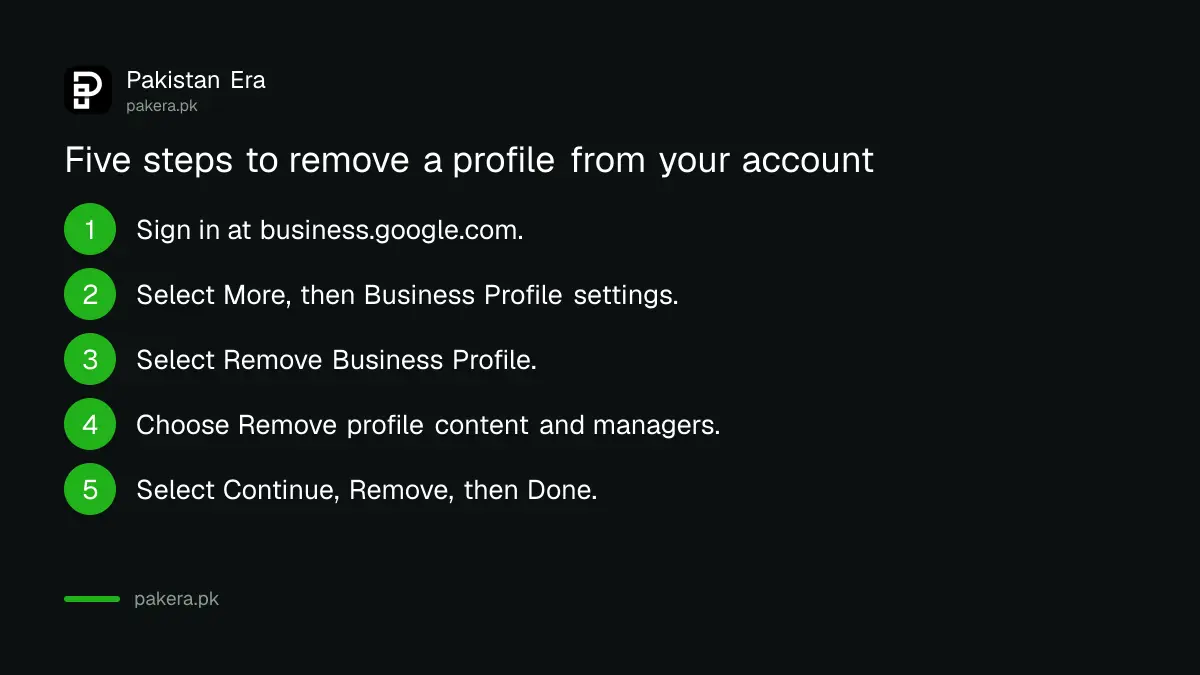
- Go to business.google.com and sign in to the account linked to the profile.
- Select More, then Business Profile settings.
- Select Remove Business Profile, then Remove profile content and managers.
- To show the shop is shut, turn on Mark your business as permanently closed.
- Select Continue, then Remove, then Done.
Three rules apply. Only primary owners can do this. New owners and managers must wait 7 days. And once removed, the content cannot be recovered: you must verify the profile again to manage it. Your posts, photos, videos and review replies are deleted, while customer reviews and photos stay.
If you only want to step away and leave a partner in charge, do not remove the profile. Transfer primary ownership or remove yourself instead, so the other managers keep access. If someone else holds the profile, see our guide to requesting access to a claimed profile.
Ask Google to remove a fake or wrong listing from Maps
Anyone signed in to a Google Account can ask Google to remove a listing, even without owning it. Google says a listing can be removed if it never existed or is not eligible to be on Google. This is the route for a fake shop using your name, or a listing pinned on your house.
- Sign in and open Google Maps on the web or in the app.
- Select the business on the map.
- Click Suggest an edit, then Place is closed or not here.
- Choose the option that fits, such as Doesn't exist here or Offensive, harmful, or misleading.
- Click Submit, then watch your email for follow-up questions.
Google does not give a time frame for these reviews. It says only that the business is removed from Search and Maps if the request is approved. For wrong names, phone numbers or websites, or fraud on Maps, Google points to its business redressal complaint form instead. If a fake listing is being used to demand money for removing bad reviews, read our guide to the Google review extortion scam.
Before you delete, save what you will lose
A deleted profile takes its photos, posts and replies with it. Download your best photos and note your performance figures first. Our guide to Business Profile performance shows where the calls and views data sit. If you plan to reopen under a new name, Google says not to reopen the old listing: add a new business and verify it.
Common questions
How do I delete my Google Business Profile permanently?
Go to Business Profile settings, select Remove Business Profile, then Remove profile content and managers. This removes you, but Google says the listing may still show on Maps and Search.
Will marking my shop permanently closed remove it from Google Maps?
Not at once. Google says it may still appear for people searching its name, with a closed label, and slowly drops out of results.
How do I remove a duplicate Google Business Profile?
If you made the copy by mistake, remove it in Business Profile Manager and keep the verified profile. If both have reviews, ask for a merge through Suggest an edit in Google Maps.
Can I remove someone else's fake listing of my business?
You can ask. In Google Maps, open the listing, choose Suggest an edit, then Place is closed or not here, and pick Doesn't exist here or Offensive, harmful, or misleading.
Why can I not see the Remove Business Profile option?
Only primary owners can remove a profile, and new owners and managers must wait 7 days. Check your role in the profile's managers list.
Do customer reviews disappear when I remove my profile?
No. Google says user content and reviews remain. Your own posts, photos, videos and review replies are deleted.
How we verified this
What we checked, where we read it, and what we could not confirm.
Last checked 9 November 2026. Sources: Google Business Profile Help, Remove a Business Profile from your Google Account, Mark your business as closed, Request removal of a Business Profile from Google Search and Maps and Resolve duplicate profiles and ownership issues. New to listings? Start with our guide to putting your shop on Google Maps.
About the author

Founder and Editor
Umer Kureshi founded Pakistan Era in July 2024 and runs it as administrator, SEO lead and writer, overseeing website operations, search growth, content strategy and coverage of technology and current affairs.