How to Reset Instagram Suggested Content in Pakistan and Start Your Feed Fresh
Reset Instagram suggested content in Pakistan: what it clears in Explore, Reels and Feed, the 4 app steps, lighter tools such as Not interested, and what stays.
Short answer: In the Instagram app, go to your profile, open the menu, then Content preferences, and tap Reset suggested content. Instagram says this clears what it recommends in Explore, Reels and Feed so it can start fresh. Your follows, posts and messages stay as they are.
You watch one angry video, one cooking reel and one cricket clip, and for a week your Instagram feels like a different app. Some people in Pakistan also find their feed filling with content they never asked for. Instagram has a reset button for that, and it is easy to miss.
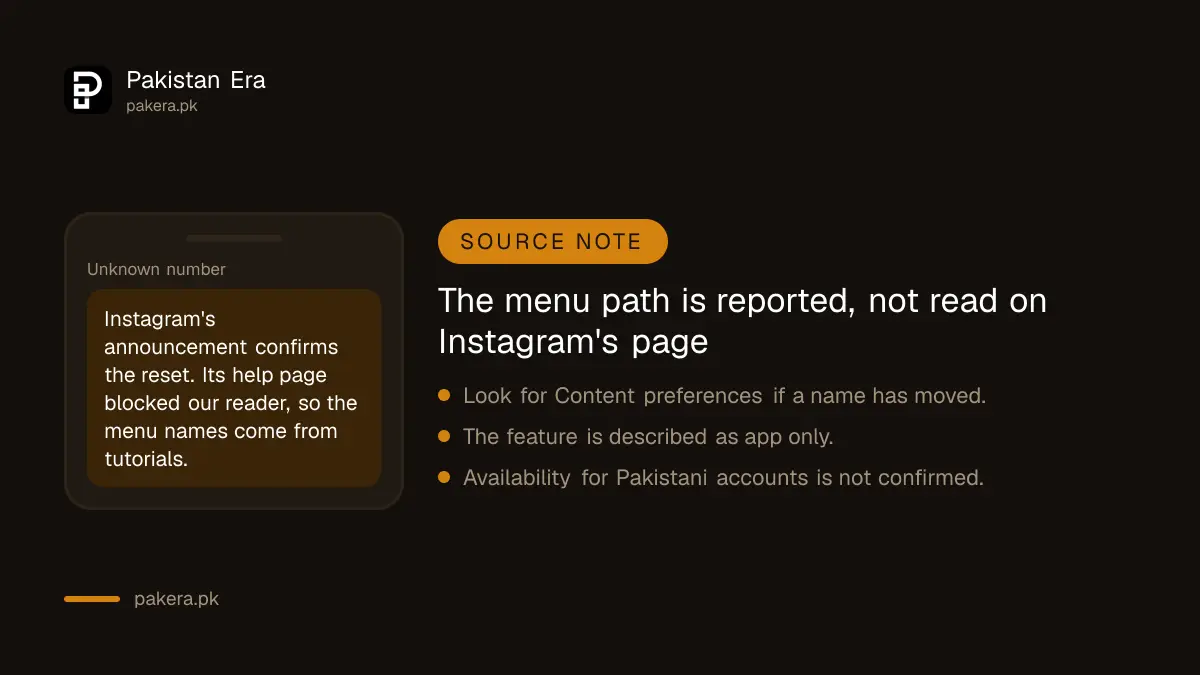
We read Instagram's own announcement of the feature on 13 October 2026. It confirms what the reset does. Instagram's help pages blocked automated readers, so the exact menu names below are as widely reported and may differ slightly in your app version. We say so where it matters.
The reset clears recommendations, not your account
Instagram describes the reset as a way to clear your recommended content across Explore, Reels and Feed and start fresh. You are not deleting posts, followers or chats. The app simply forgets what it learned about your taste and begins again.
Instagram's announcement, dated 19 November 2024, said it started testing the feature for everyone, teens included, and that it would roll out globally soon. Recommendations then personalise again over time, based on the content and accounts you interact with.
That means a reset is not a one time cure. If you go back to watching the same thing, the feed returns to the same place.
The steps are four taps in the app
You can only do this in the Instagram mobile app, according to tutorials we read. It is not a switch on the website. The path below is reported, not read on an Instagram help page, so look for Content preferences if a name has moved.
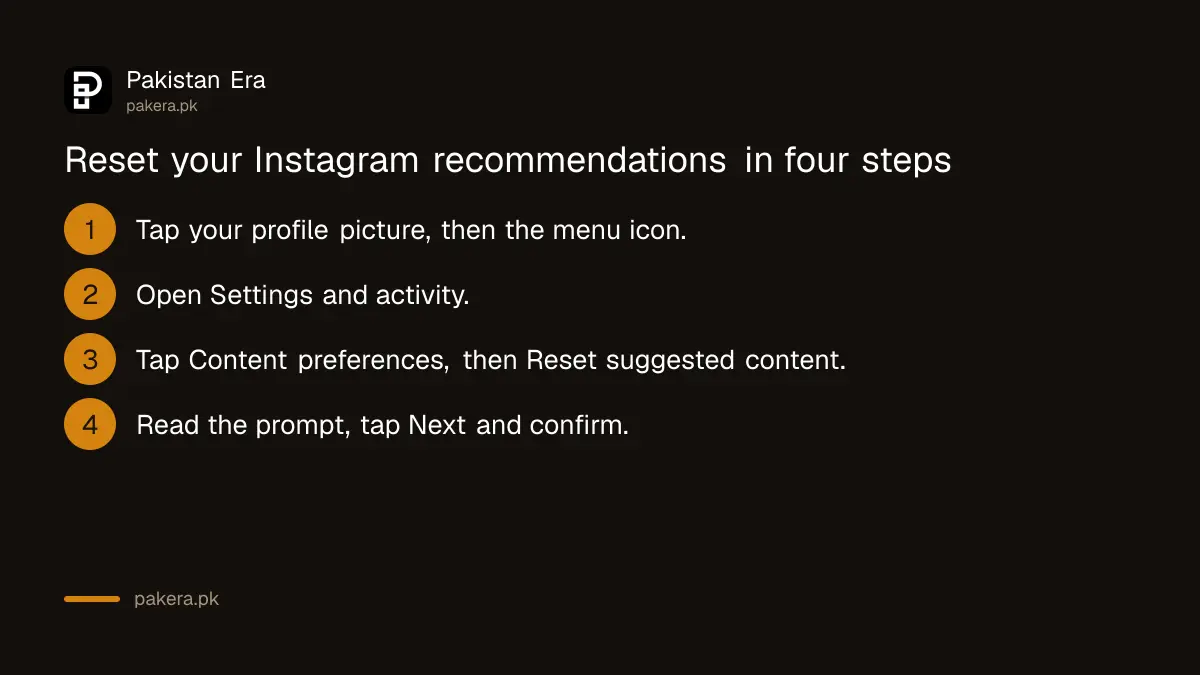
- Open Instagram and tap your profile picture at the bottom right.
- Tap the menu icon at the top right, then Settings and activity.
- Under What you see, tap Content preferences, then Reset suggested content.
- Read the prompt, tap Next, then confirm the reset.
Instagram's announcement adds one useful step: during the reset you can review the accounts you follow and unfollow any that share content you no longer want to see. Do that now, because the follows are what feed the first hours of a new feed.
Smaller tools exist if a full reset feels like too much
A full reset is a big step. If only one topic is the problem, a smaller action may be enough and keeps what you like. Try these first, then reset only if the feed still feels wrong after a week.
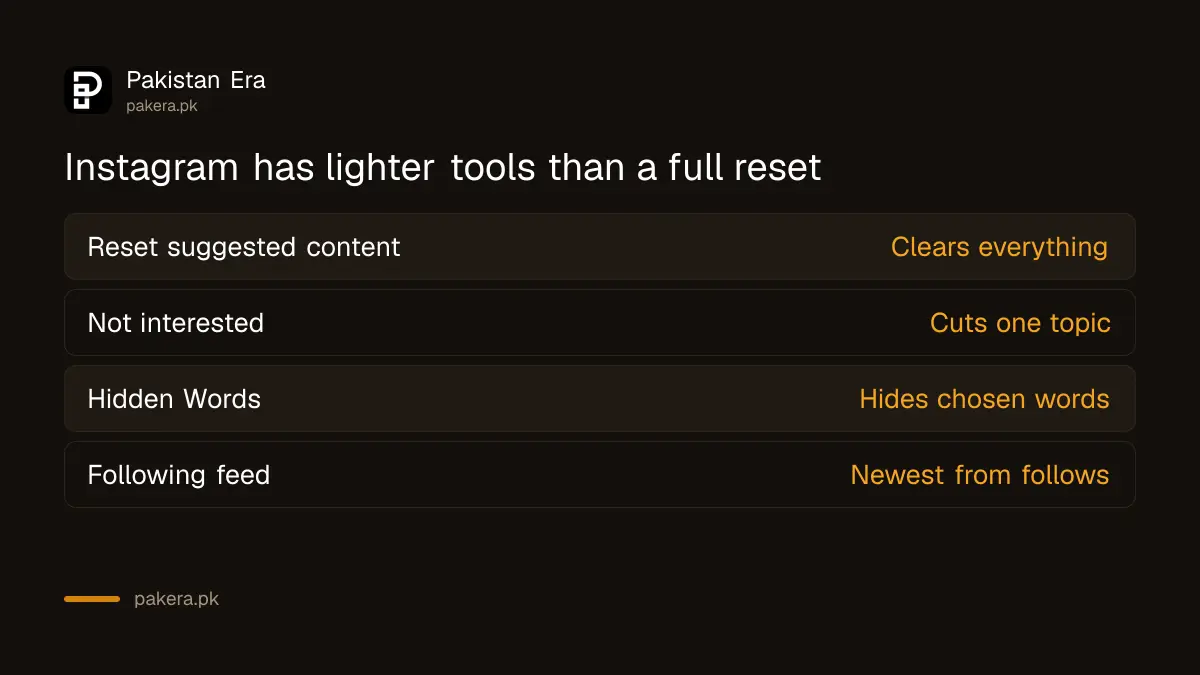
Instagram lists several lighter controls in the same announcement. You can mark a recommended post Interested or Not interested from its three dot menu, hide posts with certain words using Hidden Words, or use the Following feed and Favorites to see only chosen accounts.
| Tool | What it does | Best when |
|---|---|---|
| Reset suggested content | Clears recommendations in Explore, Reels and Feed | The whole feed feels wrong |
| Not interested | Tells Instagram you do not want that type of post | One topic keeps coming back |
| Hidden Words | Hides content with chosen words in the caption | You want to avoid a name or topic |
| Following feed | Shows accounts you follow, newest first | You want no recommendations |
| Favorites | Shows chosen accounts more often and higher | You care about a few accounts |
Parents and teens get the most from it
A feed that no longer matches a teenager is a good moment for a calm chat. Ask what they actually enjoy watching, then reset together and unfollow what no longer fits.
Instagram framed the reset partly as a teen tool, alongside Teen Accounts. A teenager whose feed has drifted can reset it, and a parent can sit with them to review who they follow. It works best as a conversation, not a punishment.
For the supervision side, see the steps for Instagram teen accounts and parental supervision. To limit who can reach your child, use make your Instagram account private and restrict someone.
If you run a page and your own reach has changed, a feed reset on your personal account does not affect it. The rules that do affect creators are in the page on unoriginal content on Facebook and Instagram.
And if the account is no longer something you want at all, the steps to delete or deactivate Instagram in Pakistan are there.
Common questions
Will resetting suggested content delete my followers or posts?
No. Instagram says it clears recommendations. Your follows, posts and messages are not part of the reset.
How long until my feed looks normal again?
Instagram says recommendations personalise again over time. It gives no fixed number of days.
Can I reset suggested content on the Instagram website?
Tutorials we read say it is only in the mobile app. We could not confirm this on an Instagram help page.
Is the reset available in Pakistan?
Instagram said it would roll out globally. We could not verify availability for Pakistani accounts, so look for Content preferences in your app.
Does a reset change the ads I see?
Instagram's announcement does not say. It names Explore, Reels and Feed only.
How we verified this
What we checked, where we read it, and what we could not confirm.
Last checked on 13 October 2026, Pakistan time. We read Instagram's announcement, Reshape Your Instagram With a Recommendations Reset, dated 19 November 2024. We could not open Instagram's help page, so the menu path is reported by tutorials rather than read on Instagram's own page, and we did not test it on a Pakistani account.
About the author

Technology Journalist & Multimedia Producer
Ahmad Ali is a technology journalist and multimedia producer at Pakistan Era, joining the team in October 2026. He covers consumer technology and digital life for Pakistani readers, combining research with hands-on product testing.