Turn On Google Advanced Protection in Pakistan: Who Needs It and How to Enrol
Google Advanced Protection needs a passkey or FIDO key, blocks risky downloads and limits app access. See who needs it in Pakistan and how to enrol safely.
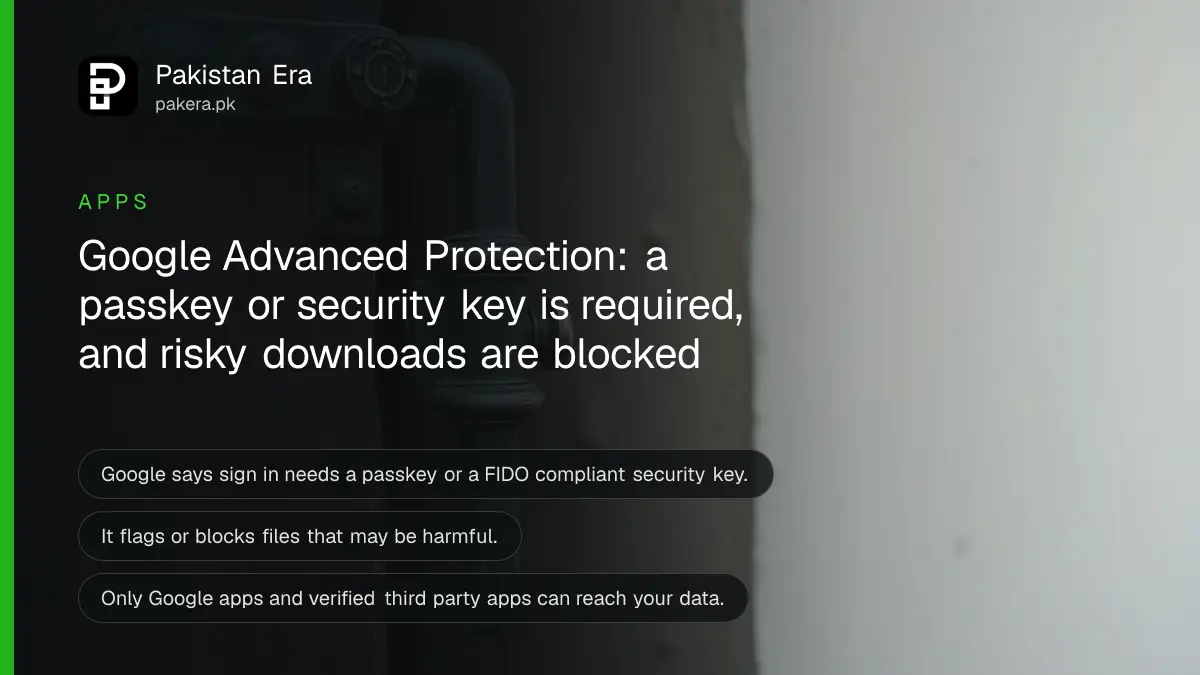
Short answer: Google's Advanced Protection Program is a stricter mode for a Google account. It needs a passkey or a FIDO security key to sign in, blocks risky downloads and limits which apps can see your account data. Journalists, activists, lawyers and anyone targeted by hackers should turn it on. Most people do not need it.
Most hacked accounts in Pakistan are lost to a fake login page and a stolen password. Advanced Protection is built to stop exactly that. It is also stricter, and it can lock you out if you set it up carelessly. This guide helps you decide, and then walks you through it.
We read Google's Advanced Protection Program page on 13 October 2026. What we attribute to Google below comes from that page. The checklist for setting up is our own plain order of the steps.
Advanced Protection is for people who are targeted
Google says the programme is for users with high visibility and sensitive information who face targeted online attacks. Its own examples include human rights activists, political campaign staff and people in sensitive roles.
In Pakistan that can include reporters, lawyers, rights workers, party staff, and officials. It can also be a business owner whose email controls a company bank account. A normal user with a strong password and two step checks is already well protected.
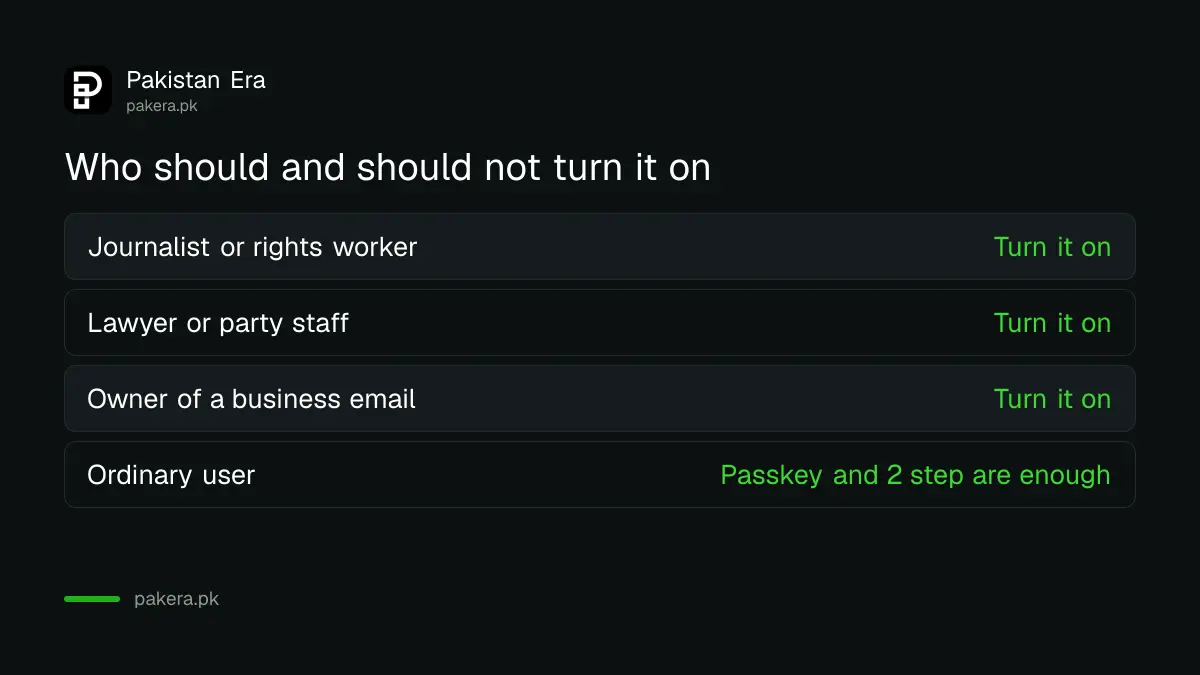
If you are not sure, ask one question.
Would a stranger gain a lot by breaking into this one Google account? If yes, turn it on. Would a stranger gain a lot by breaking into this one Google account? If yes, turn it on.
It adds three protections to your Google account
Google lists three main protections. Each one closes a different door that attackers use.
| Protection | What Google says it does |
|---|---|
| Phishing defence | Requires a passkey or a security key to verify your identity and sign in |
| Download safety | Flags, or even blocks, files that may be harmful |
| Data access control | Lets only Google apps and verified third party apps reach your account data |
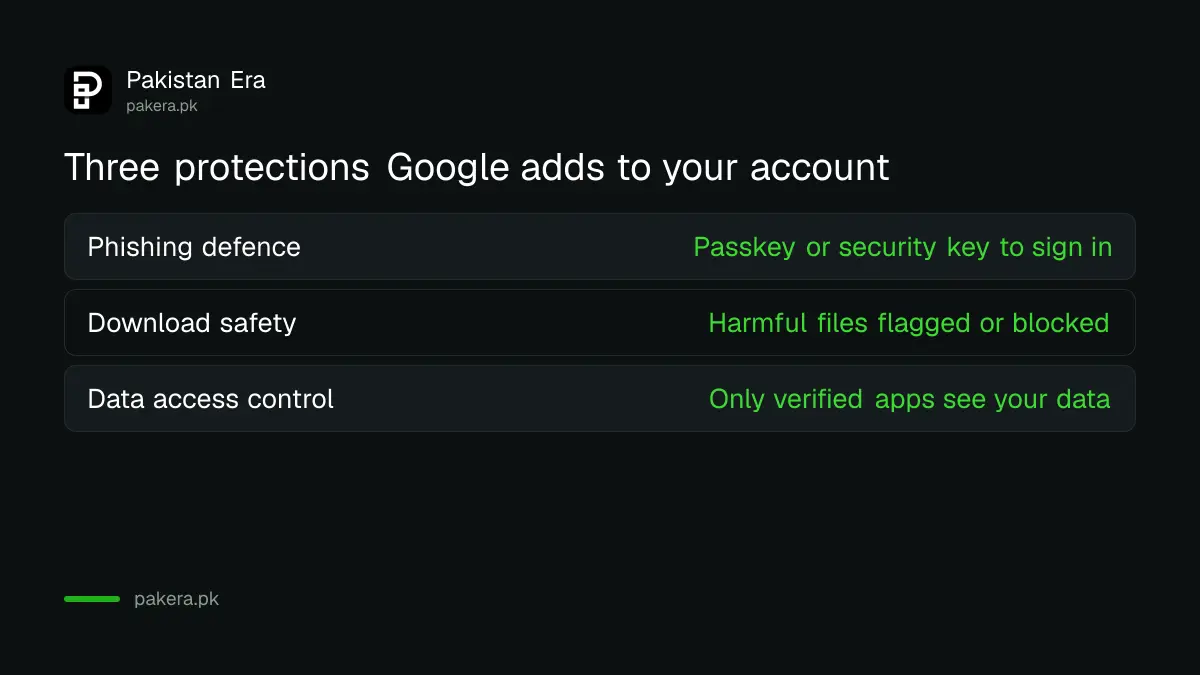
The first one is the big one. A fake login page cannot copy a passkey or a hardware key, so a stolen password alone is useless to an attacker. The code that arrives by SMS is not used at all.
You need a passkey or a security key first
Google says you enrol with a passkey or any FIDO compliant security key, such as a Google Titan key. A FIDO key is a small USB or NFC device that proves you are present. A passkey lives on your phone and uses your fingerprint or face.
If you do not own a hardware key, a passkey on your phone is enough to start. Our guide to setting up a passkey on your Google account shows the steps. You should also set up a second way in, which is explained in the next section.
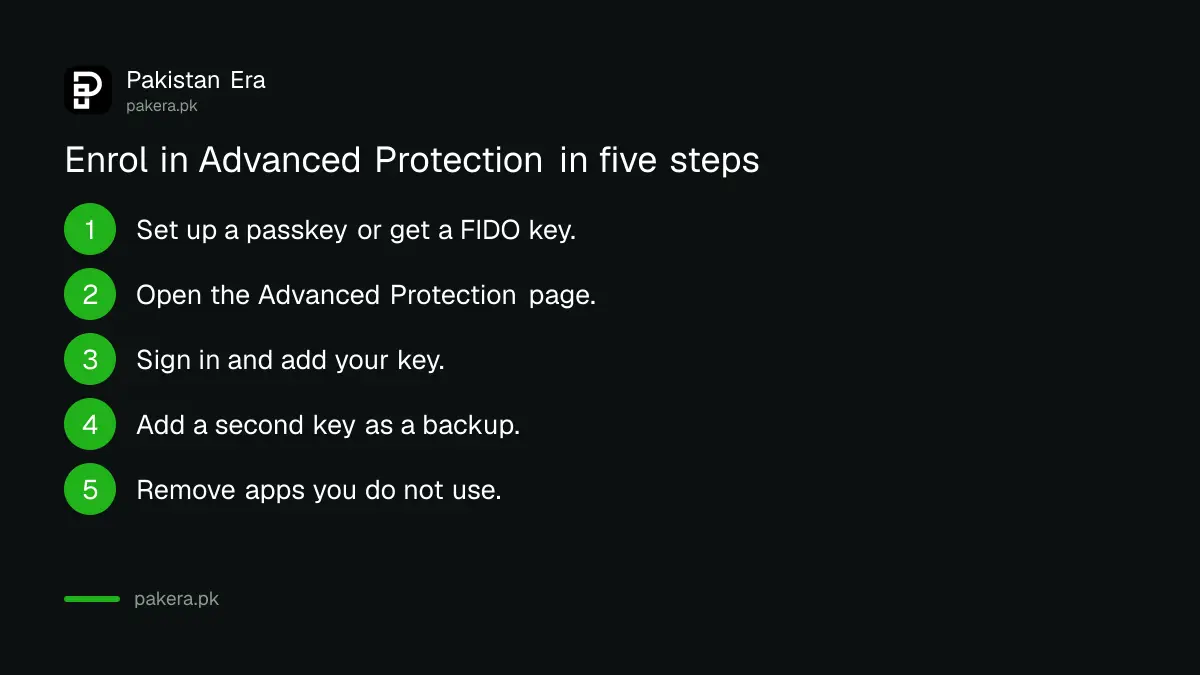
- Set up a passkey on your phone, or get a FIDO security key.
- Open Google's Advanced Protection page and choose to get started.
- Sign in and follow the prompts to add your passkey or key.
- Add a second key or passkey as a backup.
- Review the apps connected to your account and remove any you do not use.
Plan for the stricter rules before you enrol
Advanced Protection makes some things harder on purpose. Apps that are not verified may lose access to your Gmail or Drive. Some downloads will be blocked, and you may need to ask for a manual review of a file.
Do these three things first, so that the strict mode does not catch you by surprise.
First, keep a backup key or a second passkey in a safe place. If you lose your only key, getting back into the account can be slow and hard. Our page on recovering a Gmail account explains the normal recovery steps, and that is without the stricter rules.
Second, check which apps use your Google login, for example an email app or a calendar tool. Remove the ones you do not use. See our page to check who is signed in to your Google account.
Third, move your passwords to a manager and your logins to passkeys where you can. Our guide to moving your passwords and passkeys covers it.
Common questions
Is Google Advanced Protection free?
Google's page lists no charge for the programme. A hardware security key costs money if you choose to buy one, and that is optional because a passkey can be used.
Do I need a hardware key?
No. Google says you can enrol with a passkey or any FIDO compliant security key.
Will it work on my Android phone in Pakistan?
Google's page does not list a Pakistan restriction. Check by starting the enrolment with the Google account you use on the phone.
What if I lose my key?
Use your backup key or passkey. If you have none, recovery is harder, so add a second one before you rely on the first.
Should an ordinary user turn it on?
Usually not. A strong password, a passkey and two step verification are enough for most people. Choose this if you are a likely target.
How we verified this
What we checked, where we read it, and what we could not confirm.
Last checked on 13 October 2026, Pakistan time. The description of who it is for, the three protections and the passkey or FIDO key requirement are from Google's Advanced Protection Program page. We did not enrol a test account or confirm Pakistan availability beyond the absence of a restriction on that page. The effect of losing a key and of blocked downloads is general guidance, so read Google's enrolment screens in full before you accept.
About the author

Technology Journalist & Multimedia Producer
Ahmad Ali is a technology journalist and multimedia producer at Pakistan Era, joining the team in October 2026. He covers consumer technology and digital life for Pakistani readers, combining research with hands-on product testing.