How to Turn On WhatsApp Strict Account Settings in Pakistan, and Who Needs It
Turn on WhatsApp Strict account settings in Pakistan: Settings, Privacy, Advanced. See what it blocks, what you lose and who should use this lockdown mode.
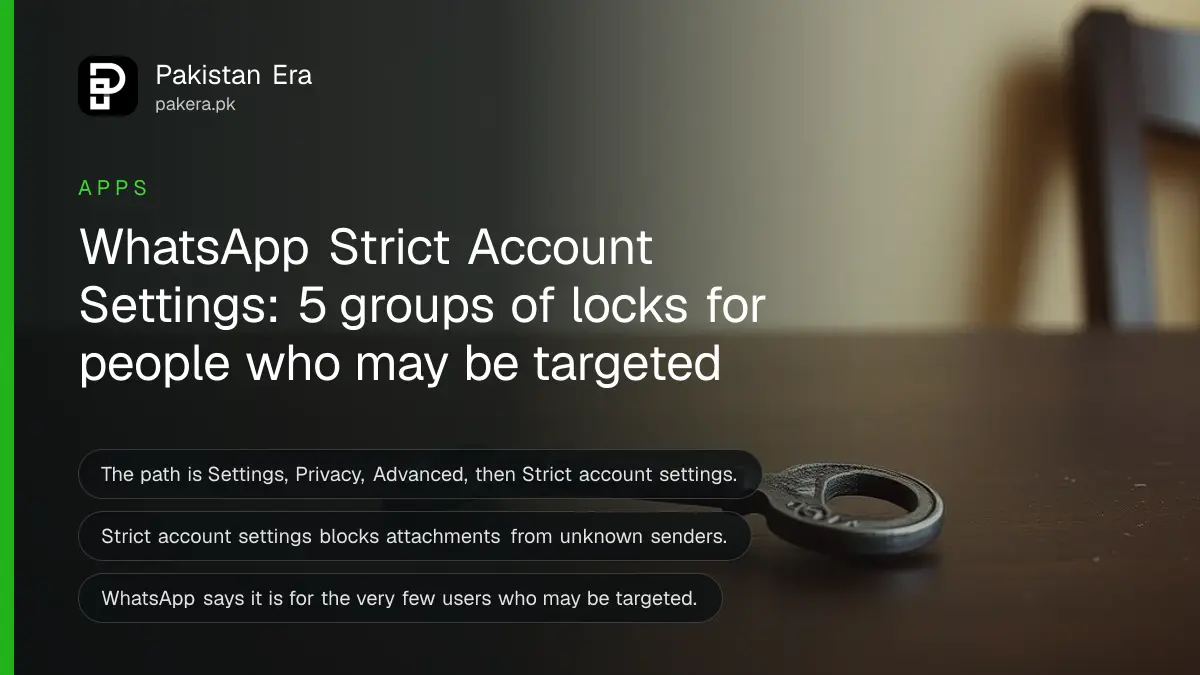
Short answer: Open WhatsApp, go to Settings, Privacy, then Advanced, and switch on Strict account settings. It is a lockdown mode. It blocks attachments from unknown senders, turns off link previews, silences unknown callers and limits who can see your profile or add you to groups. Turn it on only if you may be targeted.
Picture a reporter in Karachi who gets a message from a number she does not know. It carries a small file with a polite note. She opens it, and her phone now belongs to somebody else. Strict account settings exists for exactly this kind of attack, and almost nobody in Pakistan has heard of it.
We read WhatsApp's own Help Center page "How to use Strict account settings" on 12 October 2026, for both Android and iPhone. We did not turn the setting on in a live account for this page, so the taps below are WhatsApp's, not ours.
Strict account settings is a lockdown mode for WhatsApp
WhatsApp describes it as an optional, lockdown-style security feature. It reduces your risk from cyber attack by limiting what the app does. Your account is locked to more private settings, and chats with people outside your contacts have limits. WhatsApp says it is built for very few users.
The wording on the help page is blunt. Most people are not targeted by sophisticated attacks, so you should only turn it on if you think you may be. That is a good test. If you are a journalist, a lawyer, a campaigner or someone with a public profile, read on. If you mostly chat with family, the normal privacy settings are enough.
What the setting changes on your account
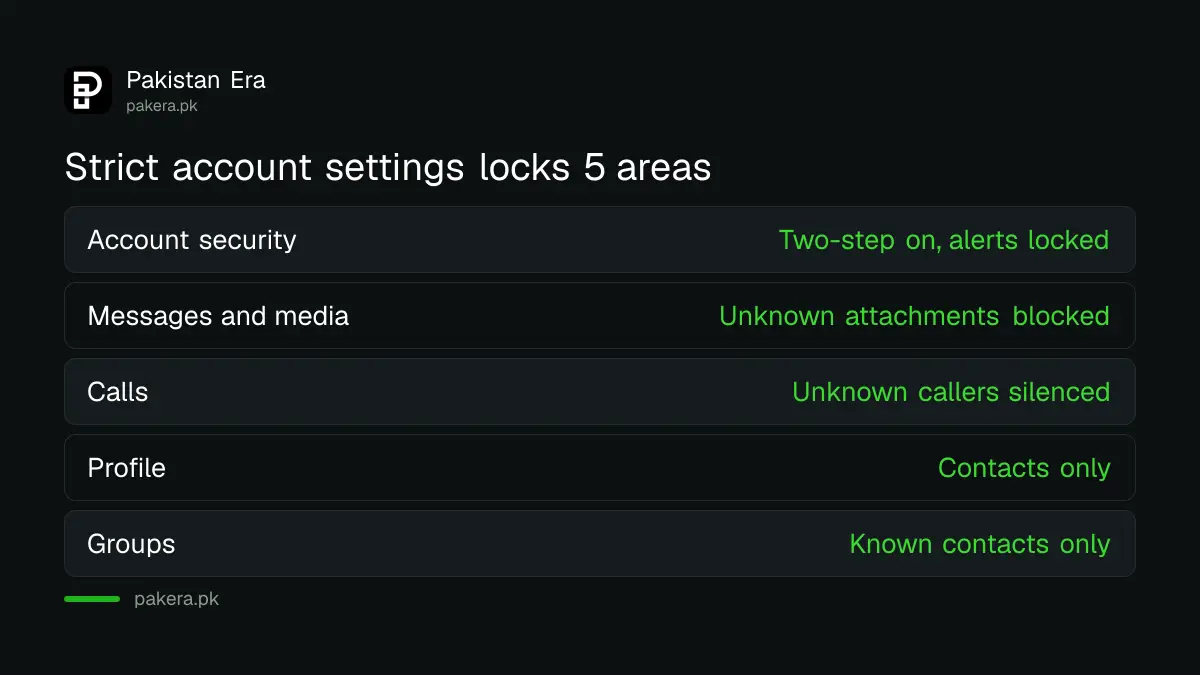
WhatsApp lists five groups of changes: account security, messaging and media, calls, profile and presence, and groups. In short, it blocks unknown senders, hides your details from strangers and switches on protections you could otherwise miss.
| Area | What WhatsApp says it does |
|---|---|
| Account security | Turns on two-step verification and locks security notifications on. Encourages encrypted backups |
| Messages and media | Blocks attachments and media from unknown senders, turns off link previews, blocks high volumes of messages from unknown accounts |
| Calls | Silences calls from unknown numbers and hides your IP address during calls |
| Profile | Locks last seen and online, profile photo, About and profile links to contacts or a smaller list you chose |
| Groups | Only known contacts, or a smaller list you chose, can add you to groups |
Two parts deserve a closer look. Hiding your IP address in calls means a caller cannot work out roughly where you are from the call. Blocking unknown attachments closes the door used by many fake file and APK attacks.
How to turn it on or off on Android and iPhone
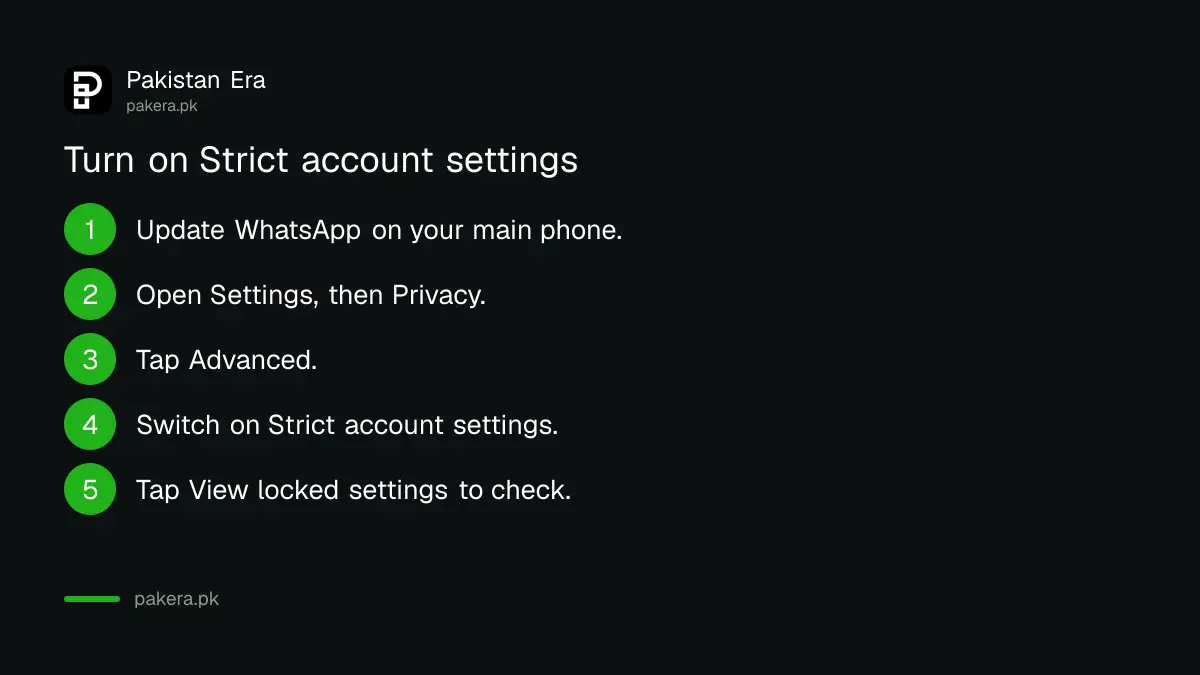
On Android, tap the three dots, then Settings, Privacy, Advanced, and switch on Strict account settings. On iPhone, tap Settings, Privacy, Advanced, then switch it on. You can only turn it on or off from your primary phone.
- Update WhatsApp from the Play Store or App Store.
- Open WhatsApp on the phone that holds your number.
- Go to Settings, then Privacy, then Advanced. On Android, tap the three dots first.
- Tap Strict account settings to turn it on.
- To see what is locked, open Strict account settings and tap View locked settings.
To turn it off, use the same path and switch it off. WhatsApp's page says the setting can be changed only from the primary device, so a linked computer cannot do it.
What you give up when you turn it on
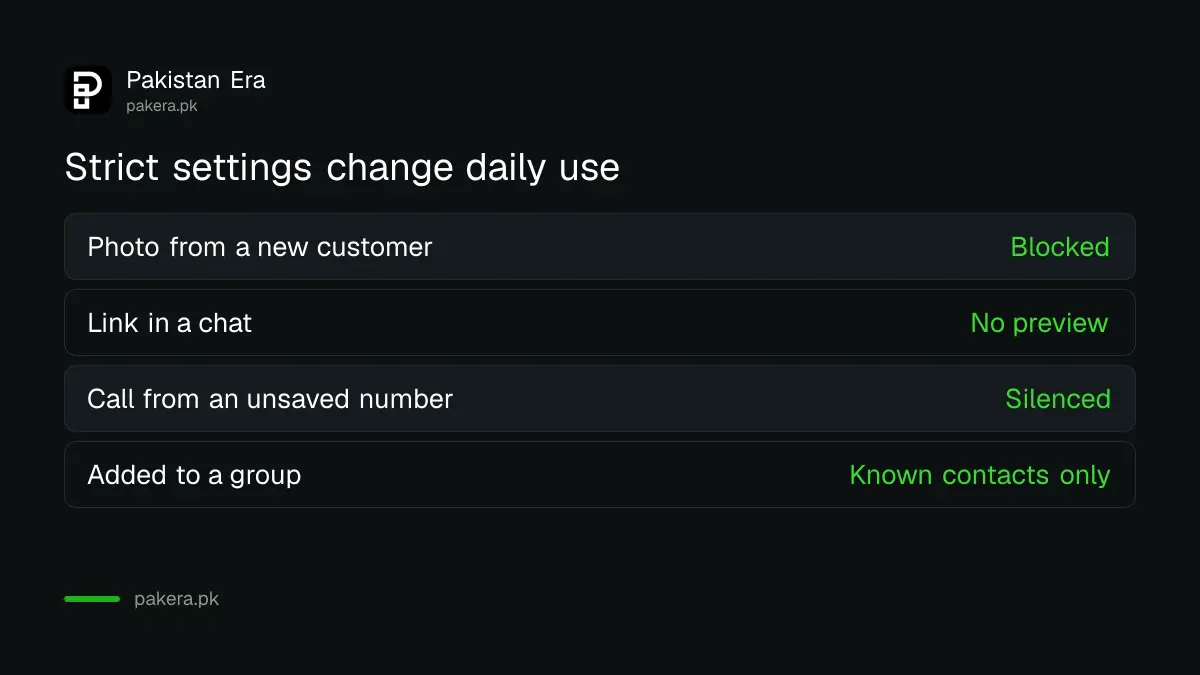
You lose convenience. Files and photos from people not in your contacts will not arrive. Links will show no preview. Calls from unknown numbers will not ring. If you run a small shop and take orders from new customers, this setting will get in your way.
That is a fair reason to keep it off. WhatsApp itself says the feature limits functionality on purpose. A seller who needs photos from strangers, or a parent waiting for a call from a school number not saved in the phone, should think before switching it on.
| Everyday task | With Strict account settings on |
|---|---|
| A new customer sends a photo | Blocked if they are not in your contacts |
| A link arrives in a chat | No preview is shown |
| An unsaved number calls you | The call is silenced |
| Someone adds you to a group | Only if they are a known contact or on your chosen list |
| A stranger checks your last seen | Locked to contacts or your chosen list |
Settings to set first if lockdown is too strict
You can copy most of the protection one setting at a time. Silence unknown callers, limit who can add you to groups, hide last seen from everyone you do not know, and add a passkey. These steps give most of the safety with fewer losses.
- Run the WhatsApp privacy checkup and silence unknown callers.
- Set a WhatsApp passkey so a scam caller cannot use a code.
- Turn on two-step verification with a strong password.
- Remove any computer you do not know from your linked devices.
If your account is already taken over, our guide on how to recover a hacked WhatsApp account covers the steps. And a caller who asks for a six-digit code is the problem behind the fake courier code scam, so no setting replaces saying no.
Common questions
What is Strict account settings on WhatsApp?
It is an optional lockdown-style mode. It turns on stricter privacy and security controls and limits some features, so a sophisticated attack has less to work with.
Where do I find Strict account settings?
Go to Settings, then Privacy, then Advanced. On Android, tap the three dots first to reach Settings. The switch is called Strict account settings.
Should an ordinary user turn it on?
Probably not. WhatsApp says it is for the very few users who may be targeted by sophisticated cyber attacks, and most people are not.
Can I turn it on from WhatsApp Web or my computer?
No. WhatsApp says you can only turn it on or off from your primary device, which is the phone with your number.
Does it stop calls from unknown numbers?
It silences them. WhatsApp says calls from unknown numbers are silenced, and your IP address is hidden during calls.
Will I lose my chats if I turn it on?
WhatsApp does not say so. Its page describes limits on features and on contact from unknown senders, not deleted chats.
How we verified this
What we checked, where we read it, and what we could not confirm.
We read WhatsApp's Help Center pages "How to use Strict account settings" for Android and iPhone, and "How to change your privacy settings", on 12 October 2026, at faq.whatsapp.com. The pages carry no publication date, so we cannot say when the feature reached Pakistan. We did not test the setting on a live account. Menu names can change between app versions.
About the author

Technology Journalist & Multimedia Producer
Ahmad Ali is a technology journalist and multimedia producer at Pakistan Era, joining the team in October 2026. He covers consumer technology and digital life for Pakistani readers, combining research with hands-on product testing.