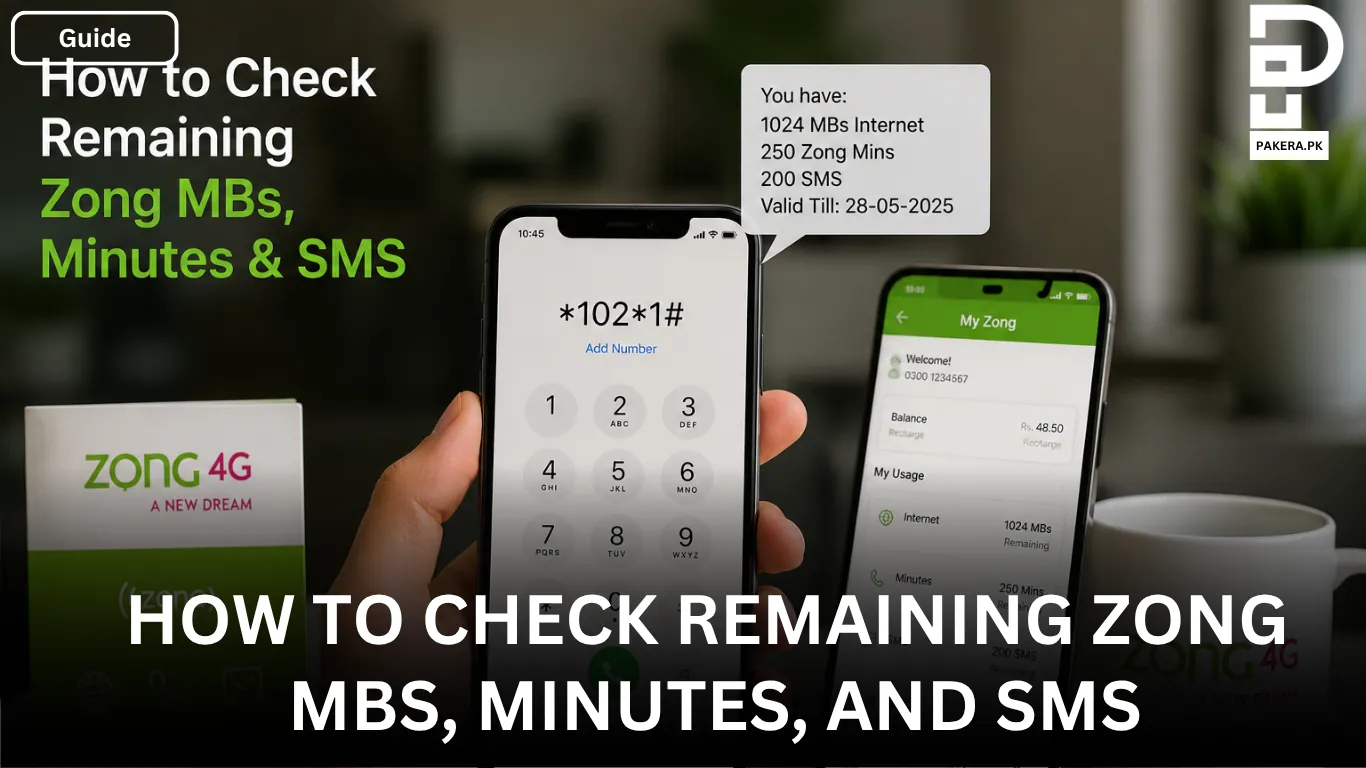
If you are using Zong and want to keep track of your remaining internet MBs, call minutes, and SMS, then the process is very simple. Whether you prefer using a quick code or checking everything through an app, Zong provides both offline and online methods for users.
Sometimes people run out of data or minutes unexpectedly because they forget to check their remaining resources. That is why it is helpful to know the easiest ways to monitor your package details anytime.
In this guide, you will learn how to check your remaining Zong MBs, minutes, and SMS step by step.
How to Check Remaining Zong MBs, Minutes, and SMS
There are two simple methods you can use to check your remaining resources on Zong:
- Offline method through a USSD code
- Online method through the My Zong App
Both methods are easy and only take a few seconds.
Check Remaining Zong MBs, Minutes, and SMS Using USSD Code
The fastest way to check your remaining package details is by using a USSD code directly from your mobile phone.
Simply dial:
*102*1#After dialing the code, your remaining MBs, minutes, and SMS will appear on your mobile screen instantly.
This method works without needing an internet connection, which makes it useful when you do not have mobile data available.
Why Many Users Prefer the USSD Method
Most Zong users prefer this method because:
- It is quick and simple
- No app installation is needed
- Works on all mobile phones
- Can be used anytime
If you only want to quickly check your remaining resources, this is usually the easiest option.
Check Remaining Zong MBs, Minutes, and SMS Through the My Zong App
Another convenient method is using the official My Zong App.
You can download the app from the Google Play Store or Apple App Store and then log in with your Zong number.
After signing in, the app dashboard will show complete details about your active packages, including:
- Remaining internet MBs
- Remaining call minutes
- Remaining SMS
- Package expiry information
The app provides more detailed information compared to the USSD method and is useful for users who regularly manage multiple packages.
Steps to Use the My Zong App
First, download the My Zong App on your smartphone. After installation, sign up or log in using your Zong number.
Once you open the app, you will see the main portal where all your remaining resources are displayed clearly.
This method is especially useful for users who want a complete overview of their account and package usage.
Which Method Is Better?
Both methods work well, but the best option depends on your situation.
If you want a quick check, the USSD code is faster. However, if you want more details about your packages and usage history, the My Zong App is the better choice.
Many users keep both options in mind so they can use whichever is more convenient at the time.
Frequently Asked Questions
You can dial *102*1# to check your remaining Zong MBs, minutes, and SMS.
Yes, the USSD code method works completely offline and does not require an internet connection.
You can use the My Zong App to check your remaining MBs, minutes, SMS, and package details online.
Yes, the My Zong App is free to download and use for Zong customers.
Conclusion
Checking your remaining Zong MBs, minutes, and SMS is very easy and only takes a few moments. You can either use the quick USSD code *102*1# or manage everything through the My Zong App.
Both methods are useful and help you stay updated about your remaining resources so you can avoid unexpected package expiry or running out of balance.