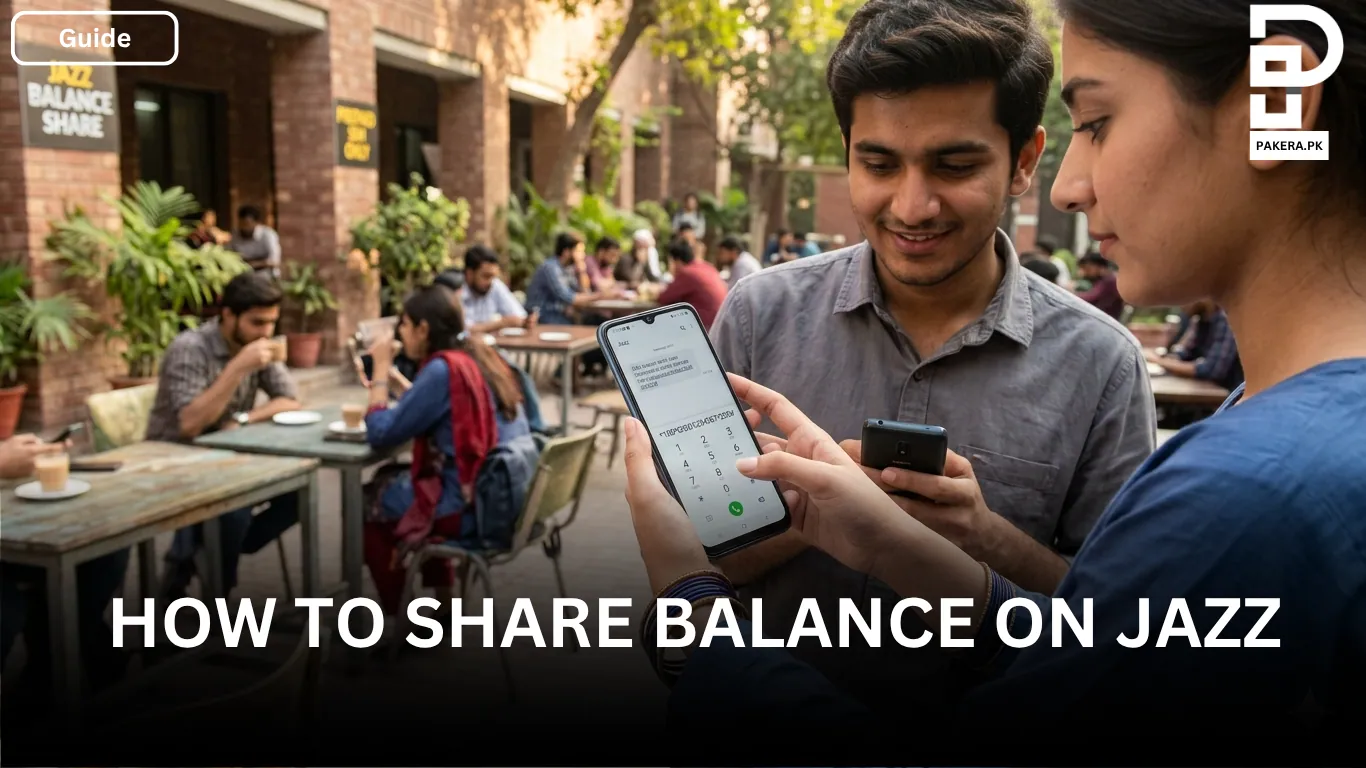
Sometimes your friends or family members run out of mobile balance at the wrong time, and that’s where Jazz balance share becomes useful. If you are a Jazz user, you can easily transfer balance from your number to another Jazz prepaid number within a few seconds.
The process is simple and does not require any extra app or activation. You only need to dial a short code, enter the recipient’s number, add the amount, and send it. This service is especially helpful when someone urgently needs balance for calls, SMS, or internet packages.
In this guide, you will learn exactly how to share balance on Jazz, including the code, limits, charges, and important details you should know before using the service.
How to Share Balance on Jazz
Jazz allows prepaid users to transfer mobile balance directly to another prepaid Jazz number. The method is straightforward and works on almost every mobile phone.
Here’s the step-by-step process:
- Dial
*100* - Enter the recipient’s number
- Add
* - Enter the amount you want to share
- Finish with
#
The complete format looks like this:
*100*03123456789*100#
In this example, 100 PKR is being transferred to the number 03123456789.
After dialing the code, you will receive a confirmation message, and the balance will be transferred instantly if you have sufficient balance available.
Important Things to Know Before Sharing Balance
Before using the Jazz balance share service, there are a few important conditions you should keep in mind.
Service Works Only for Prepaid Users
The Jazz balance share service is available only for prepaid Jazz numbers. If you are using a postpaid SIM, this feature will not work.
Minimum and Maximum Balance Limit
Jazz allows users to transfer balance between:
- Minimum amount: 15 PKR
- Maximum amount: 500 PKR
You cannot send an amount lower or higher than this limit in a single transaction.
Daily Transfer Limit
The daily limit for Jazz balance sharing is 500 PKR. Once you reach this limit, you will need to wait until the next day to transfer more balance.
Service Charges
Jazz deducts service charges whenever you share balance. These charges usually range between 3.99 PKR and 8.60 PKR depending on the transaction and current Jazz policy.
Because of these charges, make sure you have enough balance available before transferring.
Why People Use Jazz Balance Share
Jazz balance sharing is useful in many everyday situations. Sometimes a family member needs urgent balance for an important call, or a friend cannot recharge immediately. Instead of asking them to visit a shop, you can transfer balance instantly from your phone.
The service is also convenient in areas where recharge shops are not easily available. Since the process only requires a simple code, it works even on basic mobile phones without internet access.
Frequently Asked Questions
The Jazz balance share code is:*100*Recipient Number*Amount#
Example:*100*03123456789*100#
No, the balance sharing service only works between Jazz prepaid numbers.
You can share a minimum of 15 PKR.
The maximum amount you can transfer is 500 PKR per day.
Yes, Jazz applies service charges on each balance transfer. The charges usually range from 3.99 PKR to 8.60 PKR.
The balance is usually transferred instantly after confirmation.
Conclusion
Jazz balance sharing is a quick and convenient feature that helps prepaid users send balance to friends and family whenever needed. The process is simple, works on all phones, and only requires a short code to complete the transfer.
As long as you stay within the transfer limits and have enough balance for service charges, you can easily share mobile credit anytime without any hassle.