How to Check Unknown Tracker Alerts on Your Android Phone in Pakistan
Turn on Android unknown tracker alerts in Pakistan: Settings, Safety & emergency, Allow alerts, then Scan now. Learn what an alert shows and what to do next.
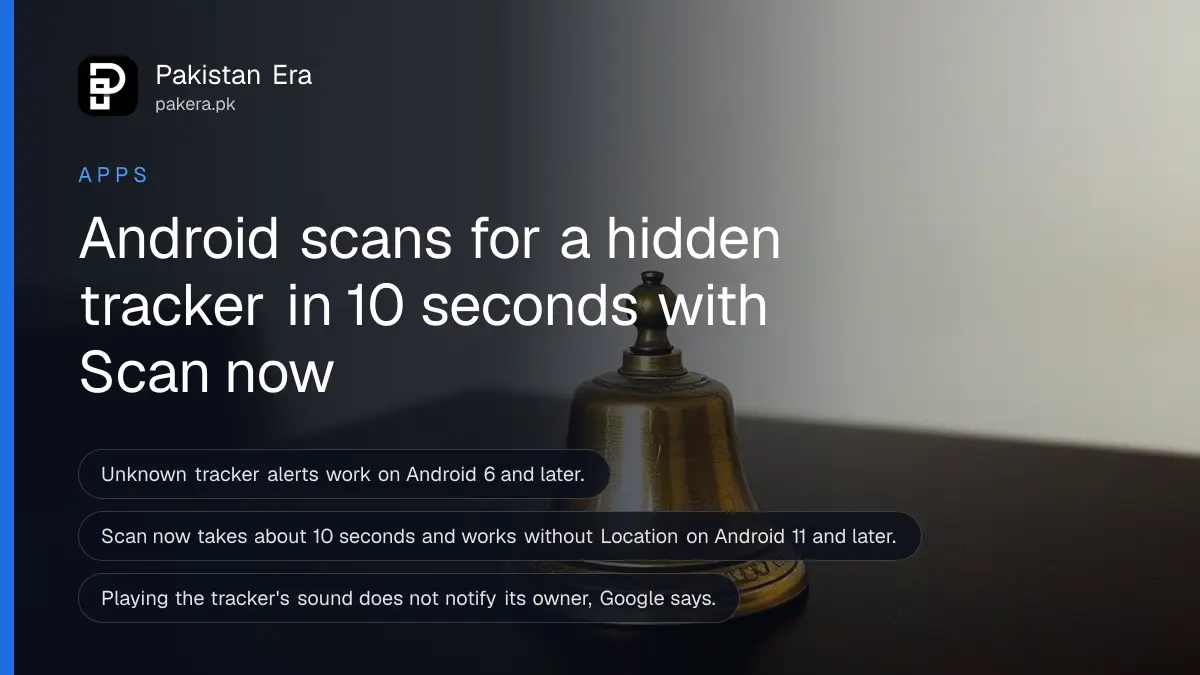
On Android 12 or later, open Settings, then Safety & emergency, then Unknown tracker alerts, and turn on Allow alerts. Tap Scan now to check for a tracker near you. The scan takes about 10 seconds. Your phone must run Android 6 or later, and alerts need Location on.
A small Bluetooth tag in a car, a bag or a coat pocket can show someone where you go. Tags are cheap and easy to buy, and they are sold for finding keys. Google built unknown tracker alerts so your phone warns you if a tag that is not yours keeps moving with you. We read Google's help page for this guide, and the steps and limits below come from it.
Unknown tracker alerts need Android 6 or later and Location on
The feature warns you when a tracker that is not linked to you travels with you. Google says it works on Android 6 and later and arrives through Google Play services updates. Automatic alerts need Location turned on.
Manual scanning is more relaxed. Google says it works without Location on Android 11 and later. Compatible trackers include tags on Google's Find Hub network, some headphones and Apple AirTags.
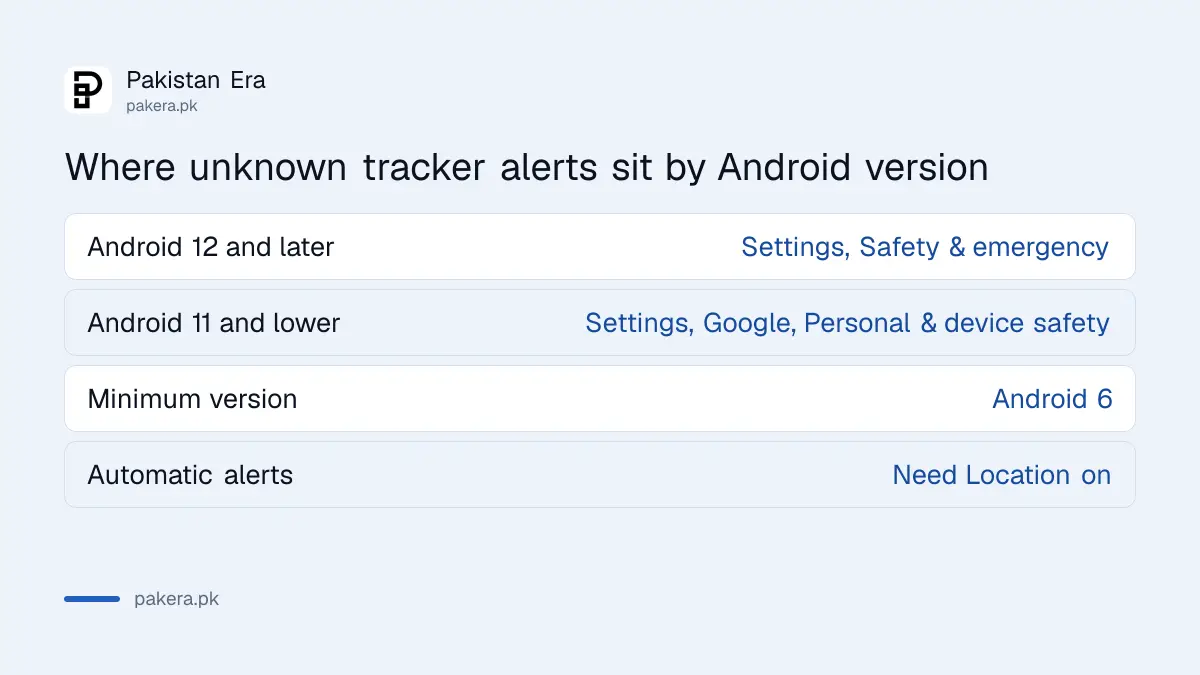
| Android version | Where to find the setting |
|---|---|
| Android 12 and later | Settings, Safety & emergency, Unknown tracker alerts |
| Android 11 and lower | Settings, Google, Personal & device safety, Unknown tracker alerts |
Menu names change by phone brand. If you do not see Safety & emergency, use the search bar in Settings and type "tracker". Update Google Play services and your system first if the option is missing.
Turn on Allow alerts so your phone warns you
Alerts are the passive protection. Once Allow alerts is on, your phone checks in the background and sends a notification if a tracker that is not yours seems to be moving with you. Turn it on now, before you need it.
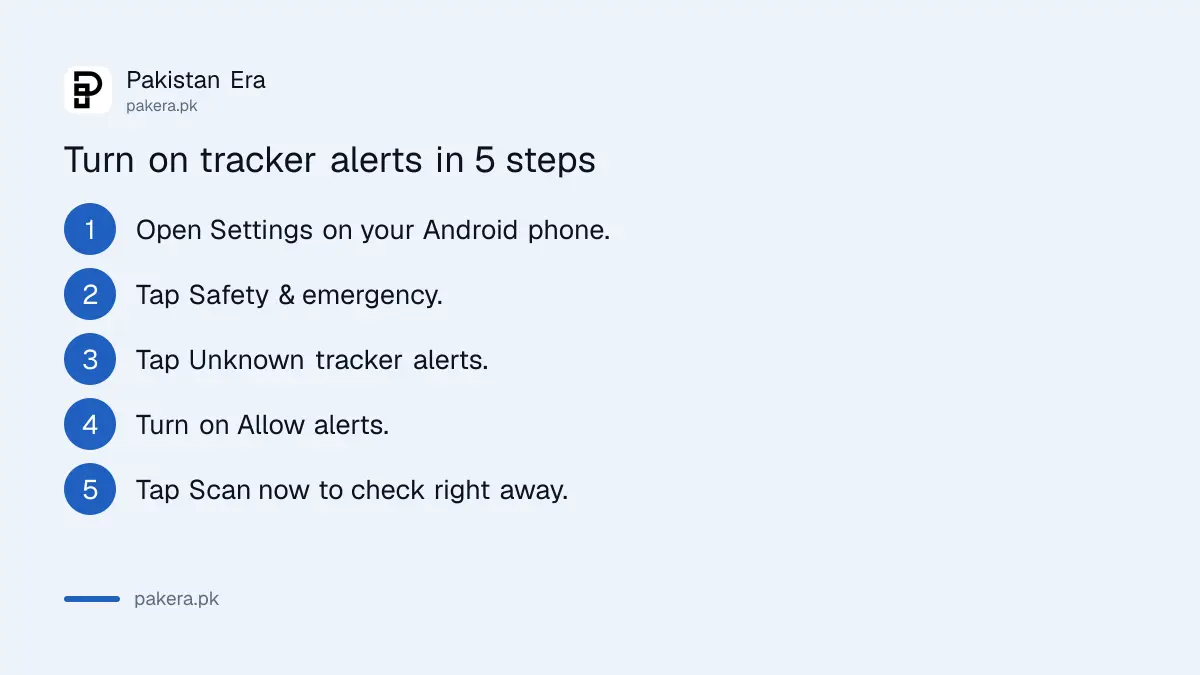
- Open Settings on your Android phone.
- Tap Safety & emergency, then Unknown tracker alerts.
- Turn on Allow alerts.
- Check that Location is on, because automatic alerts need it.
- Keep Bluetooth on so your phone can see nearby tags.
Google adds a note you should know. Turning alerts off clears your previous alerts and deletes the data about other unknown trackers. So leave it on unless you have a clear reason.
Scan now checks for a tracker in about 10 seconds
Scan now is the check you run yourself. Go to Settings, Safety & emergency, Unknown tracker alerts, then Scan now. Google says it takes about 10 seconds. Run it when you have a bad feeling, after a long car trip you did not plan, or when you borrow a vehicle.
The scan may list trackers that are simply lost or separated from their owner, such as a neighbour's tag. A result is not proof that someone is following you. Read where and how long it travelled with you before you decide.
An alert shows a map and lets you play a sound
When an alert arrives, tap it. Google says you see a map of where the tracker was detected travelling with you. You will not see where the owner last checked the tracker's location. Alerts come once per tracker per day and are deleted after 48 hours, so act on them the same day.
Tap Play sound to make the tracker chime. Tap it again to replay. Google says the owner is not told when you play the sound. If you cannot hear it, move around and try again. For tags on the Find Hub network, Next steps then Find nearby gives Bluetooth guidance toward the device.
After you find it, tap Next steps. Google says the options may include reporting the tracker or turning it off. Turning it off stops new location updates, but the owner may still see its last known location. Do not throw it away before you decide what to do, because it may be needed as evidence.
If you feel unsafe, go somewhere public and contact the police
Google's advice is plain. If you feel unsafe, go to a public place and contact law enforcement or a trusted person. Do not confront the owner alone. In Pakistan, a tag hidden on you or in your car is a privacy and safety matter to report, not something to settle alone.
Save a photo of the tag and the alert screen. For the police, write down the time and places the alert appeared. If your phone is also at risk, turn on Android theft protection, and keep Emergency SOS on the power button ready. iPhone users have a similar warning inside their own settings, and Safety Check on iPhone covers sharing you chose yourself.
A tag is not the only way to be tracked. Sharing on your own accounts matters as much. Check who is signed in to your Google account and review the app permissions on your phone too.
Common questions about unknown tracker alerts
Does unknown tracker alerts work on every Android phone?
Google says it is available on Android 6 and later. It reaches phones through Google Play services updates, so keep them updated.
Will the owner know I played the sound?
No. Google says playing the sound does not notify the tracker's owner.
Does it find AirTags?
Yes. Google lists Apple AirTags, tags on the Find Hub network and some headphones as compatible trackers.
Can I scan without turning Location on?
On Android 11 and later, yes. Google says manual scanning works without Location. Automatic alerts still need Location on.
How long do alerts stay on my phone?
Google says alerts are limited to one per tracker per day and are deleted after 48 hours.
How we verified this
What we checked, where we read it, and what we could not confirm.
Last checked 14 October 2026. Requirements, menu paths, scan time, alert limits and safety advice come from Google's Unknown tracker alerts on Android help page, which we read. We did not test it against a real tag, so menu names on your phone brand may differ.
About the author

Technology Journalist & Multimedia Producer
Ahmad Ali is a technology journalist and multimedia producer at Pakistan Era, joining the team in October 2026. He covers consumer technology and digital life for Pakistani readers, combining research with hands-on product testing.