Recover Deleted Emails in Gmail in Pakistan: Trash, Spam, Filters and Every Other Place to Check
Gmail keeps deleted emails in Trash for 30 days. Move them back on phone or computer, search Mail, Spam and Trash at once, and check filters and synced apps.
To recover deleted emails in Gmail in Pakistan, open the Trash folder, select the email and move it back to your inbox; Gmail keeps deleted emails there for 30 days. On the Gmail app, tap Menu, then Trash, touch and hold the email, tap More, then Move to. If it is not in Trash, it may be in Spam, hidden by a filter, or deleted from another device. Below we cover every case, including the one draft rule that catches people out.
A missing email often matters on a deadline day: an admission letter, a bank statement, a job offer or a visa appointment. We read Google's Gmail help pages on deleting messages and missing emails on 24 October 2026. Every step and time limit below comes from them.
Gmail keeps deleted emails in Trash for 30 days
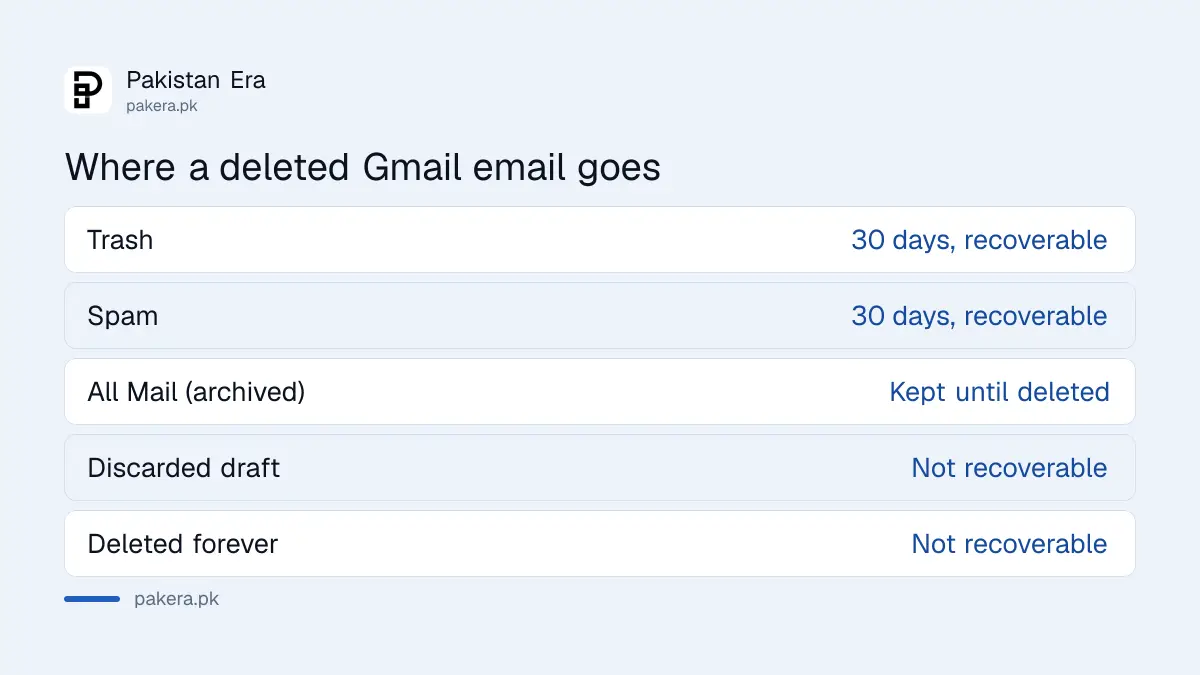
When you delete an email in Gmail, it moves to Trash. For 30 days you can find it there and move it back. After 30 days, or if you empty Trash or click Delete forever, Google says the message is permanently deleted and cannot be recovered.
| Where the email went | How long it stays | Can you get it back? |
|---|---|---|
| Trash | 30 days | Yes, move it back |
| Spam | 30 days | Yes, mark as not spam |
| Archived (All Mail) | Until you delete it | Yes, search for it |
| Discarded draft | Not kept | No |
| Deleted forever or emptied Trash | Gone | No |
Drafts are the exception people miss. Google says that when you delete or discard a draft, you cannot recover it from Trash. If you were writing a long application email and discarded it, it is gone.
Recover a deleted email from Trash on the Gmail app
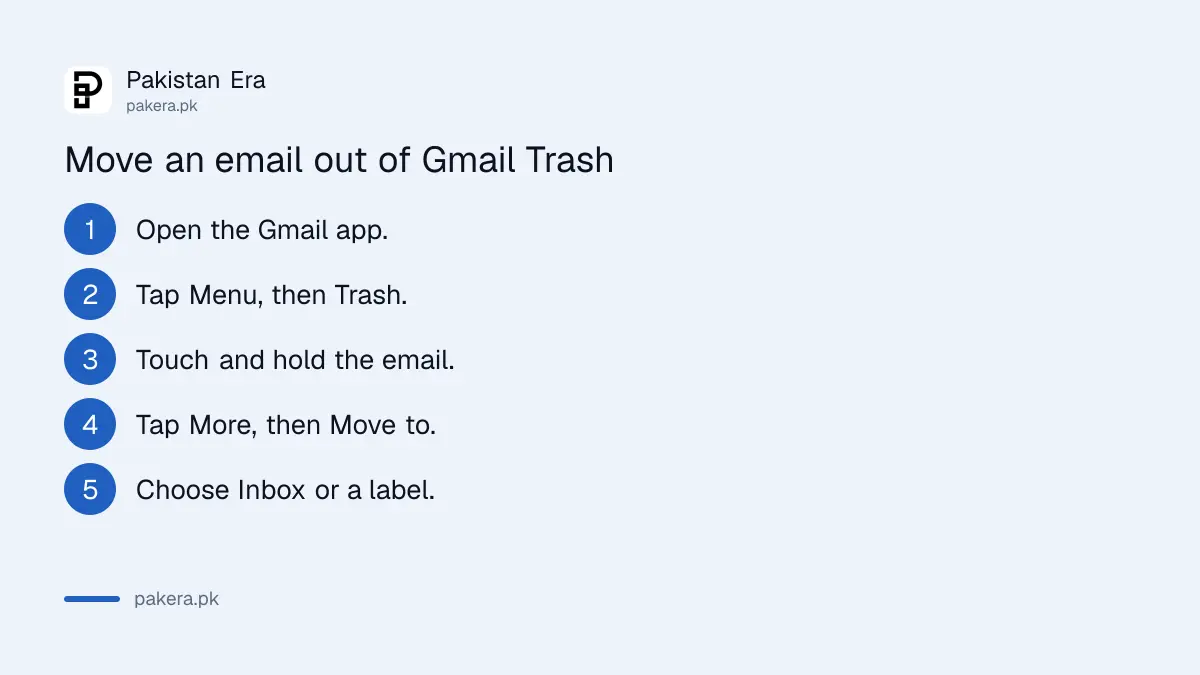
Open the Gmail app, tap Menu at the top left, then Trash. Touch and hold each email you want back, tap More at the top right, then Move to, and pick Inbox or another label. On a computer, open Trash from the left side under More.
- Open the Gmail app on your phone.
- Tap Menu at the top left, then Trash.
- Touch and hold the email you want to keep.
- Tap More at the top right, then Move to.
- Choose Inbox, or any label you like.
On a computer, go to mail.google.com, click More on the left, then Trash. Tick the email and use the move option at the top to send it back to your inbox. Search works inside Trash too, which helps when it holds hundreds of messages.
Gmail's search operators narrow things fast. Try from: followed by the sender's address, has:attachment for emails with files, or a date range like after:2026/10/01 before:2026/10/20. Google lists these on the same help page.
Search Mail, Spam and Trash together when an email is missing
Gmail's search can look in every folder at once. On a computer, click Show search options in the search bar, change All Mail to Mail & Spam & Trash, type something from the email, and click Search. Leave fields blank if you are unsure of details.
This finds emails that were archived, sent to Spam, or deleted but still in Trash. An archived email never left your account; it only left the inbox. Many "deleted" emails turn up this way.
If it is in Spam, report it as not spam. Google says that teaches Gmail to stop sending similar emails to Spam. That matters for bank alerts and university emails, which sometimes land there.
Clean up the sender side too. If one sender floods your inbox, the steps to report spam, block a sender and unsubscribe in Gmail keep the important emails visible.
Filters, other apps and full storage can make emails vanish
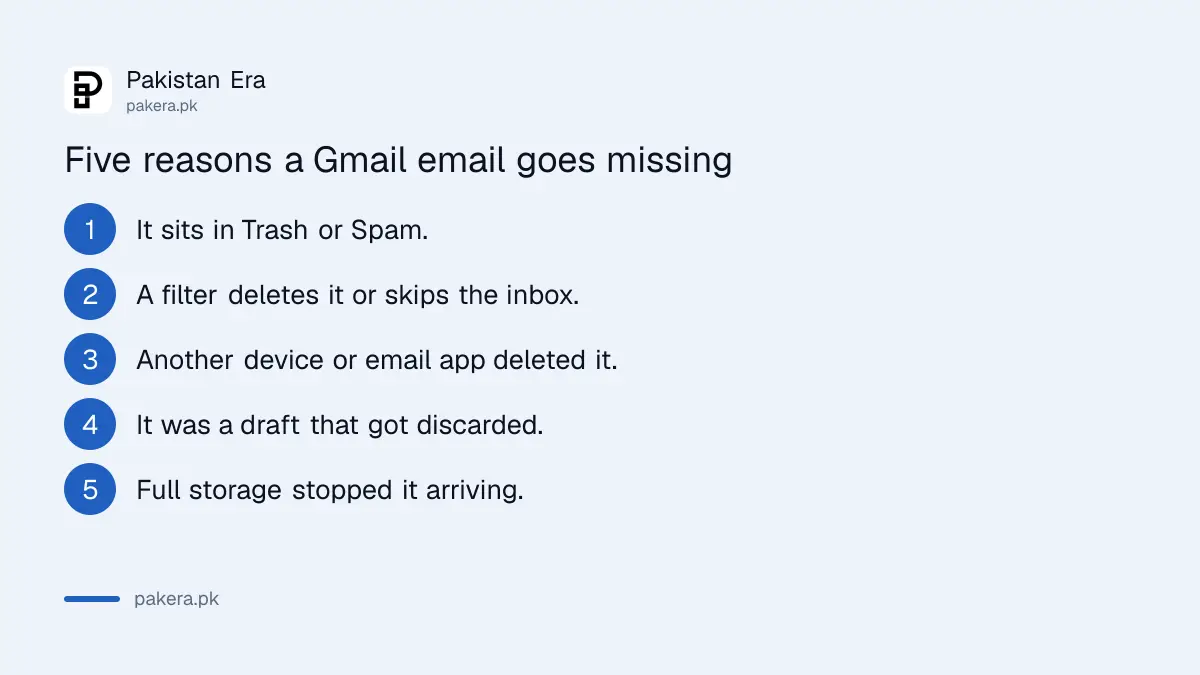
Google names four other causes: a filter that deletes or skips the inbox, an email app such as Outlook or Apple Mail that deletes from Gmail, deletion from another synced device, and full storage that stops new emails arriving. Check each before deciding an email is lost.
To check filters, open Gmail on a computer, click Settings, then See all settings, then Filters and Blocked Addresses. Look for filters with the words Delete it or Skip Inbox. Edit or delete any you did not mean to set. A filter set years ago can quietly bin every email from one sender.
Google also says there is only one copy of every email. Delete it on any device synced with your Gmail, a tablet, an old phone or a laptop app, and it is deleted everywhere. So a family member on a shared tablet can delete your mail without meaning to.
Storage is the fourth cause. Your Gmail shares space with Google Drive and Google Photos, and each Google Account includes up to 15 GB. Google says that when storage is full, you may not be able to send or receive emails. The steps to free up Gmail and Google Account storage fix that.
Google has a recovery request for signed-in users
Google's missing emails page shows a Request email recovery section once you are signed in to your Google Account. We could not see the form itself while signed out, so we cannot say what it recovers or how long it takes. Treat it as a last step after Trash and search.
If you cannot sign in at all, the problem is the account, not the email. The steps to recover a Gmail or Google account come first. Saving Google backup codes now means a lost phone will not lock you out later.
For the future, think before you discard drafts, and use archive instead of delete for anything you may need. Archived mail stays in All Mail for as long as you keep it. Gmail's undo send button also helps when an email goes too soon.
Common questions
How long do deleted emails stay in Gmail Trash?
30 days. After that Google deletes them permanently. Emptying Trash deletes them at once.
Can I recover an email deleted more than 30 days ago?
Not from Trash. Google says messages are permanently deleted after 30 days. Signed-in users can try Google's email recovery request, but we could not confirm what it covers.
Can I recover a deleted draft in Gmail?
No. Google says a deleted or discarded draft cannot be recovered from Trash.
Why did an email disappear from all my devices?
Gmail keeps one copy of each email. Deleting it on any synced device or email app deletes it everywhere.
Where do I find Trash in the Gmail app?
Tap Menu at the top left of the Gmail app, then scroll to Trash.
Do emails in Spam get deleted automatically?
Yes. Google says emails in Spam are permanently deleted after 30 days, the same as Trash.
How we verified this
What we checked, where we read it, and what we could not confirm.
Last checked 24 October 2026. We read Google's Gmail help pages on deleting messages (computer and Android versions) and missing Gmail messages, plus Google One's storage page, at support.google.com on 24 October 2026. We could not view the email recovery request form, because it appears only to signed-in users. We did not test a recovery on a live mailbox. Menu names may differ slightly by app version.
About the author

Technology Journalist & Multimedia Producer
Ahmad Ali is a technology journalist and multimedia producer at Pakistan Era, joining the team in October 2026. He covers consumer technology and digital life for Pakistani readers, combining research with hands-on product testing.