How to Translate WhatsApp Messages on Your Phone in Pakistan, and Check If Urdu Is Listed
Translate WhatsApp messages in Pakistan: press and hold, tap Translate, download a language. See which languages WhatsApp named and why Urdu is unconfirmed.
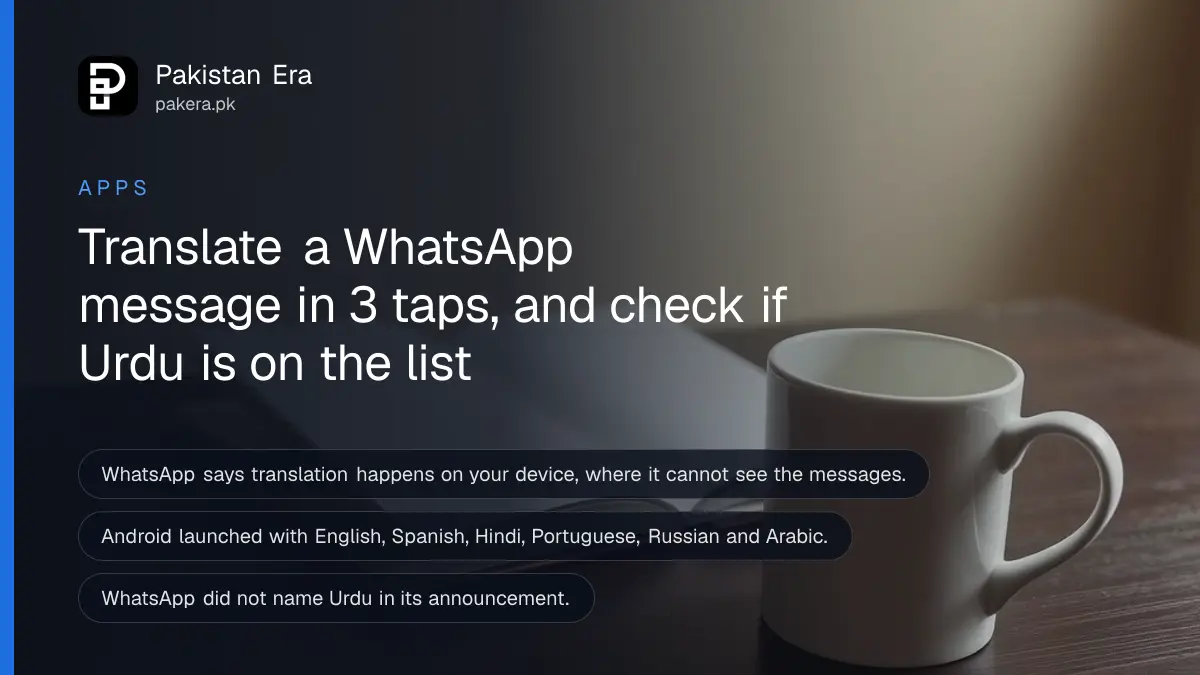
Press and hold a message in WhatsApp, tap Translate, and pick a language. The first time you use a language, WhatsApp asks you to download it. Translation happens on your phone, so WhatsApp cannot see it. We could not confirm that Urdu is on the list, so check before you rely on it.
A forwarded message in Arabic, a cousin typing in Hindi, a business message in English with terms you do not follow. WhatsApp added a built-in translate option so you do not have to copy the text into another app. We read WhatsApp's own announcement for this guide. The announcement is about a year old, so the language list may have grown since.
Press and hold a message, then tap Translate
WhatsApp says that when you see a message in another language, you long-press it and tap Translate. You then choose the language to translate from or to. WhatsApp says this works in one-to-one chats, in groups and in Channel updates.
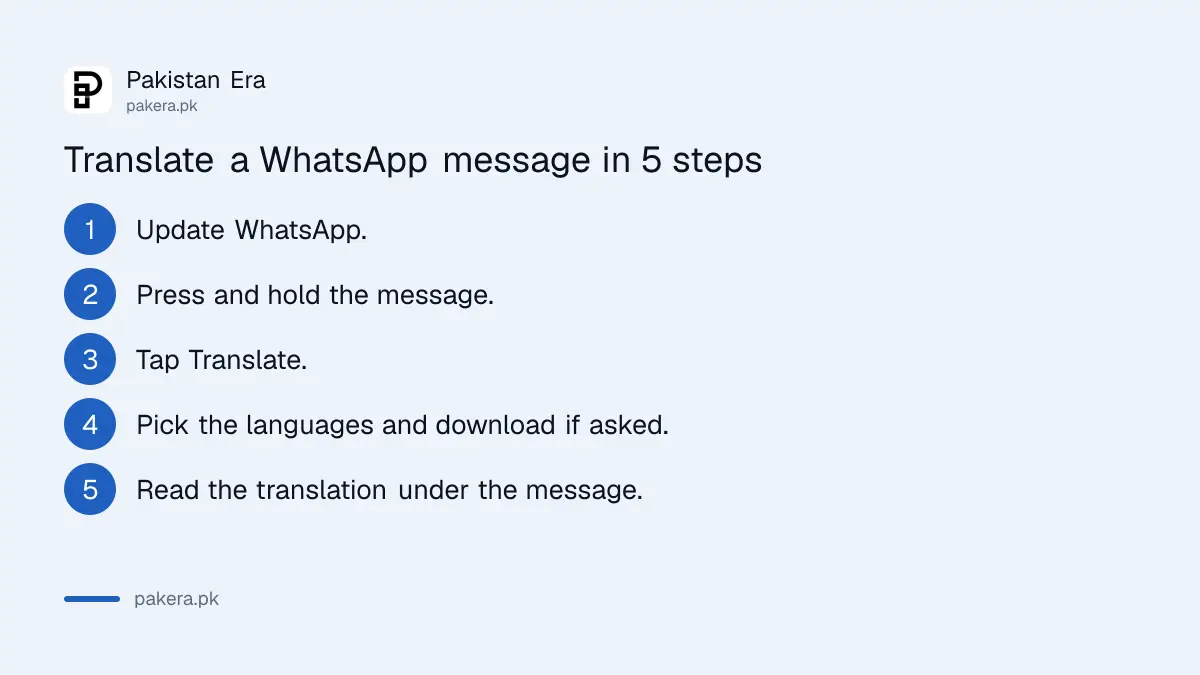
- Update WhatsApp from Google Play or the App Store.
- Open a chat and press and hold the message you want to read.
- Tap Translate. On some versions it sits under More.
- Choose the language of the message and the language you want.
- If asked, download the language pack and wait for it to finish.
- Read the translation under the original message.
WhatsApp adds that the rollout is gradual. If you do not see Translate yet, update the app and check again in a few days. The feature may not be available to you yet.
Translation happens on your phone, not on WhatsApp's servers
WhatsApp says translations happen on your device, where WhatsApp cannot see them. That is the main reason to use it over pasting a private chat into a website. The language packs are saved on your phone after the first download.
The downloads take storage and data. Do it on Wi-Fi if you can. Languages you downloaded are listed under the translate settings in WhatsApp, where you can remove them to free space. If your phone is already full, see how to free up WhatsApp storage on Android.
The language list is short, and Urdu is not confirmed
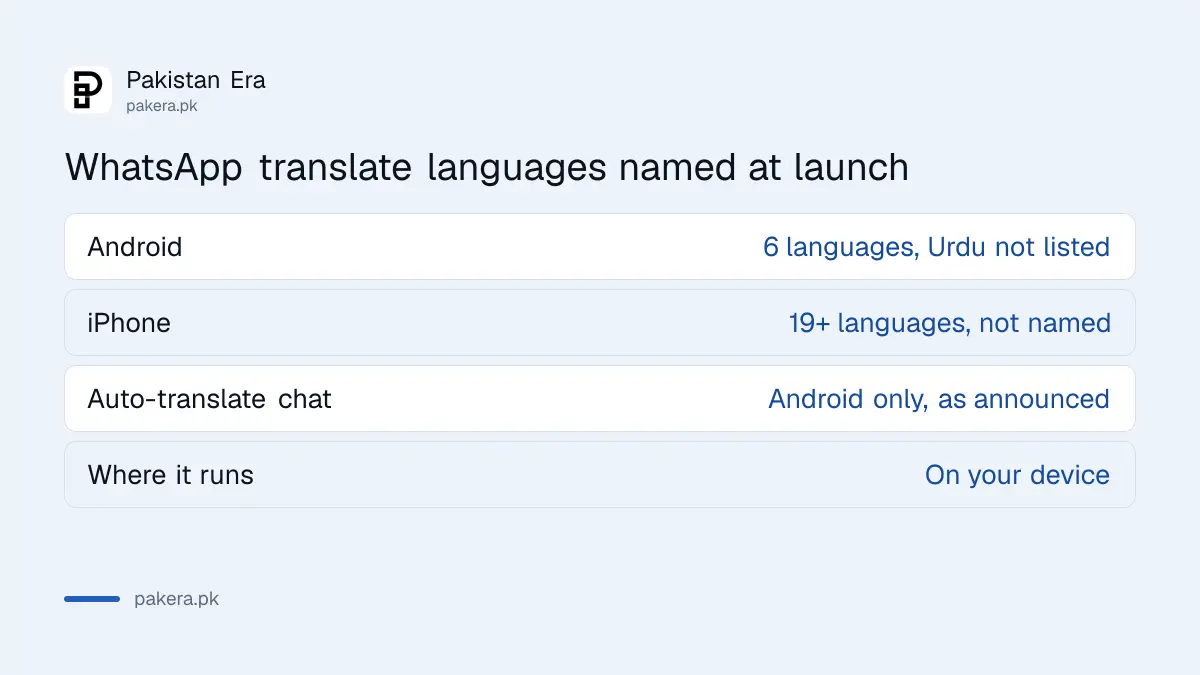
This is the catch for Pakistani users. WhatsApp's announcement named six languages for Android: English, Spanish, Hindi, Portuguese, Russian and Arabic. For iPhone it said "19+ languages" and pointed to a list without naming them. The announcement does not say Urdu is included, so we cannot confirm it.
| Platform | Languages at launch | Urdu? |
|---|---|---|
| Android | English, Spanish, Hindi, Portuguese, Russian, Arabic | Not listed |
| iPhone | "19+ languages", not named in the announcement | Not confirmed |
The easiest check is on your own phone. Open Translate on a message and look at the language picker. If Urdu is there, download it. If not, use another route. Google Translate can save languages for use without internet, as explained in how to download Google Translate languages for offline use. Android users can also try Circle to Search for text in images.
Android can translate a whole chat automatically
On Android, WhatsApp says you can turn on automatic translation for an entire chat. Future incoming messages in that conversation are then translated too. The announcement does not mention automatic translation for iPhone.
Use it for a chat that stays in one foreign language, such as a supplier or a relative abroad. Do not use it in a chat where people switch languages, because you may translate things you did not need to. Switch it off from the same place when you are done.
Translation is not perfect. Do not rely on it for a contract, a visa message or money details. For those, ask the sender to confirm in a language you read, and if a message asks for a code or payment, treat it as a scam first. The steps to check an unknown number on WhatsApp are a good start.
Voice notes and other limits
The announcement covers text messages. Translation works on messages in chats, groups and channel updates, and WhatsApp says the rollout started with a few languages and would grow. For voice notes, WhatsApp has a separate feature, covered in the guide to voice message transcripts.
If you want an AI helper for Urdu text instead, see which tool does best in the comparison of AI tools for Urdu. Keep private chats out of tools you do not trust.
Common questions about WhatsApp translate
Does WhatsApp translate Urdu?
We could not confirm it. WhatsApp's announcement did not list Urdu for Android and did not name the iPhone languages. Check the language picker on your own phone.
Is WhatsApp translation free?
WhatsApp's announcement mentions no charge. You use mobile data or Wi-Fi to download each language the first time.
Can WhatsApp read my translated messages?
WhatsApp says translation happens on your device, where it cannot see the messages.
Why do I not see the Translate option?
WhatsApp says the rollout is gradual and it may not be available on your device yet. Update the app and try again later.
Can I translate a whole chat on iPhone?
The announcement mentions automatic whole-chat translation only for Android. Translate message by message on iPhone.
How we verified this
What we checked, where we read it, and what we could not confirm.
Last checked 14 October 2026. The steps, languages, privacy statement and rollout note come from WhatsApp's own Introducing Message Translations announcement, which we read. The announcement is about a year old, and we did not check it against the current in-app language list. We did not test translation on a phone.
About the author

Technology Journalist & Multimedia Producer
Ahmad Ali is a technology journalist and multimedia producer at Pakistan Era, joining the team in October 2026. He covers consumer technology and digital life for Pakistani readers, combining research with hands-on product testing.