YouTube Verification Badge in Pakistan: the 100,000 Subscriber Rule, How to Apply and Why the Tick Disappears
Apply for the YouTube verification badge free in YouTube Studio once you pass 100,000 subscribers. See the rules, the 5 steps and why a rename removes the tick.
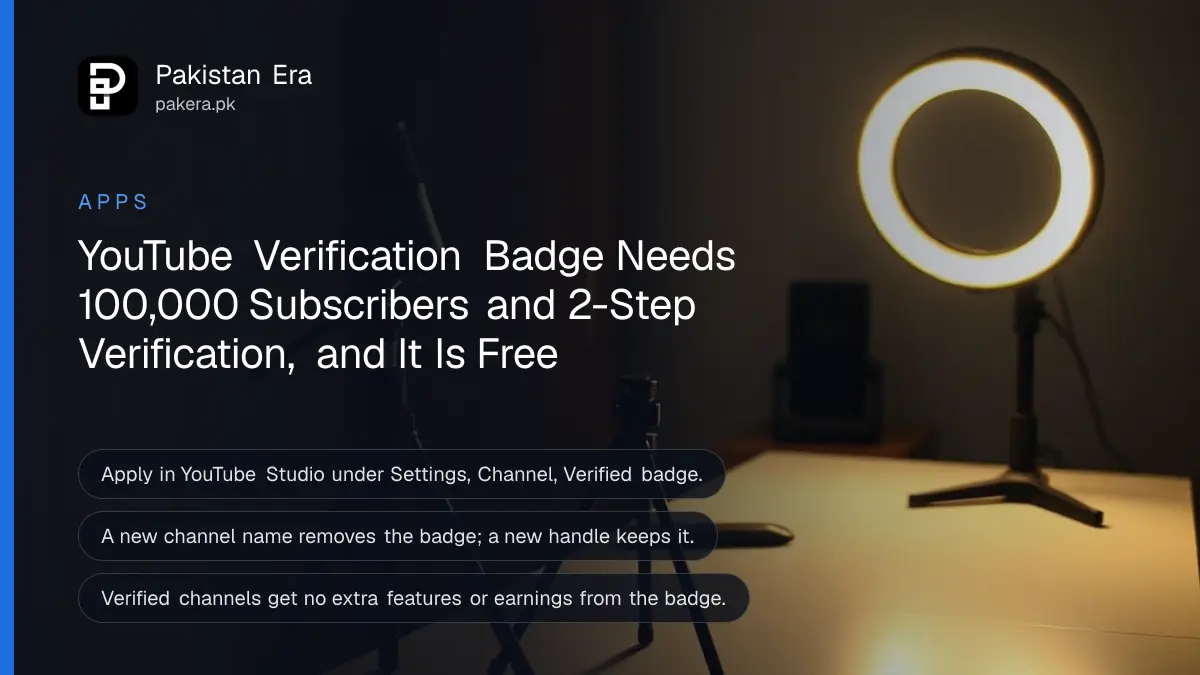
A YouTube channel in Pakistan can apply for the grey verification badge once it reaches 100,000 subscribers, has 2-Step Verification on its Google account, and is public with a banner, profile picture, description and at least one public video. Apply in YouTube Studio on a computer under Settings, Channel, Verified badge. There is no fee, and no agent can buy it for you.
The badge is also easy to lose. A new channel name removes it, and it brings no extra features. Below are the full rules, the steps to apply, the reasons applications fail, and how this badge differs from the phone check that unlocks long videos. We read YouTube's verification help page on 28 October 2026.
Five requirements decide whether you can apply for the YouTube badge
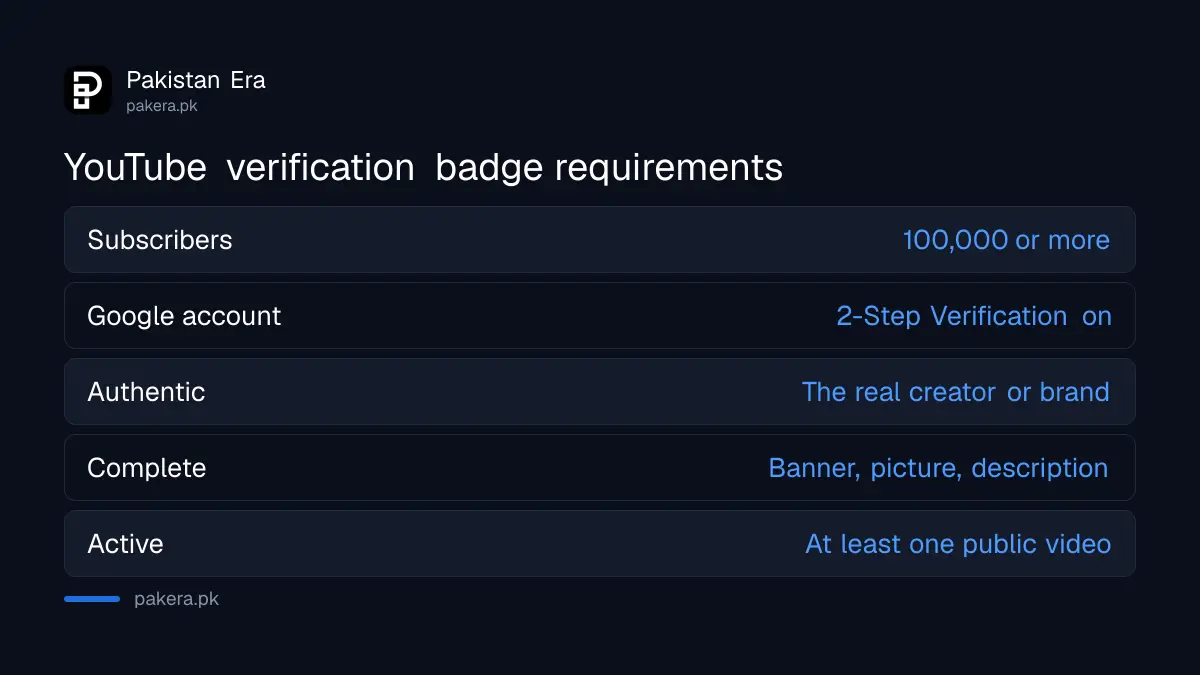
YouTube asks for 100,000 subscribers, 2-Step Verification on the owner's Google account, and a channel that is authentic, complete and active. Authentic means it really is the person or brand it claims. Complete means public, with a banner, description and profile picture.
| Requirement | What YouTube asks for | How to check |
|---|---|---|
| Subscribers | 100,000 or more | YouTube Studio dashboard |
| Account security | 2-Step Verification on | Google account, Security |
| Authentic | Represents the real creator, brand or entity | No copying of another channel's name or logo |
| Complete | Public, with banner, description and profile picture | Customization in Studio |
| Active | Has content and at least one public video | Content tab in Studio |
Subscriber count is the gate. If the Verified badge tab does not appear in your settings, YouTube says you are not eligible to apply, which in practice means you are under 100,000.
Apply for the YouTube verification badge in 5 steps
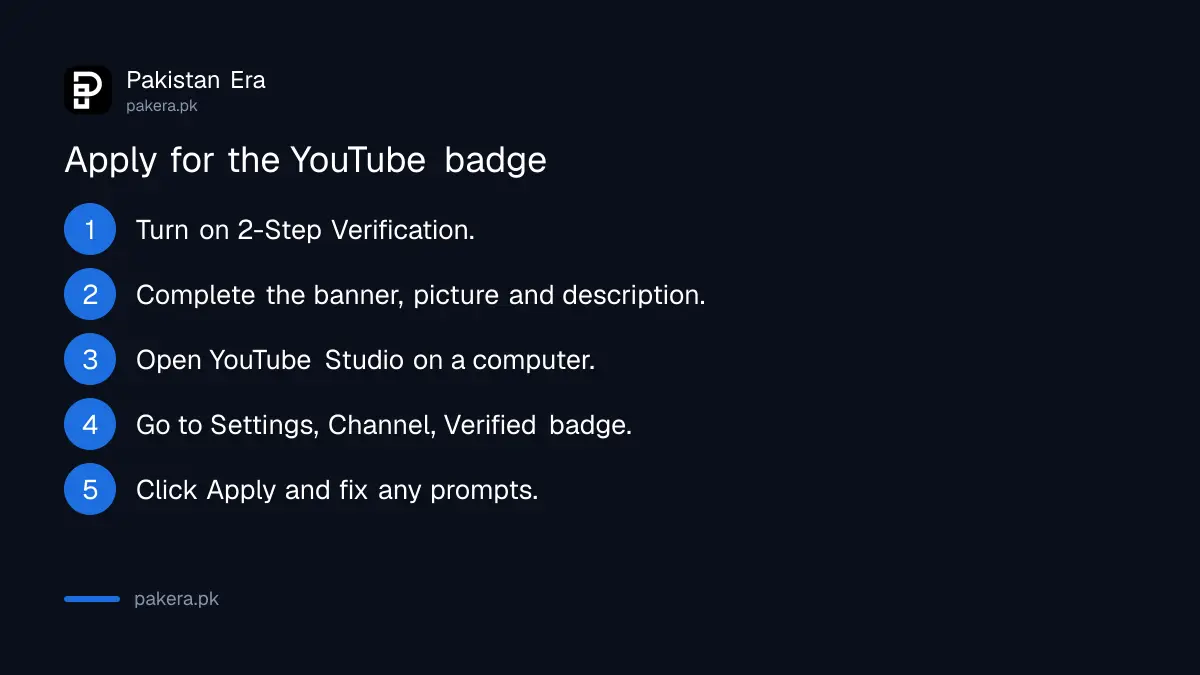
Sign in to YouTube Studio on a computer, open Settings, then Channel, then the Verified badge tab, and click Apply. If you meet the subscriber count but miss another requirement, Studio asks you to fix it first. Only owners or managers can apply.
- Turn on 2-Step Verification for the Google account that owns the channel.
- Add a banner, profile picture and description, and make sure at least one video is public.
- Sign in to YouTube Studio on a computer.
- Click Settings, then Channel, then the Verified badge tab.
- Click Apply and follow any prompts to fix missing items.
YouTube says its systems can take a few days to update after you cross 100,000 or switch on 2-Step Verification. So if you hit the number on Friday and the tab is missing on Saturday, wait before assuming something is wrong.
If 2-Step Verification is not on yet, the steps to turn on two-step verification take about five minutes. An authenticator app is safer than SMS codes on a Pakistani number that can be SIM-swapped.
A new channel name removes the badge, a new handle keeps it
YouTube says a renamed channel is no longer verified and must apply again. Changing only the @handle does not remove the badge. Pick your final name before you apply, and change the handle instead if you want a fresh address.
This trips up Pakistani creators who rename for a sponsor or a rebrand. If you must rename, do it once, then reapply. YouTube allows a channel name and handle change twice in 14 days, but each rename of a verified channel costs you the tick until it is approved again.
The badge adds no features and no money
YouTube says verified channels get no extra features. The badge is not an award, a milestone or an endorsement from YouTube. It only shows viewers that the channel is the official one for that creator, brand or entity.
That is a useful corrective. The badge does not raise your RPM, unlock monetisation or protect you from strikes. Monetisation runs through the YouTube Partner Program, and YouTube earnings in Pakistan depend on views and ad rates, not ticks.
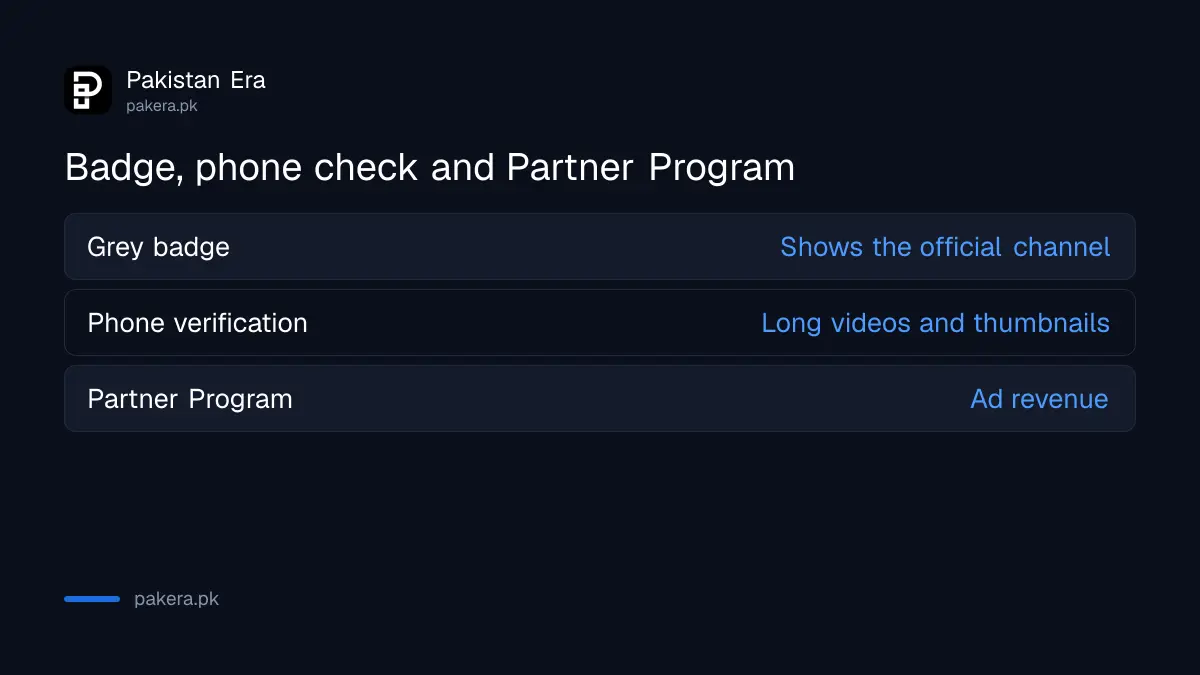
| Check | What it gives | Who gets it |
|---|---|---|
| Verification badge (grey tick) | Shows the channel is official | 100,000 subscribers plus the rules above |
| Phone verification | Videos over 15 minutes, custom thumbnails, live streams | Any channel that verifies a phone number |
| YouTube Partner Program | Ad revenue and other earnings | Channels that meet YPP thresholds |
The phone check is the one most new channels actually need, and it is covered in the steps to unlock YouTube features by verifying your phone.
Anyone selling a YouTube tick is running a scam
YouTube's process is free and runs only inside YouTube Studio. YouTube says it will not verify channels that impersonate another creator or brand, and it can revoke verification or terminate channels that break its rules. No agent, page or WhatsApp seller can apply on your behalf.
The typical scam asks for your Google password or a "verification fee" through JazzCash or Easypaisa. Giving the password hands over the channel. If you already did, change the password, check the account's security settings, and follow the steps to recover a hacked YouTube channel.
Small channels sometimes see a badge without 100,000 subscribers. YouTube says it may proactively verify channels below that number. That is YouTube's choice, not something you can request.
Common questions
How many subscribers do I need for the YouTube verification badge?
100,000. Below that, the Verified badge tab does not appear in YouTube Studio settings.
Is the YouTube verification badge free in Pakistan?
Yes. YouTube charges nothing. Anyone asking for a fee or your password is a scammer.
Can I apply for the badge from my phone?
YouTube's steps start in YouTube Studio on a computer. Use a laptop or desktop browser to apply.
Why did my verification badge disappear?
The most common reason is a channel name change. YouTube removes the badge after a rename and you must reapply.
Does the verification badge increase views or earnings?
No. YouTube says verified channels get no extra features and the badge is not an endorsement.
How long does approval take?
YouTube does not give a review time. It says its systems can take a few days to update after you reach 100,000 or turn on 2-Step Verification.
How we verified this
What we checked, where we read it, and what we could not confirm.
Last checked 28 October 2026. We read YouTube's help page on verification badges on channels on 28 October 2026 for the requirements, the application path, the name and handle rules, the note on proactive verification and the statement that badges bring no extra features. The name change limit comes from YouTube's channel name help page, read the same day. We did not apply for a badge ourselves, and YouTube publishes no review time or approval rate. The phone verification row in the comparison table comes from our earlier live page on YouTube's phone check.
About the author

Technology Journalist & Multimedia Producer
Ahmad Ali is a technology journalist and multimedia producer at Pakistan Era, joining the team in October 2026. He covers consumer technology and digital life for Pakistani readers, combining research with hands-on product testing.