How to Back Up Your Phone and Laptop With the 3-2-1 Rule in Pakistan
Back up your phone and laptop with the 3-2-1 rule PKCERT advises: three copies, two storage types, one offsite. See five steps and a cloud versus drive table.
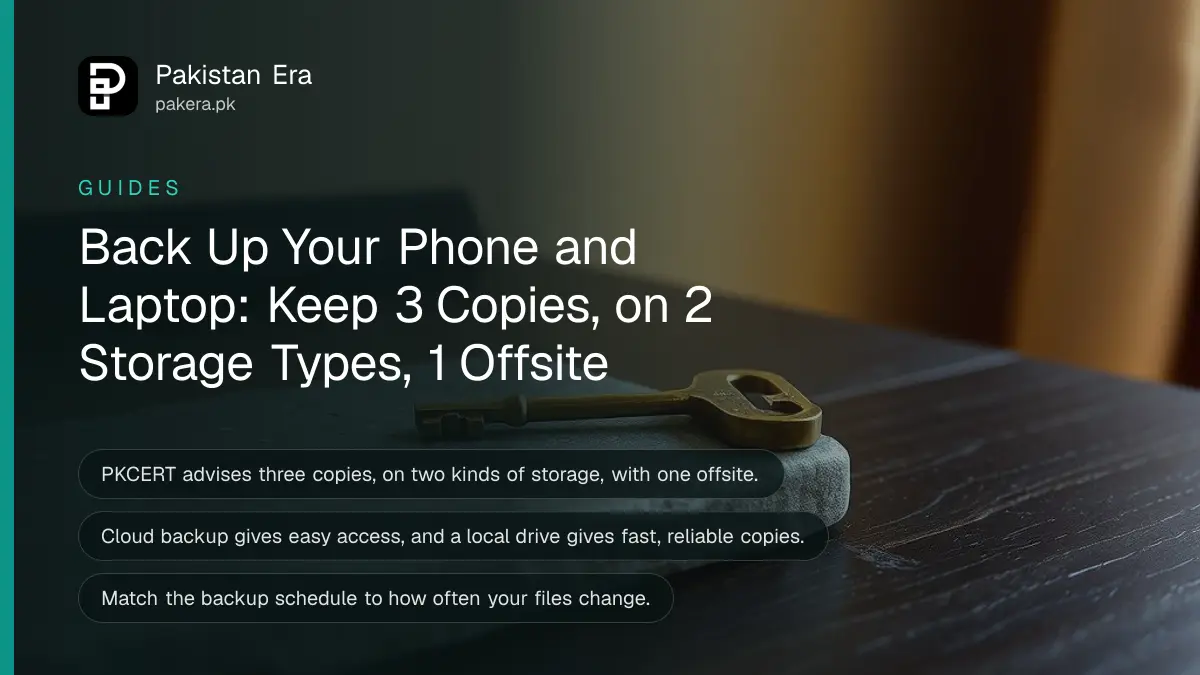
The 3-2-1 backup rule is simple: keep three copies of your files, on two different kinds of storage, with at least one copy away from home. Pakistan's National CERT recommends it. For most people that means the phone or laptop itself, an external drive, and one cloud account.
A phone falls from a rooftop, a laptop is snatched on a bus, a shop's power surge kills a hard drive. The photos, CNIC scans and degree files on that device are gone in one second. We read the National CERT (PKCERT) guidance on data backup and recovery on 15 October 2026, and the advice below follows it. Where a step is ordinary good practice rather than a PKCERT line, we say so.
The 3-2-1 rule means three copies, two kinds of storage and one copy away from home
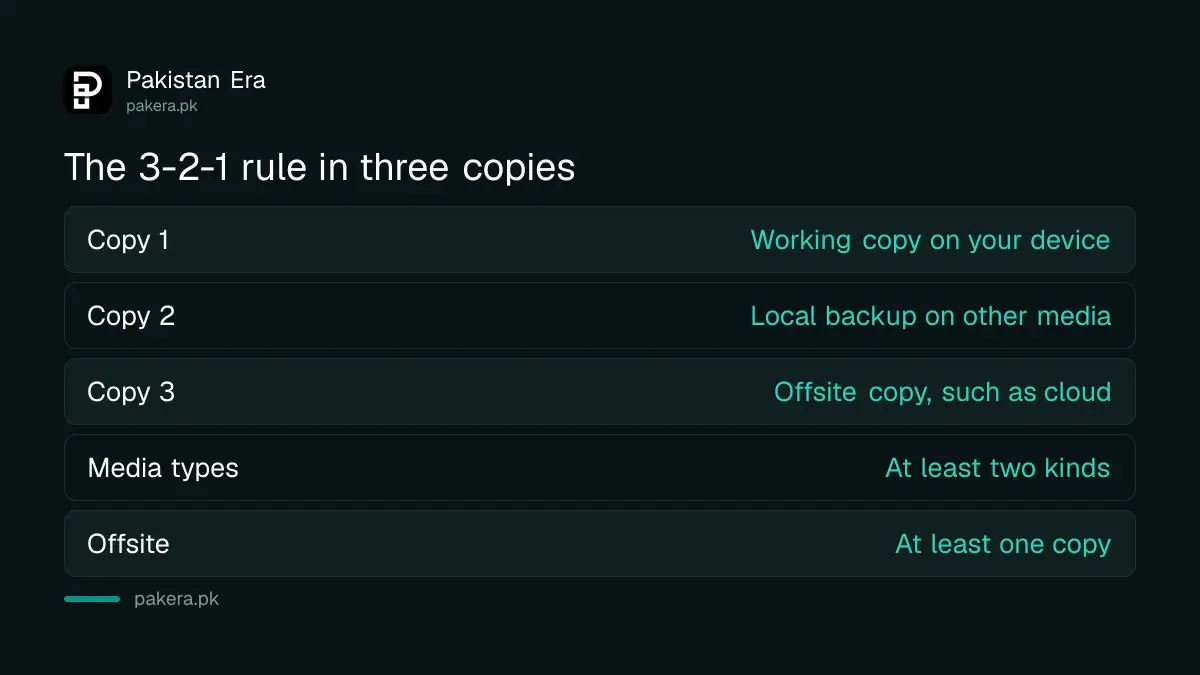
PKCERT tells users to keep three full copies of their data. Two sit locally on different types of media. At least one sits offsite, so a fire, flood or theft at home cannot destroy every copy together.
| Copy | Where it lives | Example |
|---|---|---|
| 1. Working copy | The phone or laptop you use | Photos in the phone gallery |
| 2. Local backup | A different type of media, at home | External hard drive or USB drive |
| 3. Offsite backup | Away from home, usually the cloud | A cloud storage account |
The word "different" matters. Two copies on the same laptop drive are one point of failure, not two. An external drive in the same bag as the laptop is nearly as exposed as the laptop.
Start with the files you cannot replace
You do not need to copy everything. Back up the files that cost money, time or memories to recreate: family photos, scans of your CNIC and degrees, tax and salary papers, work files, contacts and chats. Apps can be downloaded again.
PKCERT asks users to identify which data sets are crucial and to weigh them against available storage space. A 128 GB phone with 90 GB of videos can overwhelm a free cloud plan, so decide what truly matters first. Photos can go to Google Photos backup, and chat history has its own route in the steps to back up and restore WhatsApp chats.
If the phone is already full, clear space before you start. The steps to fix a full phone storage help you decide what is safe to remove.
Set up the three copies in five steps
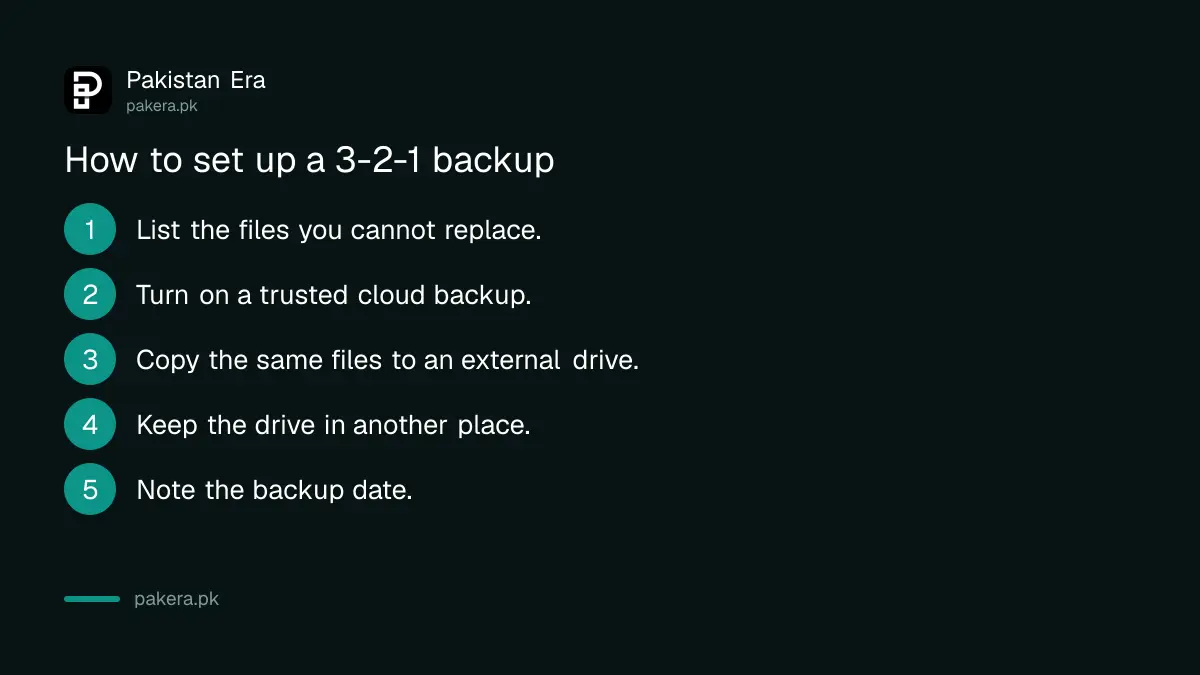
You can finish the first round in an afternoon. Turn on the cloud backup, copy the files to an external drive, then store the drive in a different room or place. After that, the work is only checking.
- List the folders you cannot replace: photos, documents, work files, contacts.
- Turn on a cloud backup from a provider you trust, and sign in with a strong password and two-step verification.
- Copy the same folders to an external drive or USB drive.
- Keep the drive in a different place from the laptop, such as a relative's home or a locked drawer at the office.
- Write the date of the backup on a note or in a calendar reminder.
Cloud and local backups each cover what the other misses
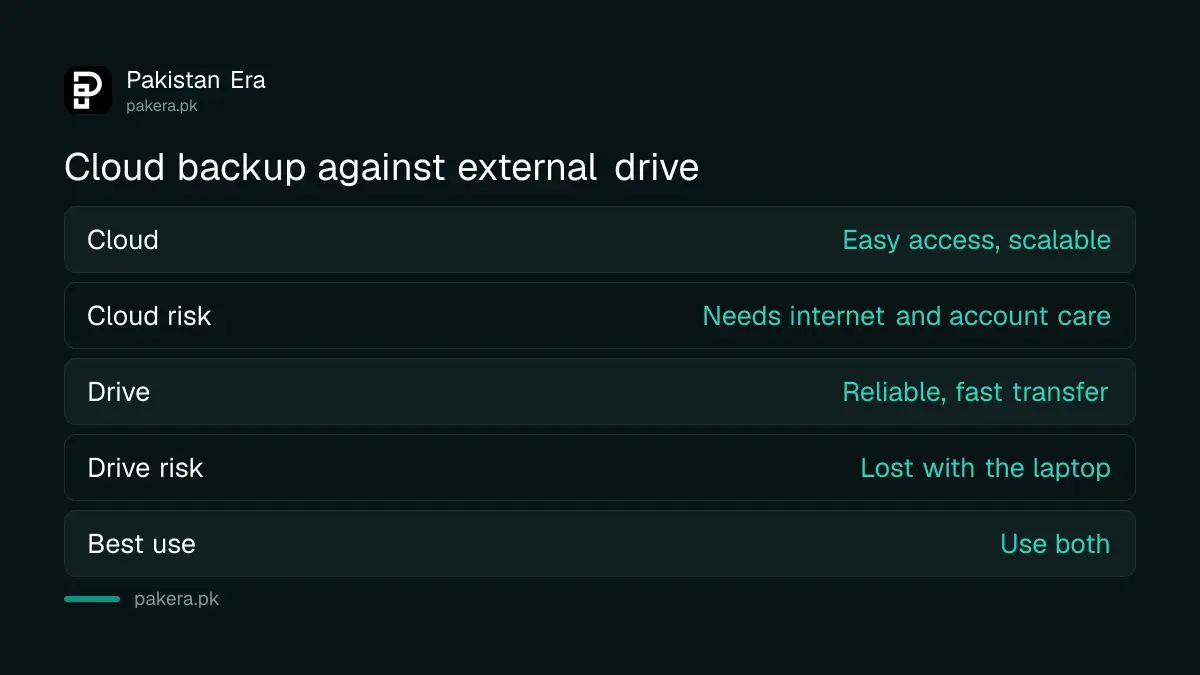
PKCERT describes cloud storage as scalable and easy to reach, with an extra copy if data is lost. It describes local backup as reliable and fast, and a good fit for older systems. Using both is the point of the rule.
| Type | Strength (per PKCERT) | Weak spot |
|---|---|---|
| Cloud backup | Easy access, scalable, extra copy if data is lost | Needs internet and a protected account |
| External drive | Reliable, fast transfer, works with older systems | Can be lost, stolen or damaged with the laptop |
The weak spots in the last column are our reading, not a PKCERT list. An internet outage in your area can slow a first cloud upload for days, so start the upload at night on a home connection rather than on mobile data.
Automatic backups beat good intentions
PKCERT advises setting a regular backup schedule that matches how often the data changes and how important it is. It also advises automated systems where possible, because automation cuts human error and keeps protection continuous.
For a student, weekly may be enough. For a freelancer who delivers client files daily, a daily cloud sync is safer. Features worth looking for, according to PKCERT, are automated backups, versioning and encryption. Versioning keeps older copies of a file, which helps if a file is damaged or overwritten before you notice.
A backup is also the right first step before a big phone update, which is a point PKCERT makes on its software update page. If an update goes wrong, the steps to fix a phone stuck after an update are easier when your data is already safe.
Test one restore and protect the offsite copy
A backup you have never opened is a guess. Once or twice a year, restore one file to a different place and open it. Check that the photo shows, the document opens and the date is recent.
Protect the cloud account as carefully as the data. If someone takes over your account, your offsite copy is theirs too. Switch on two-step verification and keep a recovery option you can reach. Before you sell or give away a device, finish a backup first and then follow the steps to erase the phone before selling it.
Common questions about backing up phone and laptop in Pakistan
What is the 3-2-1 backup rule?
It means three copies of your data, on two different types of storage, with one copy offsite. PKCERT lists it as a diverse backup strategy.
Is one cloud backup enough?
It is better than none, but it is one copy. Add a local copy on an external drive so you can still restore if the account is locked or the internet is down.
How often should I back up?
PKCERT says to match the schedule to how often your data changes and how critical it is. Daily suits active work files. Weekly or monthly may suit family photos.
Do phones and laptops both need backups?
Yes. PKCERT names laptops, desktops, tablets and smartphones as endpoints that hold important data and are often not backed up.
Where should I keep the external drive?
Away from the laptop. A different room is the minimum, and a relative's home or the office is better, so one event cannot take both.
Is a backup the same as syncing?
Not always. Sync can copy a deletion to every device. A backup with versioning keeps older copies, so look for that feature.
How we verified this
What we checked, where we read it, and what we could not confirm.
Last checked 15 October 2026. The 3-2-1 rule, the schedule and automation advice, the cloud versus local comparison and the endpoint warning come from the data backup and recovery page of the National CERT of Pakistan at pkcert.gov.pk, which we opened on 15 October 2026 and read from its published infographic. The weak spots in the table, the restore test and the storage-space remark are our own practical advice. We did not test any backup product.
About the author

Technology Journalist & Multimedia Producer
Ahmad Ali is a technology journalist and multimedia producer at Pakistan Era, joining the team in October 2026. He covers consumer technology and digital life for Pakistani readers, combining research with hands-on product testing.